Frontend vs Backend Development Explained (2026): Complete Guide for Business Owners
If you’re building a website or a web application, you will hear two terms again and again: frontend and backend. Many business owners think “website development” is one thing—but in reality, it has two major parts:
- Frontend = what users see and use
- Backend = what makes everything work behind the scenes
Understanding this difference helps you:
- plan your project correctly
- avoid wrong quotes from developers
- understand cost and timeline
- build the right system (website vs portal vs SaaS)
This guide explains frontend vs backend in very simple language with examples and technology choices for 2026.
Quick Answer (Simple Definition)
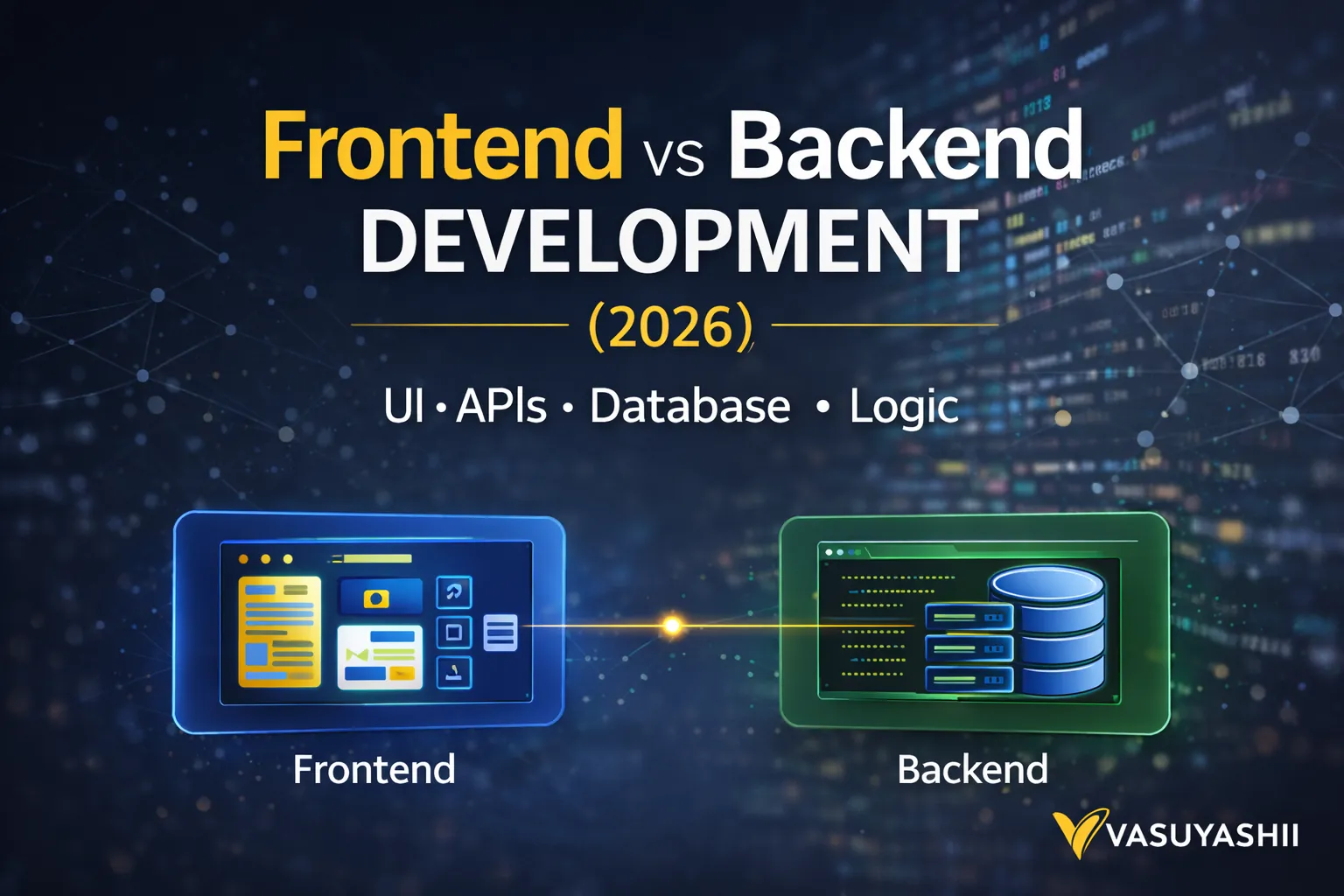
✅ Frontend Development
Everything the user can see and interact with:
- design, layout, buttons, pages
- forms, animations, responsiveness
- user experience on mobile and desktop
✅ Backend Development
Everything that happens in the background:
- saving data, database, APIs
- login systems, permissions
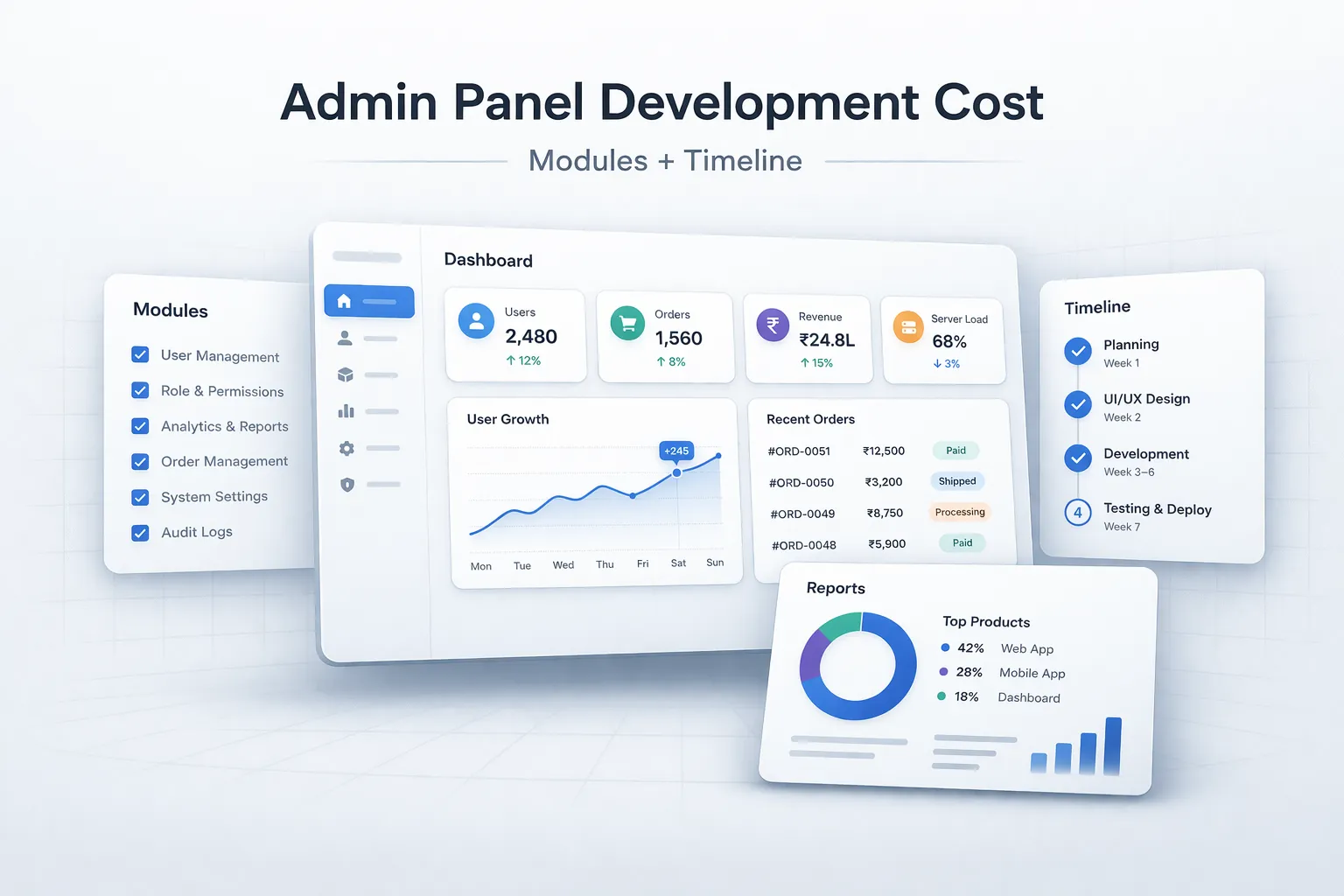
- admin panels, business logic
- integrations (payments, email, WhatsApp automation)
Real Example (Restaurant Ordering System)
Imagine a restaurant QR ordering system:
Frontend includes:
- menu page
- item cards + add to cart
- checkout screen
- order confirmation UI
Backend includes:
- storing orders in database
- assigning order IDs
- updating order status
- connecting to admin dashboard
- handling security and validation
If you want to build systems like dashboards, portals, admin panels, or automation, explore: Web Applications Services
What Does Frontend Actually Do?
Frontend is the “face” of your product. It decides:
- first impression
- trust
- speed feel
- usability
- conversion rate
Common frontend tasks
- responsive design (mobile-first)
- UI components (cards, sections, forms)
- navigation (menus, pages)
- interactive elements (tabs, modals)
- client-side validations (basic)
- performance optimization (images, layout)
Frontend directly impacts:
- leads
- time on page
- bounce rate
- user trust
A good frontend can increase conversions even with the same traffic.
What Does Backend Actually Do?
Backend is the “engine” of your product. It manages:
- data
- rules
- permissions
- operations
Common backend tasks
- building APIs
- saving data to database
- user authentication (login)
- role-based access (admin/staff/owner)
- server-side validations
- sending emails/notifications
- handling payments
- integrations (CRM, WhatsApp, analytics)
Backend decides:
- security
- reliability
- scalability
- automation ability
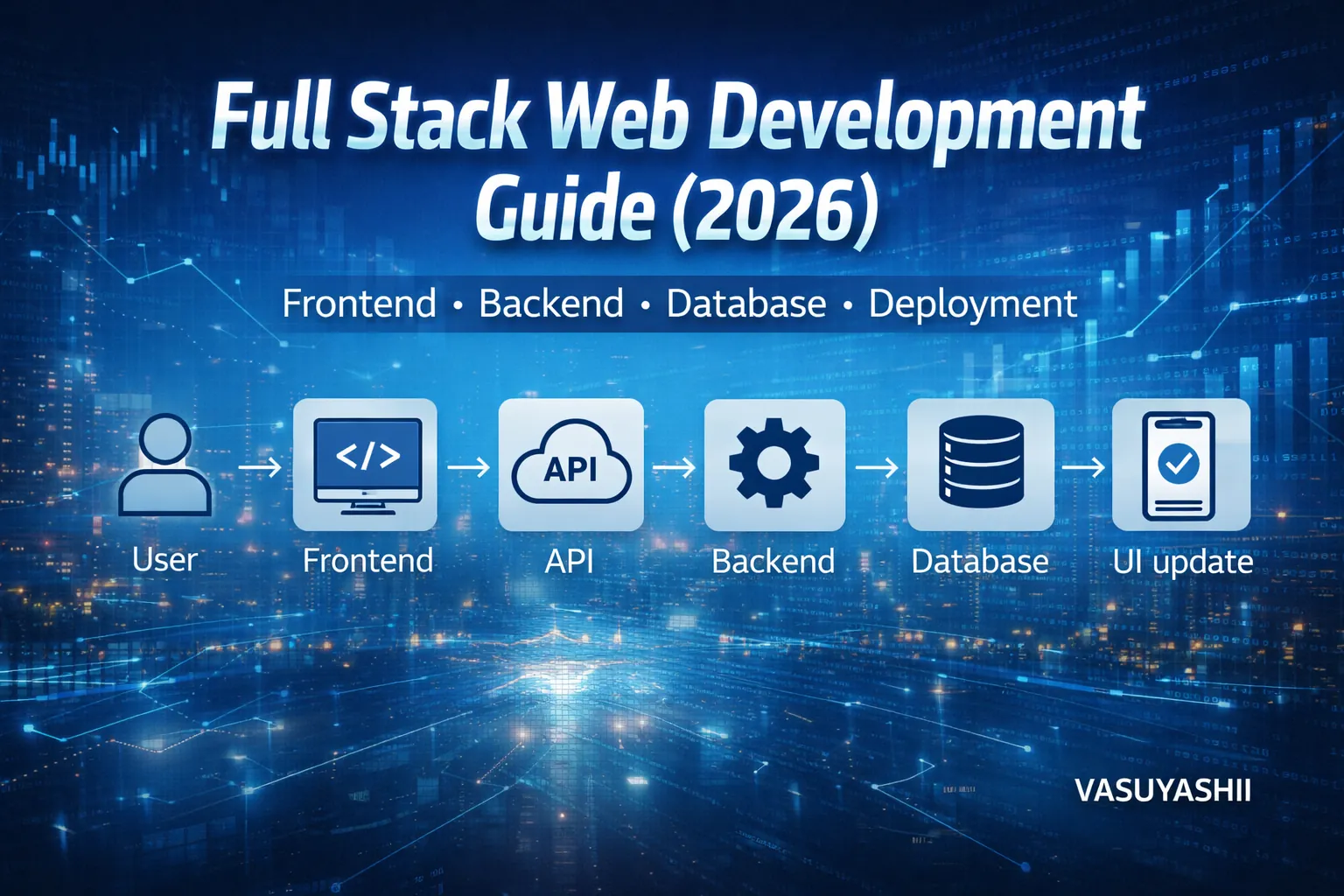
Frontend vs Backend (Flow Diagram)
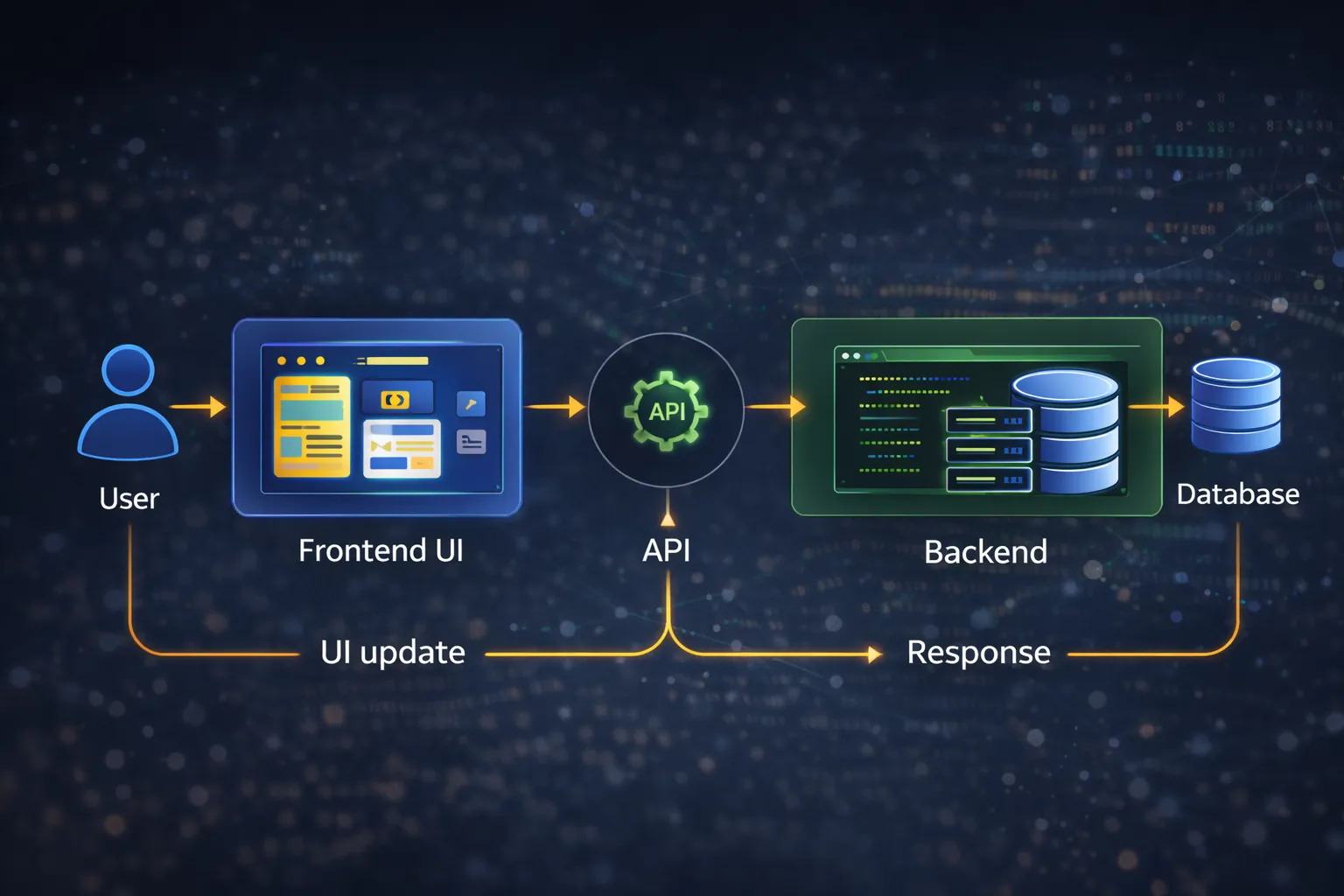
Here’s the simple flow: 1) user clicks button on frontend 2) frontend sends request to backend API 3) backend checks rules + talks to database 4) backend returns response 5) frontend shows updated UI
Does Every Website Need Backend?
✅ No. A basic business website can be built with “frontend only” if:
- it’s informational pages (Home, About, Services)
- you don’t need login
- you don’t need database
But even simple websites often need small backend features like:
- contact form submission (to email)
- storing leads
- spam protection
For advanced projects (portals/apps), backend is necessary.
Does Backend Always Need a Database?
Not always.
Backend can exist without a database if:
- it only sends emails
- it processes a request and returns results
But most business systems need a database for:
- customers
- orders
- inventory
- CRM-like data
- logs and reports
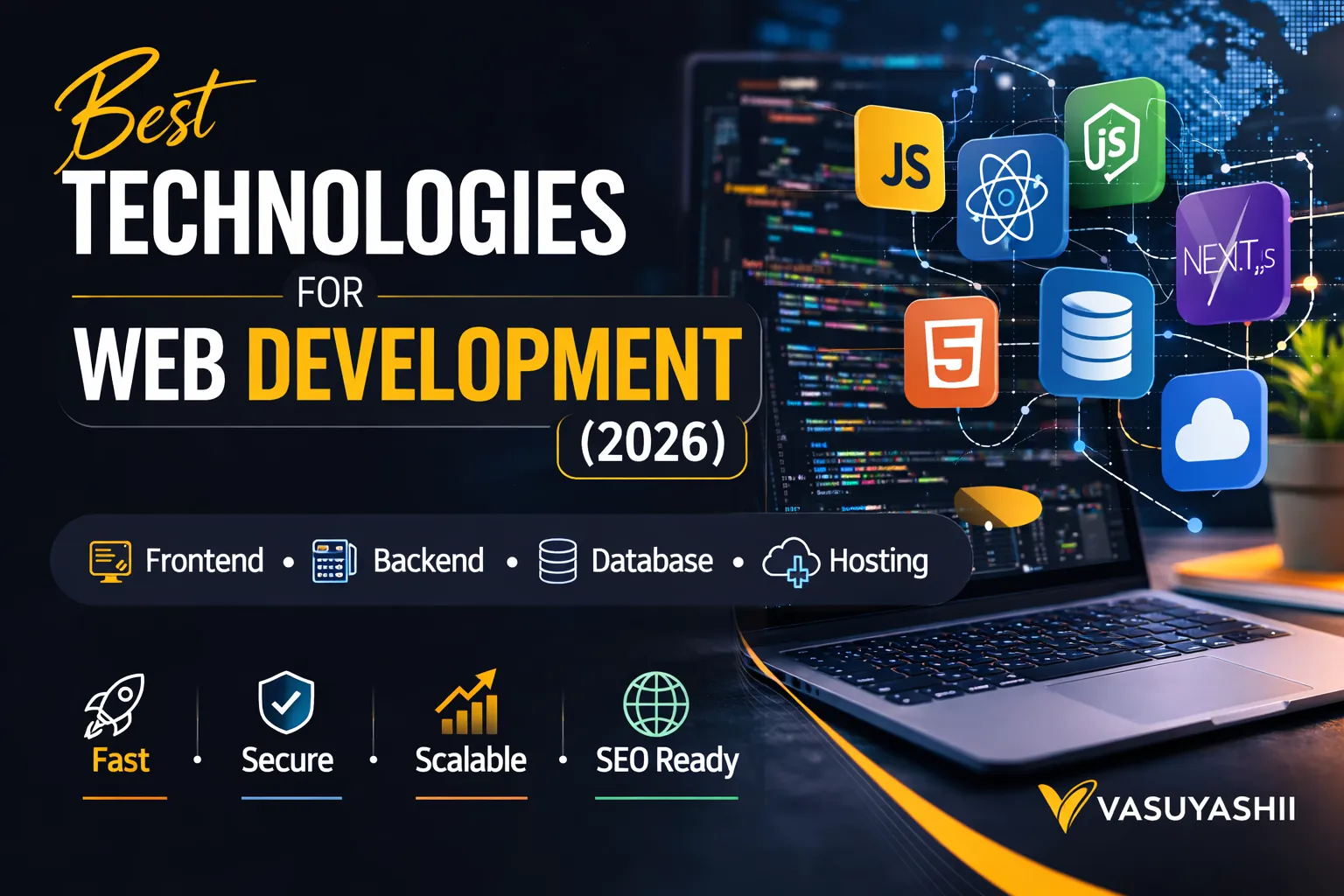
Technologies for Frontend (2026)
Best frontend tech options
- React (most used UI library)
- Next.js (best for SEO + performance)
- Tailwind CSS (fast premium UI)
- TypeScript (safer code for large apps)
For simple sites:
- HTML/CSS/JS can still work
But for scalable business software, Next.js is strong.
Technologies for Backend (2026)
Best backend tech options
- Node.js (Express/Nest or Next API routes)
- Firebase (Auth + Firestore + Functions)
- Python Django (data-heavy apps, admin quickly)
- Java/Spring (enterprise level)
Most modern business web apps use:
- Next.js frontend
- Node/Firebase backend
Databases (Where Backend Stores Data)
- Firestore (fast MVP + real-time)
- PostgreSQL (best long-term for complex business systems)
- MySQL (common and reliable)
- MongoDB (document-based database)
Recommendation:
- MVP dashboards: Firestore
- scalable long-term apps: PostgreSQL
Cost: Frontend vs Backend (India 2026)
Cost depends on complexity, but here’s the practical idea:
If your project is mostly frontend (business website)
You pay for:
- UI design
- responsiveness
- performance
- pages
Typical: ₹20,000 – ₹1,20,000 (depending on quality)
If your project includes backend + database (web app)
You pay for:
- authentication
- database structure
- APIs and logic
- admin dashboard
- security and validations
Typical: ₹1,50,000 – ₹10,00,000+ (depending on modules)
For full cost breakdown, see: Cost of Website Development in India (2026)
Common Confusions (Business Owners)
Confusion 1: “I just need a website” but actually need a portal
If you need:
- login
- admin panel
- reports
- approvals
That’s a web application (backend required).
Confusion 2: “Backend will automatically make it SEO friendly”
SEO is mostly frontend + structure + content. Backend doesn’t guarantee SEO.
Confusion 3: “Frontend is only design”
No. Frontend is also:
- UI logic
- responsiveness
- performance
- user experience
What Should You Build? (Decision Guide)
Build Frontend-only if:
- brochure style website
- only pages + WhatsApp CTA
- no login / no DB
Build Frontend + Backend if:
- you want admin/dashboard
- you want automation
- you want database saved leads
- you want a portal or SaaS
If you want to build dashboards/portals/admin systems, explore: Web Applications Services
A Simple Example Project Breakdown
Example A: Business website (frontend heavy)
- Home, About, Services, Contact
- WhatsApp CTA
- speed optimization
- basic SEO setup
Backend: optional (contact form email)
Example B: Inventory system (backend heavy)
- login system
- product database
- purchase/sales entries
- stock calculations
- reports
- role-based access
Frontend: admin UI Backend: required
Best Practice for Successful Projects
1) Clearly define: website vs web application 2) Write down features list 3) Decide roles (admin/staff/customer) 4) Decide data structure (what tables/collections) 5) Build in phases:
- Phase 1: UI + basic backend
- Phase 2: automation + reporting
- Phase 3: advanced integrations
Need a Website or Web App Built Properly?
If you want a high-performance website or a full backend system (dashboard/portal), we can help.
👉 WhatsApp: Chat on WhatsApp 👉 Services: Web Applications Services 👉 Portfolio: View our work 👉 Contact: Contact page
FAQs
1) Can I build frontend first and backend later?
Yes. Many projects start with UI first, then backend modules are added phase-wise.
2) Can a WordPress website have backend?
WordPress has backend features, but for portals/dashboards, custom backend is often better.
3) Which is more expensive: frontend or backend?
Backend is usually more expensive because it includes security, logic, database, and reliability.
4) Do I need backend for lead generation?
Not necessarily. WhatsApp CTA works without backend. But storing leads + automation needs backend.
5) What is full-stack development?
Full-stack means both frontend + backend development together.