Website Development Guide for Businesses (2026): Process, Cost, Tech Stack & Best Practices
A business website is not “just a design.” It’s a 24×7 sales asset that builds trust, explains your offer clearly, ranks on Google, and converts visitors into leads via forms, WhatsApp, calls, or bookings.
If your main customers are in India (Delhi, Noida, Ghaziabad), a professional website also acts like your digital showroom—people often decide whether to contact you within 5–15 seconds of landing on your site. This guide explains the complete website development process used by professional teams, plus the SEO + conversion details most businesses miss.
What Website Development Actually Means
Website development is the complete system that makes your site:
- Look professional (UI/UX and branding)
- Work perfectly on mobile (most traffic is mobile-first)
- Load fast (speed affects SEO and conversions)
- Convert (clear CTAs, proof, and a smooth contact flow)
- Rank on Google (technical SEO, structure, internal linking)
- Stay secure (HTTPS, safe forms, bot/spam protection)
It usually includes:
- Strategy & planning (goals, audience, sitemap)
- Wireframes (layout planning before design)
- UI Design (final visuals)
- Frontend development (the site people see)
- Backend/integrations (optional: forms, CRM, dashboards)
- SEO foundation (titles, meta, headings, schema, internal links)
- Performance & security (Core Web Vitals, SSL, validations)
- Analytics setup (GA4 + Search Console + event tracking)
A simple rule: Your website should answer “Why you, what you do, proof, and what to do next.”
Which Type of Website Should a Business Build?
Choose the type based on your goal:
1) Lead Generation Website (Most common)
Best for service companies. Typical pages:
- Home
- Services (separate pages per service)
- Portfolio / Case Studies
- About
- Contact
- Blog (for SEO growth)
2) Corporate Website
More brand-heavy and larger:
- Careers, Press, Partners, Compliance
- Brand story + credibility pages
3) Landing Pages (For Ads)
Single purpose pages designed for:
- WhatsApp leads
- Form submissions
- Calls / bookings
4) Web App / Portal
A system with login & dashboards:
- Admin panel
- Client portal
- Reporting system
- Inventory or order tracking
If you want a system like dashboards/portals, explore our Web Applications Services.
Step-by-Step Website Development Process (Professional Workflow)

This is the safest, most practical workflow for business websites.
Step 1: Goals, Audience & Offer (1–2 days)
Before design starts, define:
- Goal: leads, calls, bookings, WhatsApp, inquiries
- Audience: who is your ideal buyer?
- Offer: what exactly you deliver (packages or outcomes)
- Proof: portfolio, reviews, screenshots, demo links
- CTA preference: WhatsApp vs form vs call
✅ Output: a 1-page website brief (saves huge rework later)
Step 2: Sitemap & Page Plan (1 day)
A good sitemap keeps the website focused and SEO-friendly.
Most business websites should start with:
- Home
- Services (separate pages: improves SEO)
- Portfolio / Case Studies
- About
- Contact
- Blog
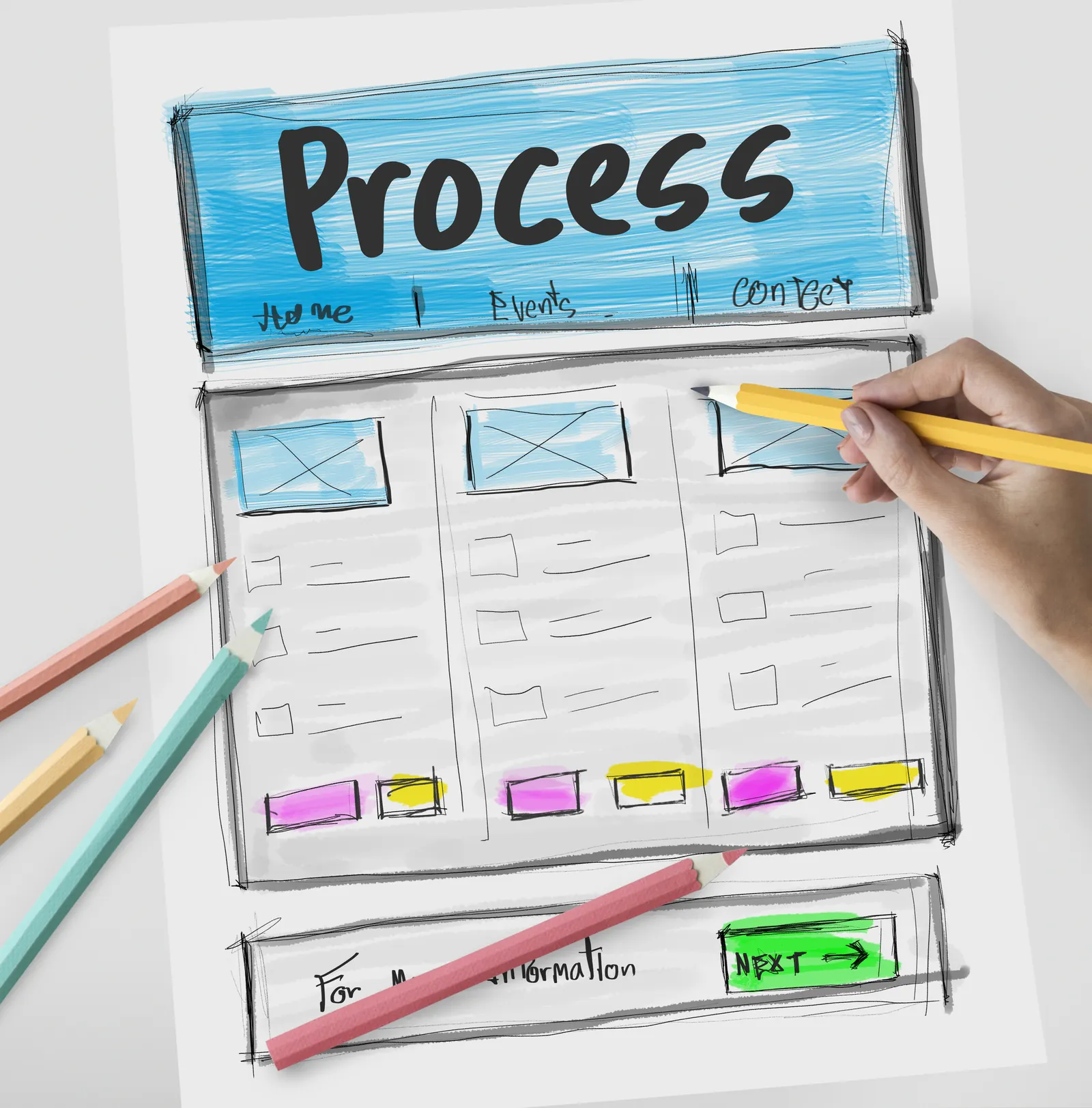
✅ Pro tip: Don’t put all services on one page only. Create a dedicated page for each major service so each one can rank on Google.
Step 3: Wireframes (1–2 days)
Wireframes are simple layouts without color. They define:
- content order
- section structure
- CTA placement
- what goes above vs below the fold
This prevents “design changes” later that waste time.
Step 4: UI/UX Design (2–5 days)
Now you finalize:
- typography (fonts)
- spacing system
- color palette
- button styles
- cards / form styles
Mobile-first design is non-negotiable. If mobile is weak, conversions drop.
Step 5: Development (5–15 days)
Frontend development includes:
- responsive layout
- interactive elements (light animations)
- clean component structure
- form UX (validation + errors)
- SEO-friendly markup
Backend/integrations (optional):
- contact form submissions (email + database)
- WhatsApp click tracking
- CRM integration (Zoho/HubSpot/Sheets)
- admin panel or dashboards (if needed)
Step 6: SEO + Performance (2–4 days)
This is where many websites fail because they skip the boring basics.
Key tasks:
- page titles + meta descriptions
- heading structure (H1/H2/H3)
- image optimization (WebP, lazy load)
- internal linking between pages
- schema (JSON-LD)
- sitemap.xml and robots.txt
- Core Web Vitals improvements
Step 7: QA + Launch (1–2 days)
Before launch, test:
- mobile UI on real devices
- contact form + WhatsApp button
- broken links
- 404 handling
- tracking events (GA4)
- Search Console setup
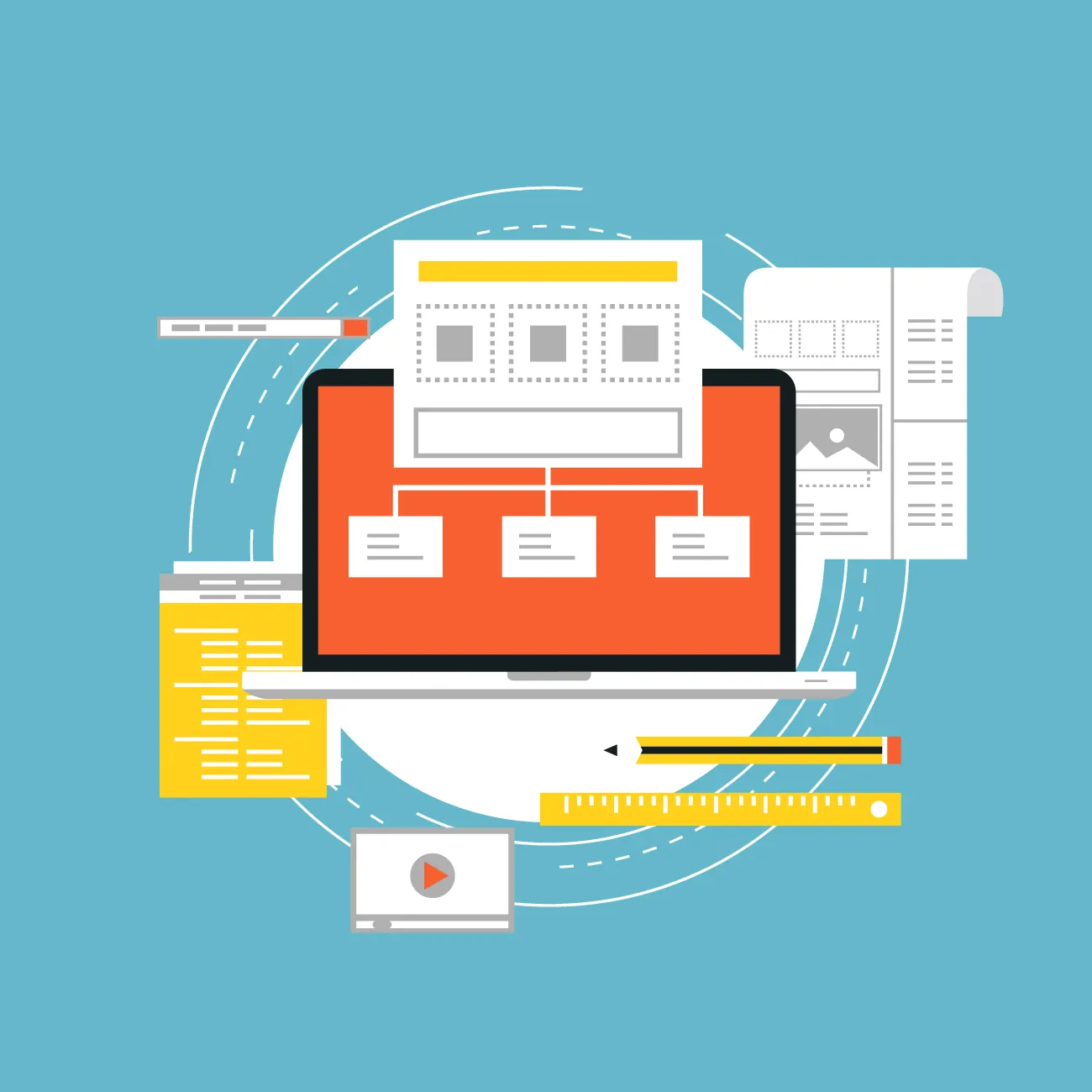
Tech Stack Options (What to Choose in 2026)
Option A: WordPress (Theme + Plugins)
Best for: budget websites and quick launches Pros: easy admin, huge ecosystem Cons: speed depends on theme/plugins; plugin conflicts & maintenance risk
Option B: Custom Next.js Website (Recommended for performance + SEO)
Best for: premium look, speed, scalability Common stack:
- Next.js / React
- Tailwind CSS
- Hosting: Vercel / Netlify
- Optional CMS: Sanity / Strapi / Contentful
This stack is ideal when you want a fast site that feels premium and ranks well.
Option C: Web App / Portal
Best for: dashboards, portals, admin panels Typical stack:
- Next.js / React
- Firebase or Node.js backend
- Database + role-based authentication
If you’re planning a portal/dashboards, check Web Applications Services.
Timeline & Cost (Practical Ranges)
Timeline depends on pages, content readiness, approvals, and complexity.
Typical ranges:
- Basic business website (5–7 pages): 1–2 weeks
- Corporate website (10–20 pages): 2–4 weeks
- Web app / portal: 4–10+ weeks
Cost depends on:
- number of pages
- UI complexity
- animations
- CMS requirement
- integrations (CRM, WhatsApp, booking)
- copywriting and content preparation
Budget tip: Launch a strong base first (Home + Services + Portfolio + Contact). Then expand with blogs and case studies.
SEO, Speed & Security Checklist (Must-Have)
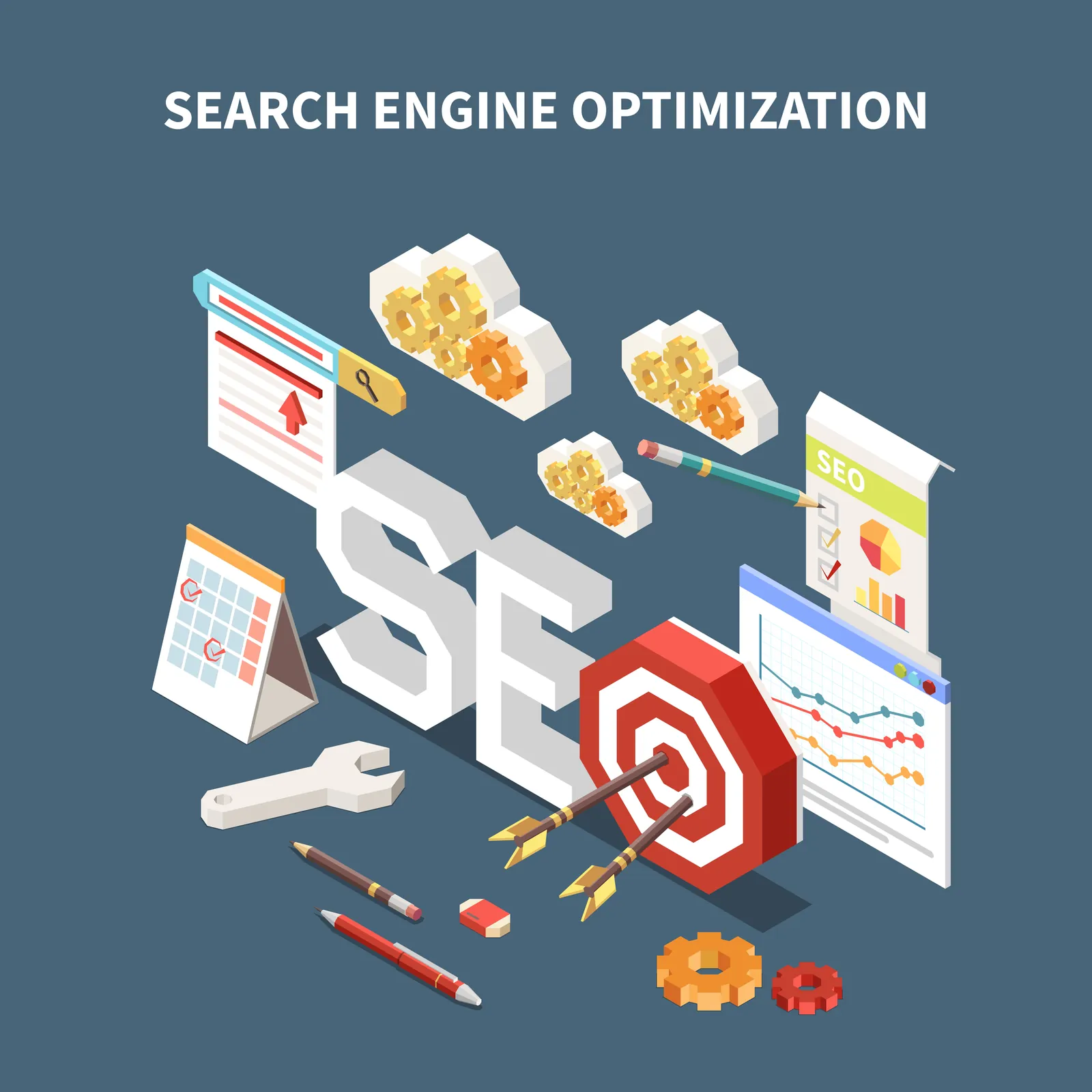
Technical SEO
- Clean URLs
- One H1 per page
- Proper H2/H3 structure
- Meta title + description
- sitemap.xml + robots.txt
- canonical tags
- schema markup
- internal linking between services and blogs
Performance (Core Web Vitals)
- WebP images (small size)
- lazy-load below-the-fold images
- minify CSS/JS
- avoid heavy animation libraries
- use CDN hosting
Security
- HTTPS (SSL)
- spam protection on forms (honeypot/reCAPTCHA)
- server-side validation
- rate limiting (optional)
- backups + updates
Content & Conversion (How to Get More Leads)
A high-performing business website uses a simple conversion formula:
Clarity + Proof + CTA
What most websites do wrong
They write generic lines like “best quality services” but don’t show:
- real work screenshots
- demo links
- process steps
- timelines and expectations
- trust signals (reviews, logos, results)
Quick demos you can show visitors (high conversion)
Best CTA placements
- hero section (above the fold)
- after services section
- after portfolio section
- after FAQs
- end of page
If WhatsApp is your main CTA, make sure the button is visible and fast on mobile.
Maintenance & Growth Plan (After Launch)
A website is not “done” after launch. Growth happens after launch:
- publish 3–4 SEO blogs daily (topic clusters)
- add 1 portfolio/case study every 2–4 weeks
- improve top pages based on Search Console queries
- track conversions using GA4 events
Monthly checklist:
- check Search Console coverage
- improve internal links
- refresh service pages
- update media (new work screenshots)
- optimize pages with rising impressions
Need a High-Performance Business Website?
👉 WhatsApp: Chat on WhatsApp 👉 School Demo: Open demo 👉 Hotel Demo: Open demo
FAQs
How many pages does a business website need?
Most businesses should start with 5–7 pages and expand with blog + case studies.
WordPress vs custom website—what’s better?
WordPress is budget-friendly. Custom Next.js is faster, more scalable, and offers better performance control.
How long does it take to build a business website?
Usually 1–4 weeks depending on complexity and approvals.
What tech stack is best for SEO?
A fast stack with clean HTML + proper technical SEO. Next.js is a strong option when built correctly.
When will my website start ranking on Google?
Indexing can happen within days, but strong rankings usually take 3–6 months with consistent SEO content and internal linking.