Corporate Website Development Guide (2026): Structure, Design, SEO, Security & Best Practices
A corporate website is not the same as a small business website. In 2026, corporate buyers, partners, investors, and even job candidates use your website to judge trust, stability, and professionalism. A corporate website must look premium, load fast, stay secure, and communicate your credibility clearly—without confusion.
Most corporate websites fail for one reason: they are built like a brochure. But a high-performing corporate website is a business system. It supports sales teams, improves trust during negotiations, helps recruitment, and strengthens your brand presence across Google and social.
This guide will show you exactly how to build a corporate website the “right way”—including the best structure, content sections, technical SEO, security practices, and a launch checklist that prevents expensive mistakes.
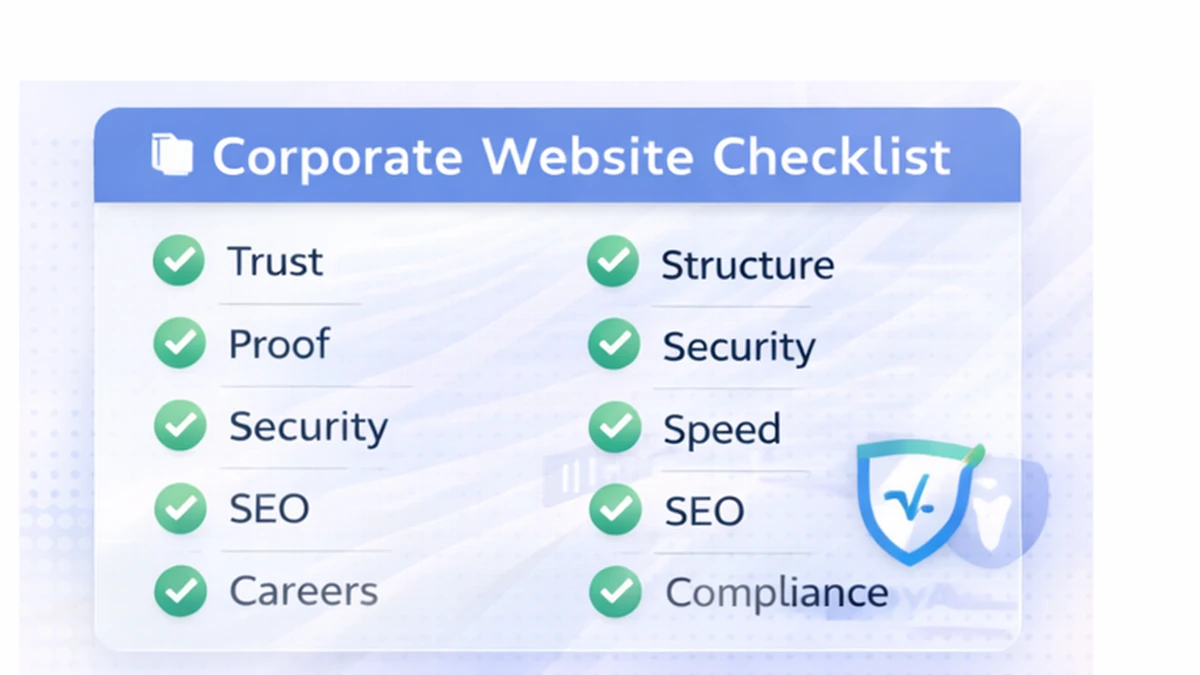
1) What Makes a Website “Corporate”?
A corporate website is built for:
- credibility and trust
- clear communication of offerings
- stakeholder validation (clients, investors, partners)
- brand consistency
- legal/compliance pages
- scalable content (press, careers, case studies)
A corporate website is not only about “looking good.” It must feel:
- stable
- professional
- structured
- secure
- easy to navigate
If your corporate website also needs dashboards/portals/admin systems, explore: Web Applications Services
2) Corporate Website Goals (What It Should Achieve)
Your corporate website should do these 5 things:
1) Explain your company clearly (what you do, for whom, outcomes) 2) Build trust fast (proof, structure, compliance signals) 3) Support sales conversations (case studies, process, FAQs) 4) Support hiring (careers, culture, role clarity) 5) Support SEO authority (blogs, resources, internal linking)
A strong corporate website can reduce sales cycle time because it answers objections before the first call.
3) Corporate Website Structure (Pages You Need)
A corporate site needs a complete structure, but it should still be simple to navigate.
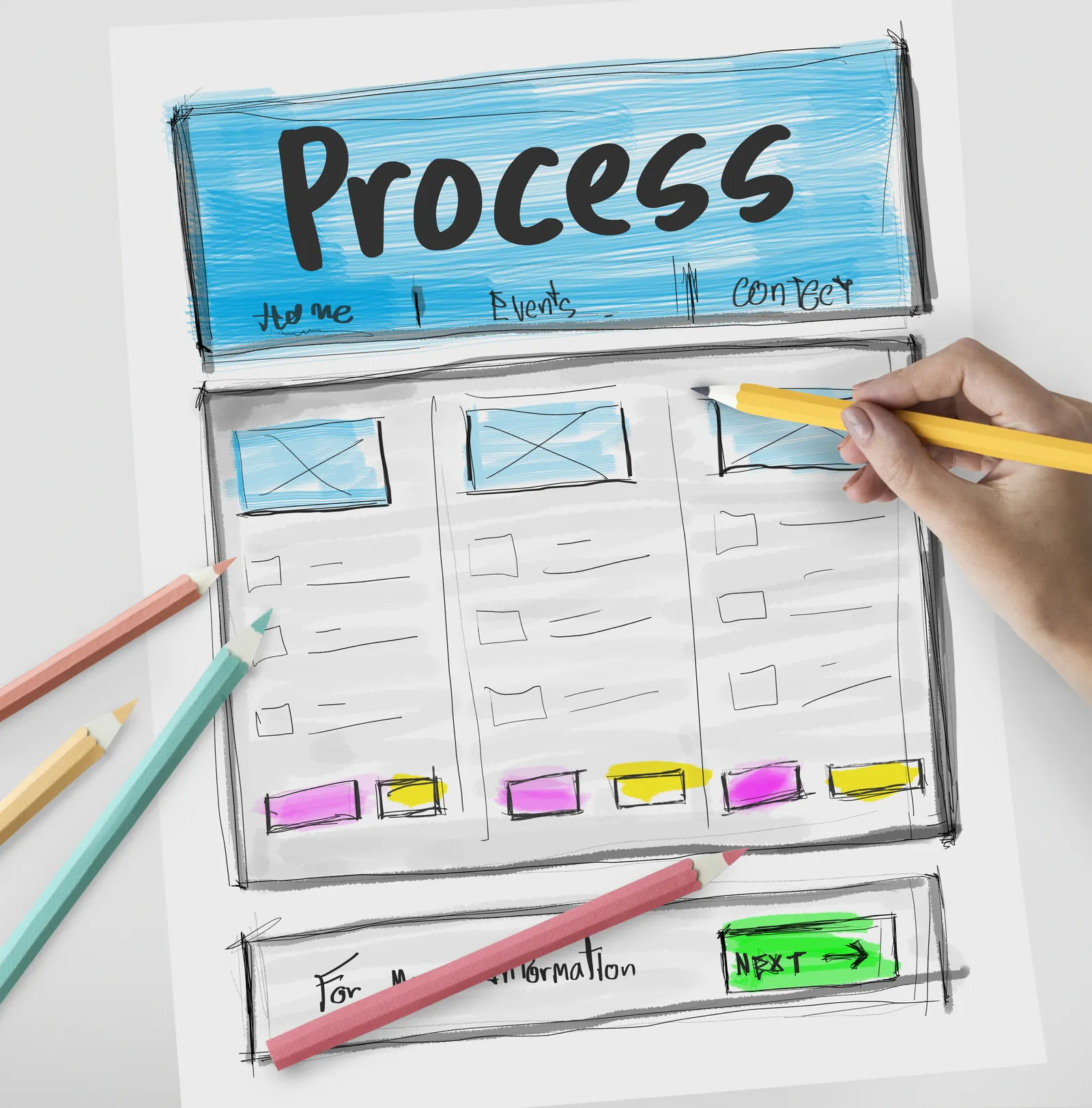
Core pages (recommended)
1) Home 2) About / Company 3) Services / Solutions (separate pages = better SEO) 4) Industries (optional but powerful for targeting) 5) Case Studies / Portfolio 6) Contact 7) Blog / Insights
Corporate-only pages (high trust)
8) Careers 9) Press / Media 10) Partners (optional) 11) Security / Privacy 12) Terms & Conditions 13) Compliance (if relevant)
If you’re a tech services company, your “Services” section is one of the most important conversion drivers. Link it from multiple blogs and pages.
4) Homepage Layout (Corporate Standard)
Corporate homepage should follow a clear hierarchy:
Above the fold (must be strong)
- headline: what your company does
- subtext: who you help + what outcomes you deliver
- CTA: Contact / Schedule / WhatsApp (India)
- trust indicators: logos, industries, years, key stats
What comes next (high impact)
1) Solutions overview (3–6 cards) 2) Industries served (optional) 3) Process / approach 4) Case studies 5) Testimonials 6) Security/compliance badges (if relevant) 7) FAQ 8) Final CTA
A corporate site should avoid “messy” design. Clean spacing and readability matters more than heavy graphics.
5) Corporate Design Principles (2026)
Corporate websites feel premium when they have:
- clean typography (readable fonts)
- consistent spacing system
- strong grid layout
- modern components (cards, sections)
- high-quality images (real or curated)
- subtle animations only (avoid heavy motion)
Common design mistakes
- too much text on home
- too many random sections
- low-quality stock images everywhere
- weak CTA placement
- inconsistent font sizes and spacing
A corporate website should feel like it was built by a professional team, not assembled quickly.
6) Content That Builds Corporate Trust
Corporate trust content is different from marketing content. It should be:
- specific (no generic claims)
- proof-based (case studies, screenshots)
- structured (headings, sections)
- transparent (process, timelines, expectations)
What counts as “proof”?
- portfolio projects
- demos
- screenshots
- client testimonials
- process transparency
- team profile or company background
You can show real demos for faster trust:
And your work:
7) Tech Stack for Corporate Websites
Option A: WordPress (common in corporate)
Pros:
- easy editing
- fast publishing
- wide ecosystem
Cons:
- plugin conflicts
- maintenance effort
- performance depends on setup
Option B: Custom Next.js Website (best for speed + premium)
Pros:
- top performance
- clean SEO structure
- premium UI control
- scalable architecture
Cons:
- needs developer for changes unless CMS added
Option C: Custom + CMS (best hybrid)
This is often the best corporate setup:
- premium custom UI
- fast performance
- easy content editing via CMS
For corporate tech companies building dashboards and portals, custom architecture is best.
8) Security Standards for Corporate Websites
Security is not optional in corporate sites.
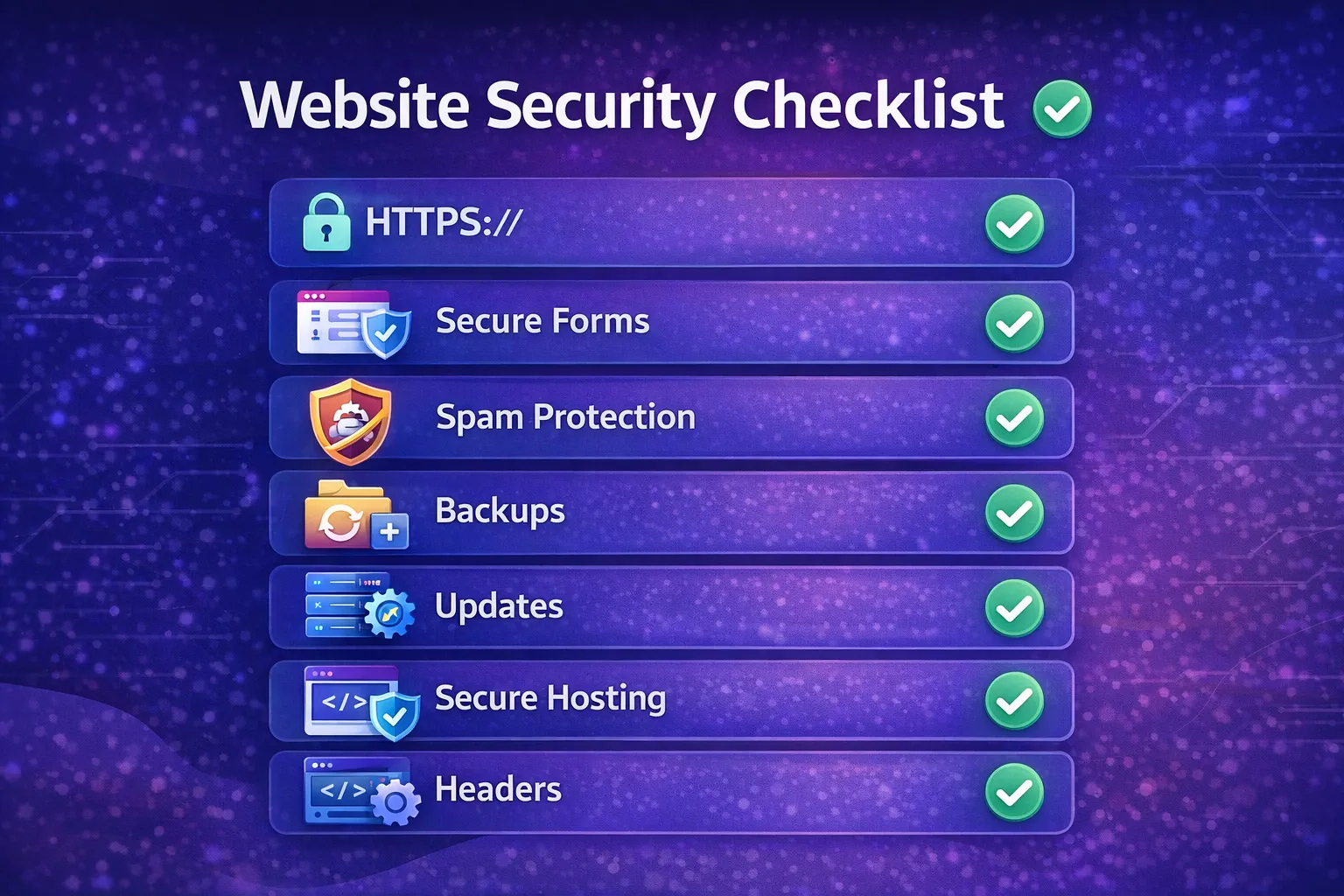
Must-have
- HTTPS (SSL)
- secure forms (server validation)
- spam protection (honeypot/reCAPTCHA)
- security headers (basic)
- regular backups
- safe hosting
Common corporate security mistakes
- contact forms sending data insecurely
- exposed admin panels
- outdated plugins/themes
- no backups
If you collect leads, ensure forms are protected. Spam leads waste money and time.
9) Performance Standards (Core Web Vitals)
Corporate websites must load fast on mobile and desktop.
Performance checklist:
- WebP images
- lazy-load images below the fold
- minimize scripts
- avoid heavy animation libraries
- CDN hosting
- compress assets
Fast websites convert more, rank better, and feel premium.
10) Corporate SEO Strategy (Structure + Authority)
Corporate SEO is about:
- clean structure
- internal linking
- consistent publishing
Technical SEO (must have)
- proper H1/H2 hierarchy
- meta titles + descriptions
- sitemap.xml + robots.txt
- canonical tags
- schema (BlogPosting for blogs)
- clean URLs
Content SEO (authority building)
- publish topic clusters (3–4 blogs daily if possible)
- link blogs to service pages
- create pillar pages (big guides)
- add FAQs for snippet chance
If you want pricing-related corporate content, link to: Cost of Website Development in India (2026)
11) Corporate Conversion System (Leads Without Looking “Salesy”)
Corporate audiences don’t like pushy sales. Use a professional conversion system:
- CTA buttons: “Contact”, “Request Proposal”, “Book a Call”
- add WhatsApp CTA for India (optional)
- put case studies near CTAs
- include “Process” section to reduce objections
Example: 👉 Contact Page: Contact us
12) Launch Checklist (Avoid Expensive Mistakes)
Before going live, test:
- mobile responsiveness (Android + iPhone)
- forms + WhatsApp CTA
- broken links
- page speed (Lighthouse)
- SEO meta tags
- Search Console setup
- sitemap submission
- 404 page and redirects
After launch:
- request indexing in Search Console
- start publishing blogs consistently
- update portfolio/case studies monthly
Need a Corporate Website That Looks Premium and Converts?
If you want a fast, secure, SEO-ready corporate website (and later dashboards/portals), we can build it with a professional process.
👉 WhatsApp: Chat on WhatsApp 👉 Services: Web Applications Services 👉 Portfolio: View our work 👉 Contact: Contact page
FAQs
1) How many pages should a corporate website have?
Most corporate websites start with 10–20 pages depending on services, industries, and compliance needs.
2) Is WordPress good for corporate websites?
Yes, if set up with strong hosting and minimal plugins. For premium performance, custom Next.js is often better.
3) What makes a corporate website look premium?
Clean spacing, strong typography, high-quality visuals, fast performance, and proof-based content structure.
4) How long does corporate website development take?
Usually 2–6 weeks depending on pages, approvals, and integrations.
5) Does a corporate website need SEO blogs?
If you want Google traffic and authority, yes. Blogs are one of the best long-term corporate growth assets.