
May 8, 2026
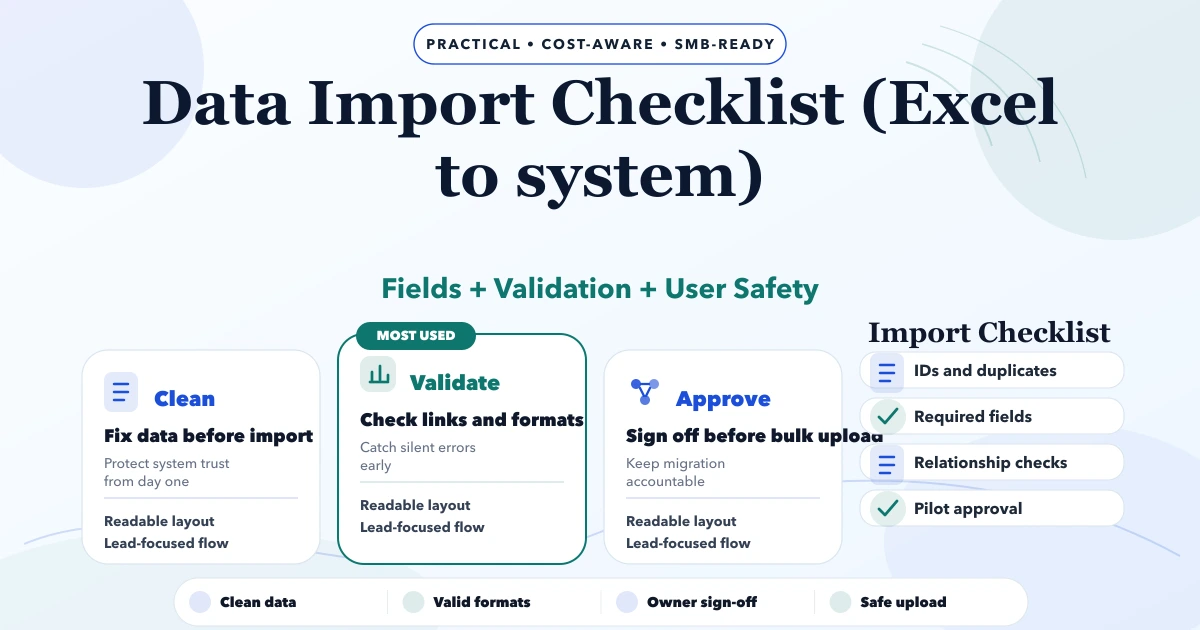
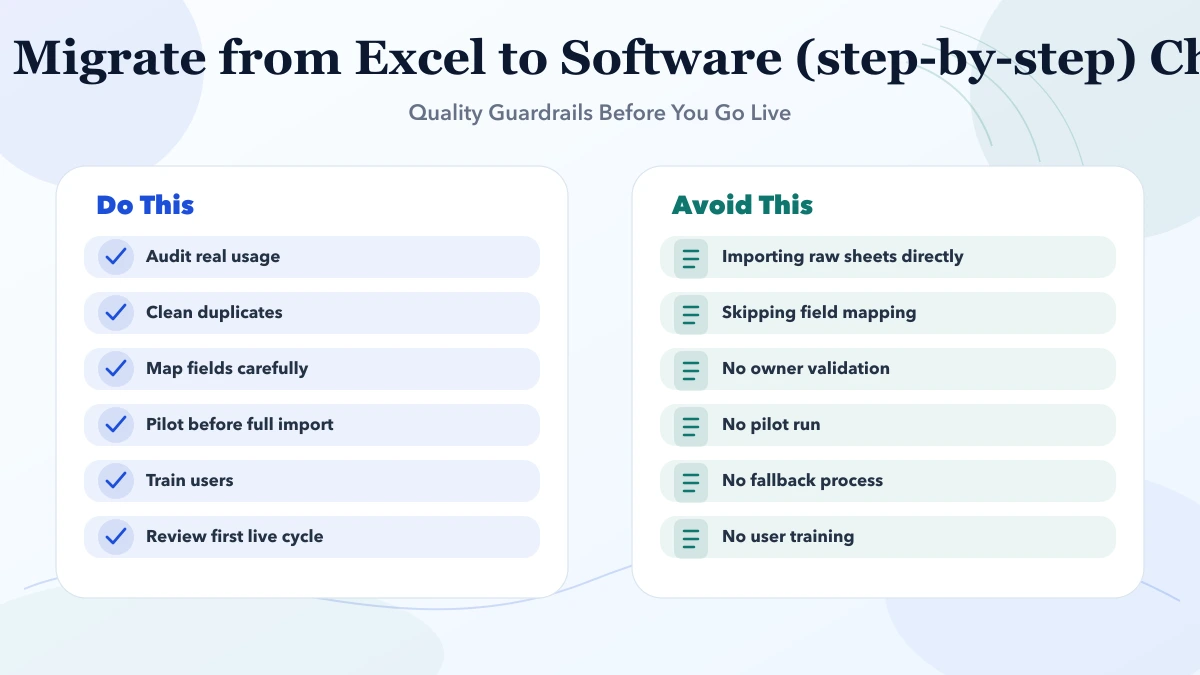
Data Import Checklist (Excel to system)
Data Import Checklist (Excel to system) guide for 2026 with practical pricing, rollout risks, implementation notes, and lead-focused decision points for SMB.
Read articleMay 8, 2026
How to Migrate from Excel to Software (step-by-step) guide for 2026 with practical pricing, rollout risks, implementation notes, and lead-focused decision.
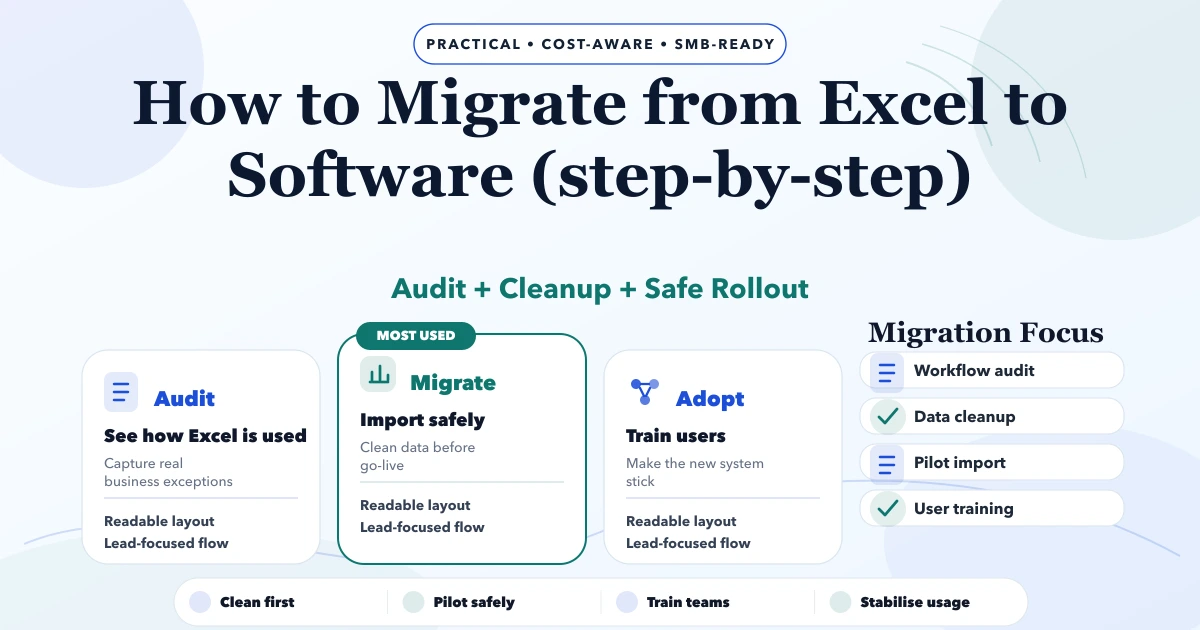
This guide on migrate from Excel to software step by step is for SMB founders, operations leads, and decision-makers who want a practical 2026 answer before spending money on the wrong build path. Most businesses do not need more features on day one. They need a cleaner first release, clear roles, better follow-up, and visibility on whether the app or workflow is actually being used.
The smartest choice usually comes from understanding what must be built now, what should wait, what can stay manual for one more phase, and what will create chaos if security, data, or rollout planning is handled casually. That is the mindset this article follows.
By Tushar C. (Founder, VASUYASHII). Reviewed by VASUYASHII Editorial for scope clarity, delivery practicality, SEO usefulness, and buyer relevance for 2026.
Serving Delhi NCR: Ghaziabad, Noida, Delhi, Gurugram, Faridabad, and nearby growth markets.
Migrating from Excel to software should be treated as a controlled change project, not only a data import task. The biggest risks are dirty master data, hidden manual exceptions, user resistance, and moving too much scope before the team is ready.
| Scope | Price range | Timeline | | --- | --- | --- | | Lean implementation | ₹35,000 to ₹1.5 lakh | 1 to 3 weeks | | Business rollout phase | ₹1.5 lakh to ₹4 lakh | 3 to 8 weeks | | Custom platform or upgrade | ₹4 lakh to ₹12 lakh+ | 2 to 4 months |
In 2026, SMB teams cannot afford software decisions based only on trend or guesswork. Budget, rollout speed, staff adoption, and support cost matter more than shiny features. A practical approach reduces rework and keeps decision quality high.
In practical projects, the biggest wins usually come from clarity: clear phase one, clear user roles, clear reporting, and clear review checkpoints. When that clarity is missing, teams overbuild, under-adopt, and waste money fixing avoidable mistakes after launch.
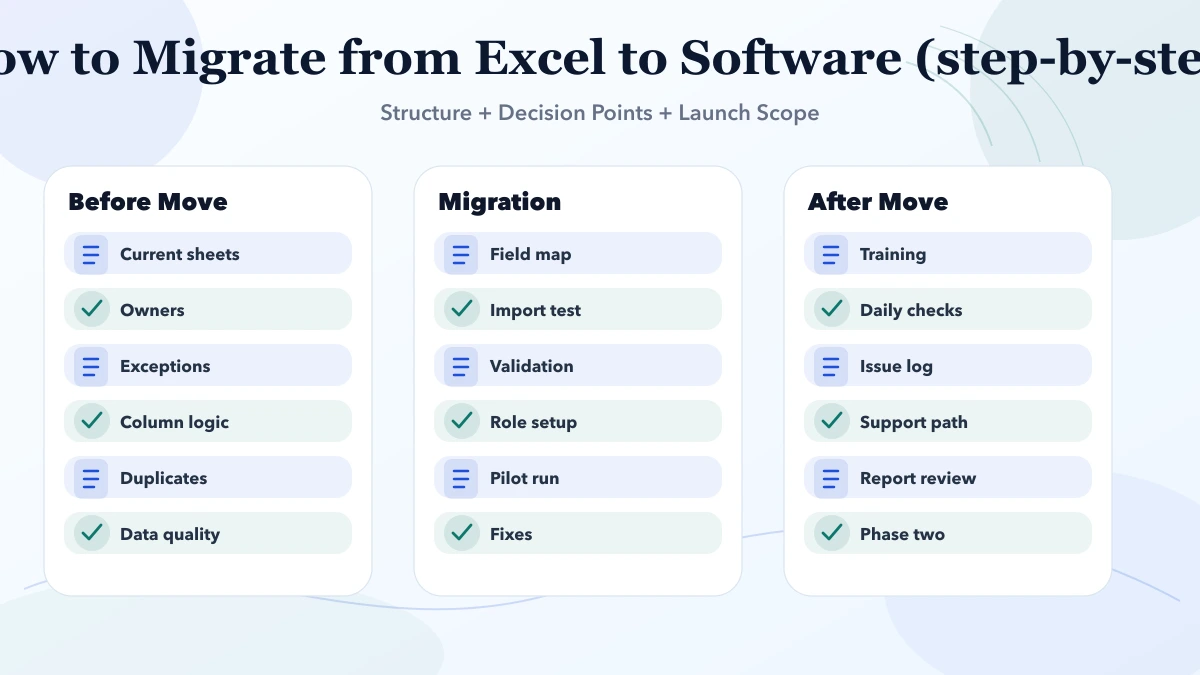
Good execution here is not about adding everything at once. It is about sequencing. The first release should remove the most expensive friction. The second release should improve visibility, control, and reporting. The third release should only add deeper automation when teams are already using the system properly.
Good business software execution starts with process clarity and data hygiene. Whether the team is choosing SaaS, planning an ERP roadmap, or migrating from Excel, the real quality signal is how safely the rollout handles users, approvals, imports, and owner reporting.
The right implementation path also avoids drama. Instead of trying to digitise everything in one shot, the business introduces a controlled first phase, validates usage, then expands only where the next improvement is clearly worth the cost.
Pricing changes based on role complexity, workflow depth, integrations, migrations, review cycles, and post-launch support. Two projects can sound similar in a proposal title and still require very different effort once the real workflow is mapped correctly.
| Scope | Price range | Timeline | | --- | --- | --- | | Lean implementation | ₹35,000 to ₹1.5 lakh | 1 to 3 weeks | | Business rollout phase | ₹1.5 lakh to ₹4 lakh | 3 to 8 weeks | | Custom platform or upgrade | ₹4 lakh to ₹12 lakh+ | 2 to 4 months |
The better budgeting approach is phased. Define what must go live first, what can wait, and which improvements should only be added after the first set of users starts using the system in a stable way.
A strong phase-one plan answers four questions clearly: what problem goes live first, which users matter first, what data or reports are required on day one, and what should remain out of scope for now. When those answers are written down, delivery becomes faster and safer.
This is also where most cost savings happen. Teams save more by preventing unnecessary scope than by negotiating a lower quote on an unclear plan. Phase one should be small enough to launch, but complete enough to prove the decision was correct.
The timeline becomes smoother when there is one owner for approvals, one list of must-have outcomes, and one review checkpoint per phase. Most delays are caused by scope changes, unclear content decisions, or no single stakeholder owning the final call.
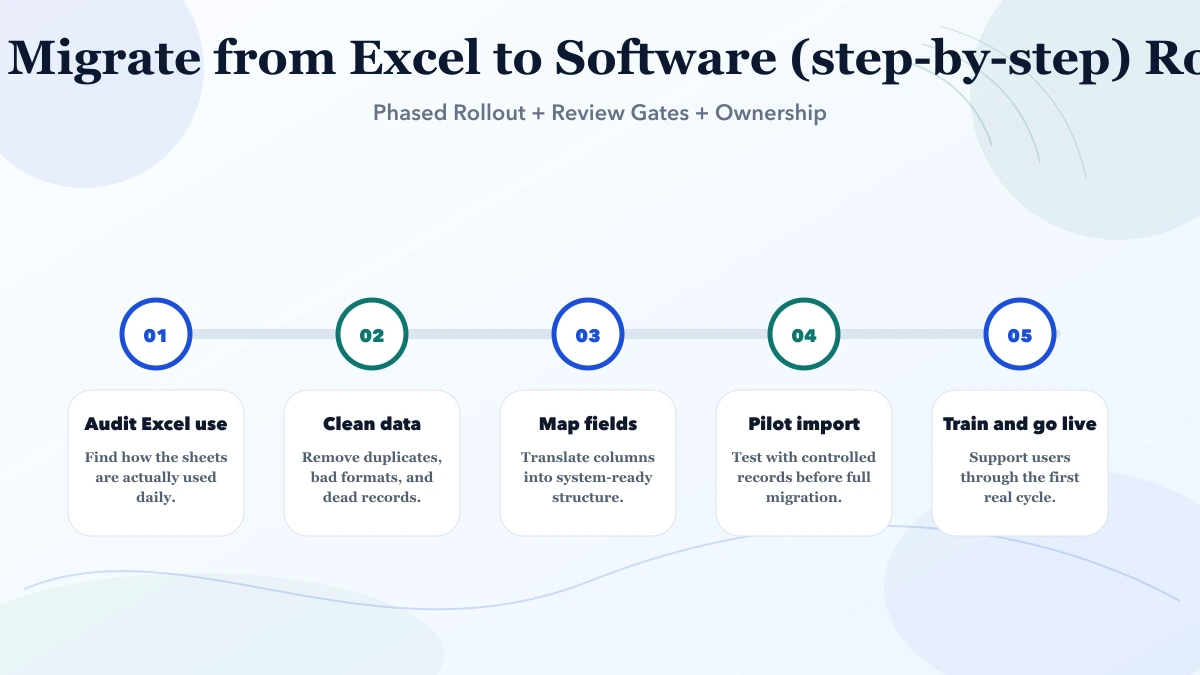
The stack should support readability, speed, scale, and clean reporting. For SMB builds, architecture discipline matters more than fashionable tooling. The system should be easy to maintain, easy to measure, and easy to extend when the business grows.
If these cost drivers are discussed early, delivery becomes more honest and implementation risk drops. If they are ignored, the project often looks cheap at proposal stage and expensive during revision, support, and rework.
If you are comparing options right now, do not compare only on price. Compare scope clarity, workflow fit, rollout discipline, analytics visibility, role control, and support after launch.
Because teams underestimate data cleanup, hidden manual exceptions, and user behaviour changes.
Not always. Focus on active, useful, and validated data first.
Yes in most business cases. Pilot runs catch mistakes early.
Simple migrations can be fast, but realistic timelines depend on data quality and workflow complexity.
That usually means training, trust, or system fit problems need to be solved immediately.
Yes. That is often the safest first step.
If you want a practical phase-one plan, realistic pricing, and a rollout path that your team can actually use, we can help you map the right scope before development starts.
Related Articles
May 8, 2026
Data Import Checklist (Excel to system) guide for 2026 with practical pricing, rollout risks, implementation notes, and lead-focused decision points for SMB.
Read article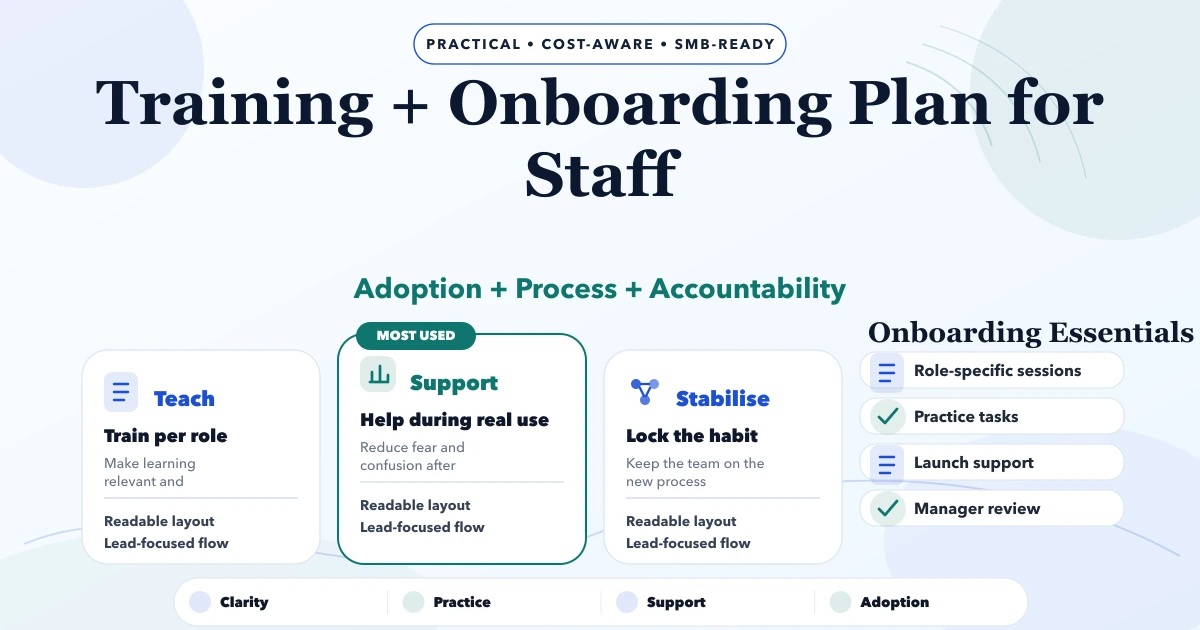
May 8, 2026
Training + Onboarding Plan for Staff guide for 2026 with practical pricing, rollout risks, implementation notes, and lead-focused decision points for SMB.
Read article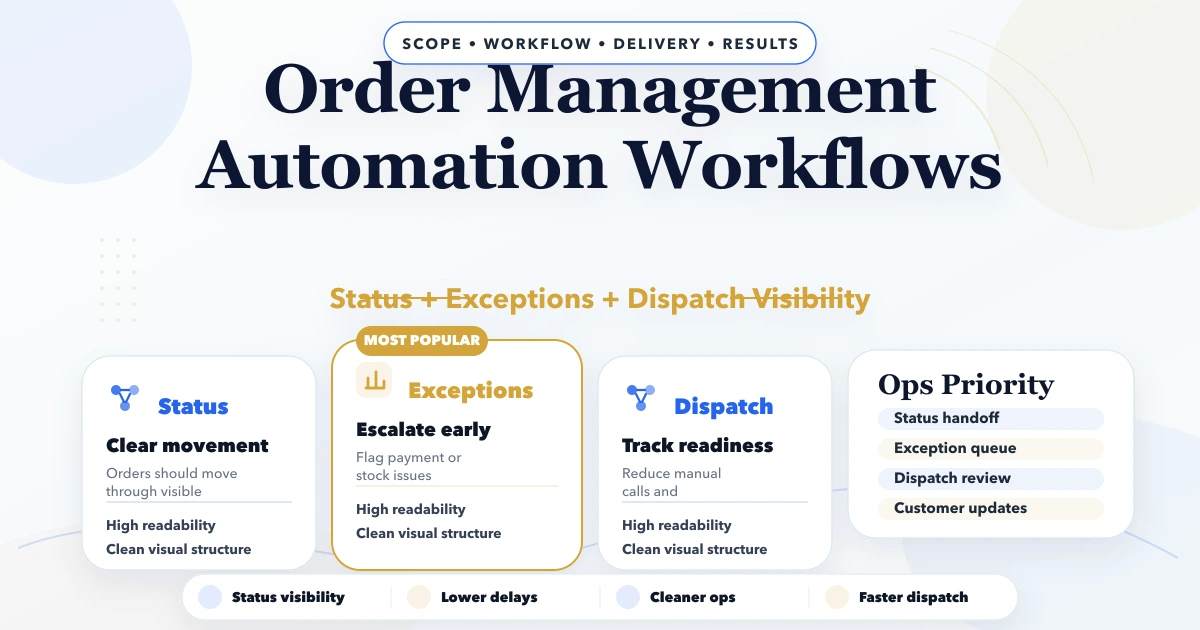
April 29, 2026
Order management automation workflows with status control, billing, stock sync, routing, pricing, and rollout guidance for SMB operations.
Read article