SEO Friendly Website Development (2026): Complete Guide for Better Rankings & Leads
A website can look beautiful and still fail to rank on Google. In 2026, ranking is not only about writing blogs. It also depends on how your website is built: structure, speed, mobile experience, technical SEO, internal linking, and how clearly Google can understand your pages.
That’s what “SEO friendly website development” means. It’s the process of building a website in a way that makes it easy for Google to:
- crawl your pages
- understand your content
- index the right URLs
- trust your site quality
- rank your pages for relevant keywords
If you want organic traffic and leads, SEO must be part of development—not an afterthought.
This guide explains SEO friendly website development step-by-step with practical rules you can apply to any business website, corporate site, or web application.
Quick Definition: What Makes a Website SEO-Friendly?
An SEO-friendly website is:
- easy to crawl and index
- fast on mobile
- structured with clear headings and URLs
- internally linked (services ↔ blogs ↔ portfolio)
- free from duplicate content and broken links
- technically clean (sitemap, robots, canonical, schema)
It’s not about “SEO tricks.” It’s about building a website the right way.
If you build websites and web applications that are SEO-ready, see: Web Applications Services
Why SEO-Friendly Development Matters (Even Before Blogging)
Many people start blogging daily but don’t see results because the website foundation is weak.
Common issues:
- slow mobile speed
- messy URL structure
- duplicate pages
- missing internal links
- poor headings (multiple H1s)
- no schema or sitemap
- unoptimized images
A strong foundation makes SEO growth much faster. Without it, you waste effort.
Step 1: Website Structure (Sitemap) for SEO
Google ranks websites that have clear structure. The best SEO structure looks like this:
Core pages (high authority)
- Home
- About
- Services (separate service pages)
- Portfolio / Case Studies
- Contact
Content growth pages
Why separate service pages matter
If you have one “Services” page with everything, it’s harder to rank for each service.
Better approach:
- /services/web-applications
- /services/saas-development
- /services/automation-solutions (example)
Each page can target its own keyword cluster.
Step 2: Clean URLs (SEO-Friendly Slugs)
URL structure should be:
- short
- readable
- keyword relevant
- consistent
Good URLs
/services/web-applications/blog/seo-friendly-website-development/portfolio
Bad URLs
/page?id=123/services-2026-final-new-2/blog/how-to-build-a-website-in-india-very-fast-best
Rule: One URL should represent one topic clearly.
Step 3: Technical SEO Basics (Must-Have Setup)
These technical elements are non-negotiable:
1) Sitemap
sitemap.xml must exist and be submitted in Search Console- should update automatically when blogs are added
2) Robots.txt
- should allow Google to crawl important pages
- should block only unnecessary paths (admin, private, etc.)
3) Canonical Tags
Canonical tells Google the “main version” of a page, preventing duplicates.
Example:
https://www.vasuyashii.com/blog/seo-friendly-website-development
4) Metadata
Every page needs:
- title tag (unique)
- meta description (unique)
- OG tags for social preview (optional but useful)
5) 404 and redirects
- broken links waste crawl budget
- important old URLs should redirect to new ones
Step 4: Heading Structure (H1/H2/H3) Done Right
Headings help Google understand content hierarchy.
Rules:
- only one H1 per page
- use H2 for major sections
- use H3 for subpoints under H2
Bad heading structure:
- multiple H1s
- random headings for styling only
Good heading structure:
- H1 = page title
- H2 = main sections
- H3 = subtopics
This improves SEO and readability.
Step 5: Mobile-First and Responsive Design (SEO Impact)
Google evaluates your site primarily on mobile experience.
Mobile-first checklist:
- text readable without zoom
- buttons tap-friendly
- no horizontal scrolling
- fast loading
- CTAs visible (WhatsApp / contact)
A responsive website supports:
- better engagement
- lower bounce rate
- stronger ranking signals
Step 6: Website Speed (Core Web Vitals)
Speed is one of the biggest ranking and conversion factors.
Core Web Vitals goals:
- fast LCP (main content loads quickly)
- low CLS (no layout shift)
- low INP (fast interaction)
Biggest speed wins
- convert images to WebP
- compress images
- lazy-load below fold images
- remove unnecessary scripts
- use CDN hosting
If you want detailed speed optimization steps: Website Speed Optimization Guide
Step 7: Image SEO (Often Ignored)
Images can bring traffic from Google Images and improve UX, but only if done correctly:
Rules:
- use WebP
- small file size
- descriptive file names
- alt text that describes the image
- avoid loading huge images
Example file name:
seo-website-checklist.webp (good)IMG_8273_final.png (bad)
Step 8: Internal Linking System (This Is Where Rankings Grow)
Internal links are one of the strongest SEO levers because they:
- distribute authority across pages
- help Google discover new pages
- connect topics into clusters
Best internal linking pattern for your business
Each blog should link to:
- 1 service page (primary)
- portfolio page
- contact page
- 1–2 related blogs
Example internal links:
This builds topical authority and improves crawl paths.
Step 9: Topic Clusters (How to Build Authority Fast)
Topic clusters mean:
- pick one main topic (pillar)
- create supporting blogs around it
- interlink them
Example cluster: “Website Development”
- website development guide
- cost of website development in India
- custom vs WordPress
- responsive website development
- mobile-friendly design guide
- website UI/UX best practices
- website speed optimization
- SEO-friendly development
When Google sees many connected blogs around one topic, it trusts your site more.
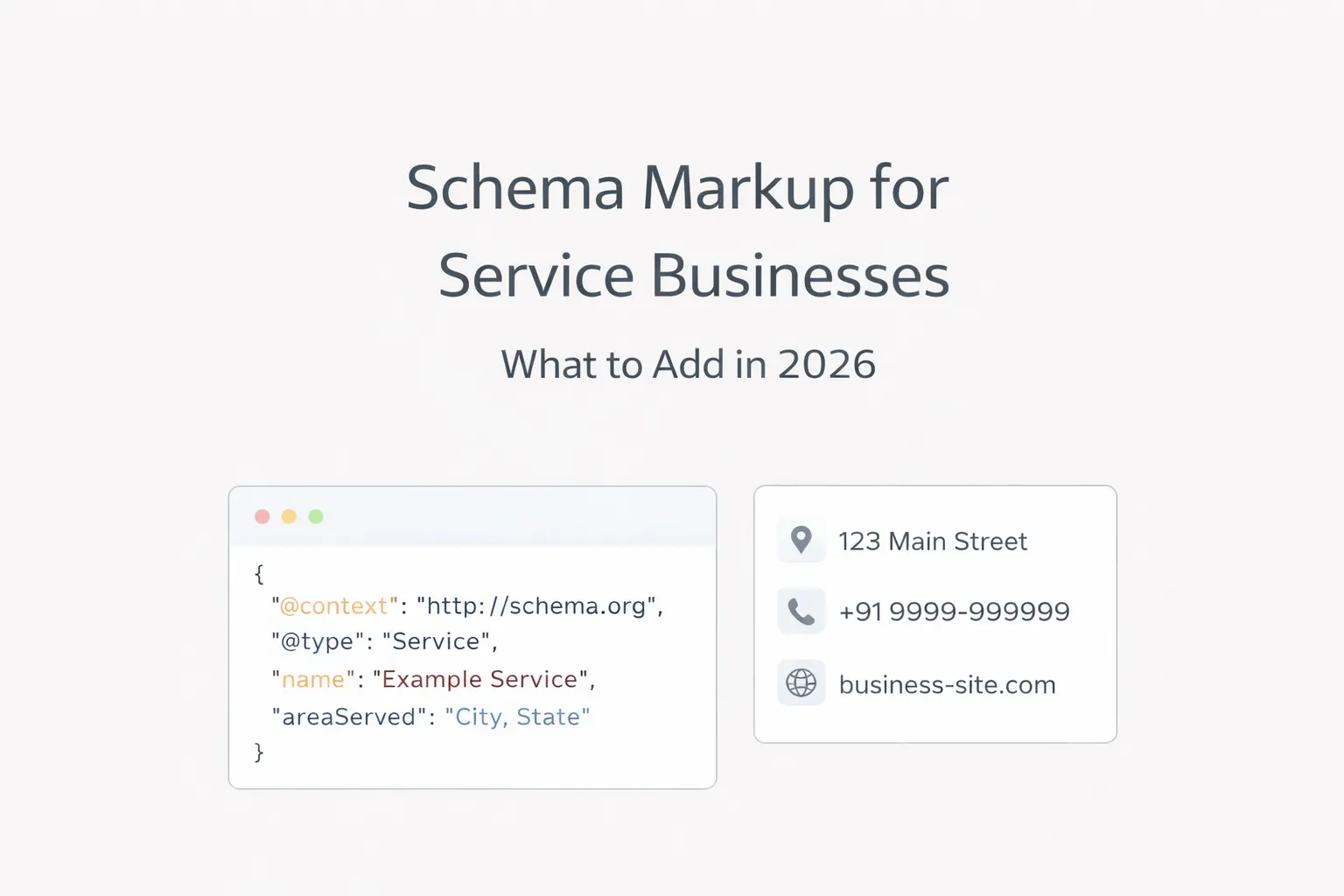
Step 10: Schema Markup (JSON-LD)
Schema helps Google understand content type.
For blogs, use:
For services, you can add:
Schema can improve:
- rich results visibility
- better understanding by Google
You already use JSON-LD in your blog template—great.
Step 11: Avoid Duplicate Content (Big SEO Killer)
Duplicate content happens when:
- multiple URLs show same content
- tags/categories create thin pages (WordPress issue)
- copied AI content without unique value
- repeated intros/outros on every blog
Fix:
- keep content unique
- add real examples
- avoid publishing near-duplicate posts
Step 12: Conversion + SEO (Turn Traffic into Leads)
Ranking is useless if it doesn’t convert.
SEO-friendly website development must include conversion structure:
- clear CTA above the fold
- WhatsApp button (India)
- proof near CTA (portfolio/demos)
- FAQ section to reduce objections
Example WhatsApp CTA: 👉 WhatsApp: Chat on WhatsApp
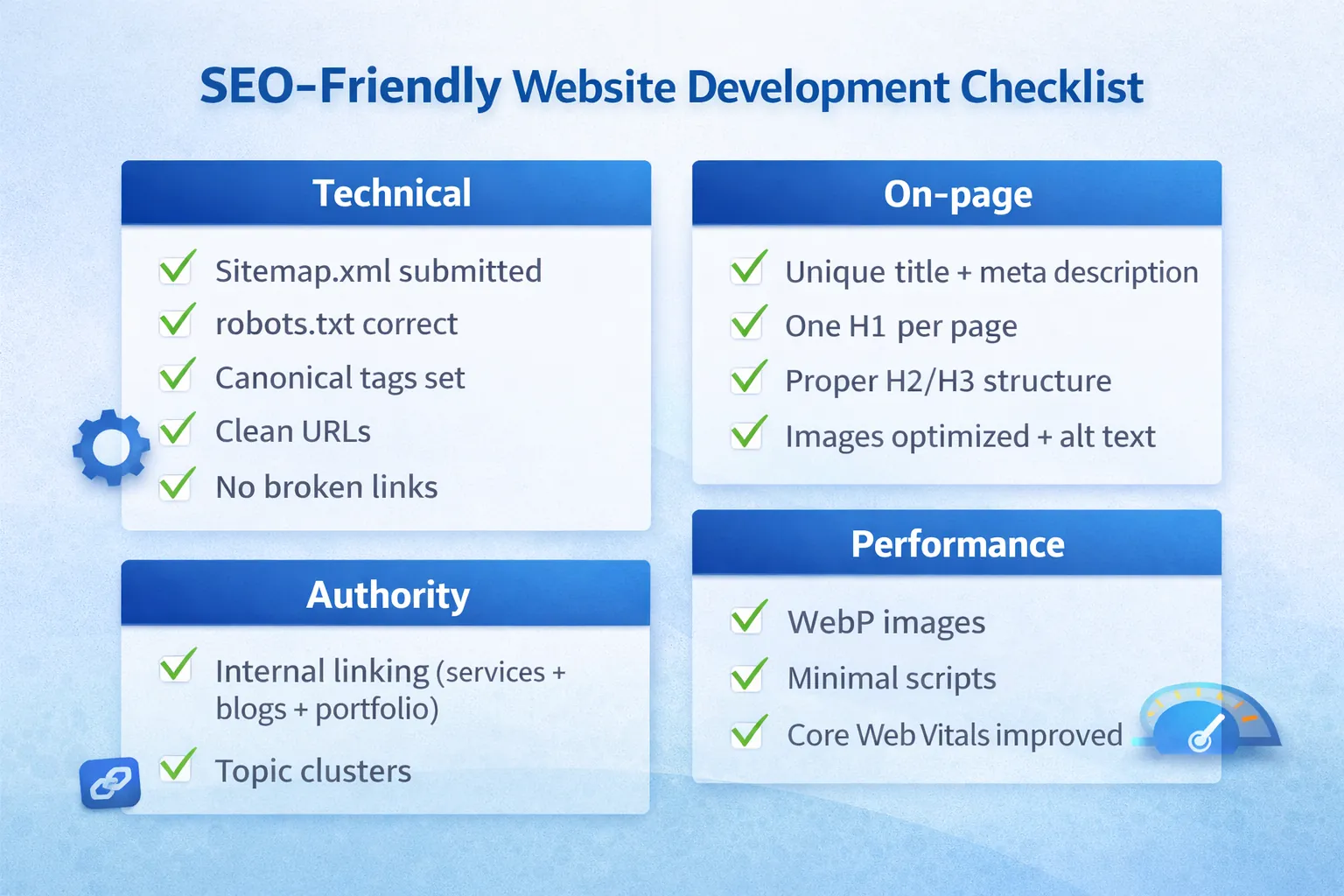
SEO-Friendly Website Development Checklist (Copy This)
Technical
- sitemap.xml submitted
- robots.txt correct
- canonical tags set
- clean URLs
- no broken links
- mobile-friendly layout
On-page
- unique title + meta description
- one H1 per page
- proper H2/H3 structure
- images optimized + alt text
Authority
- internal linking (services + blogs + portfolio)
- topic clusters
- consistent publishing schedule
Performance
- WebP images
- minimal scripts
- Core Web Vitals improved
A Practical “7-Day SEO Foundation Plan”
Day 1: Sitemap + robots + indexing check Day 2: Fix URLs + headings Day 3: Speed improvements (images, scripts) Day 4: Internal linking setup Day 5: Create 1 pillar page + 3 supporting blogs Day 6: Add schema + finalize metadata Day 7: Publish + request indexing + monitor Search Console
Need an SEO-Friendly Website Built?
If you want a website that is built for Google rankings and lead generation (not just design), we can build it with a professional SEO-ready structure.
👉 WhatsApp: Chat on WhatsApp 👉 Services: Web Applications Services 👉 Portfolio: View our work 👉 Contact: Contact page
FAQs
1) What is the most important factor for SEO-friendly development?
Clean structure + internal linking + speed. Without these, blogs alone won’t rank well.
2) Do I need blogs for SEO?
For long-term growth, yes. Blogs help you target many long-tail keywords and build authority.
3) Does website speed affect SEO?
Yes. Speed affects Core Web Vitals and user engagement signals.
4) How many internal links should each blog have?
At least 3–5: service page, portfolio, contact, and 1–2 related blogs.
5) Can a WordPress website be SEO-friendly?
Yes, but it needs clean structure, minimal plugins, good hosting, and proper internal linking.