
April 2, 2026
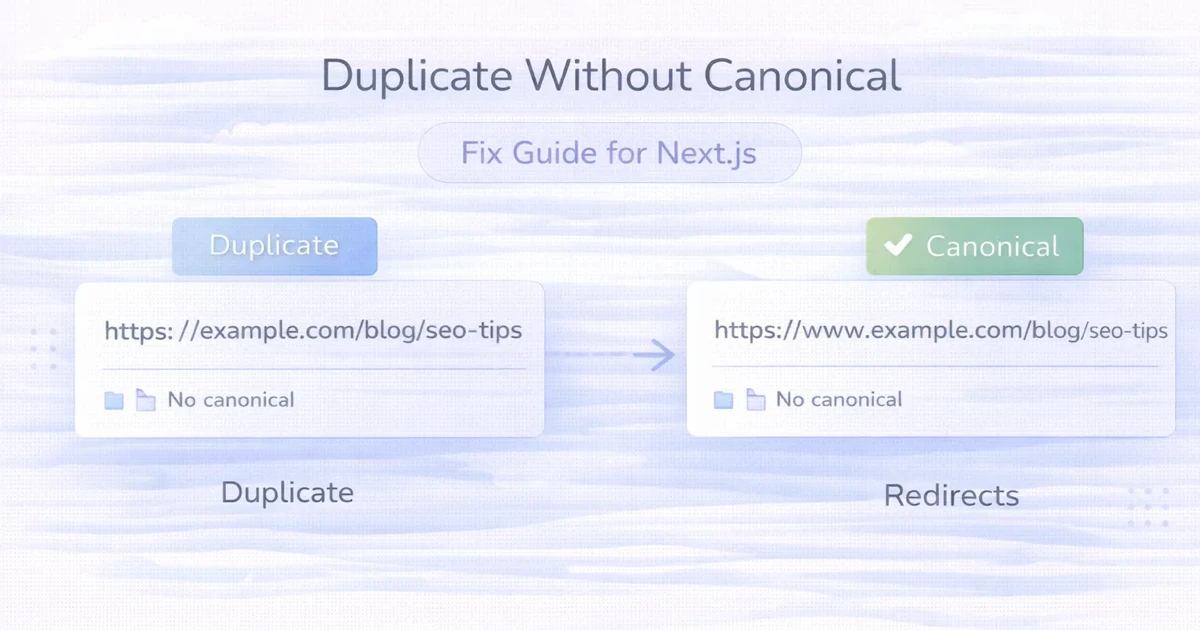
Duplicate Without Canonical: Fix Guide (Next.js)
Duplicate without canonical in Next.js: practical causes, fixes, canonical setup, and redirect rules to clean indexing problems in 2026.
Read articleApril 16, 2026
Technical SEO Checklist for Next.js Websites: practical guide with pricing, timeline, features, experience notes, FAQs, and next steps for Indian SMBs.
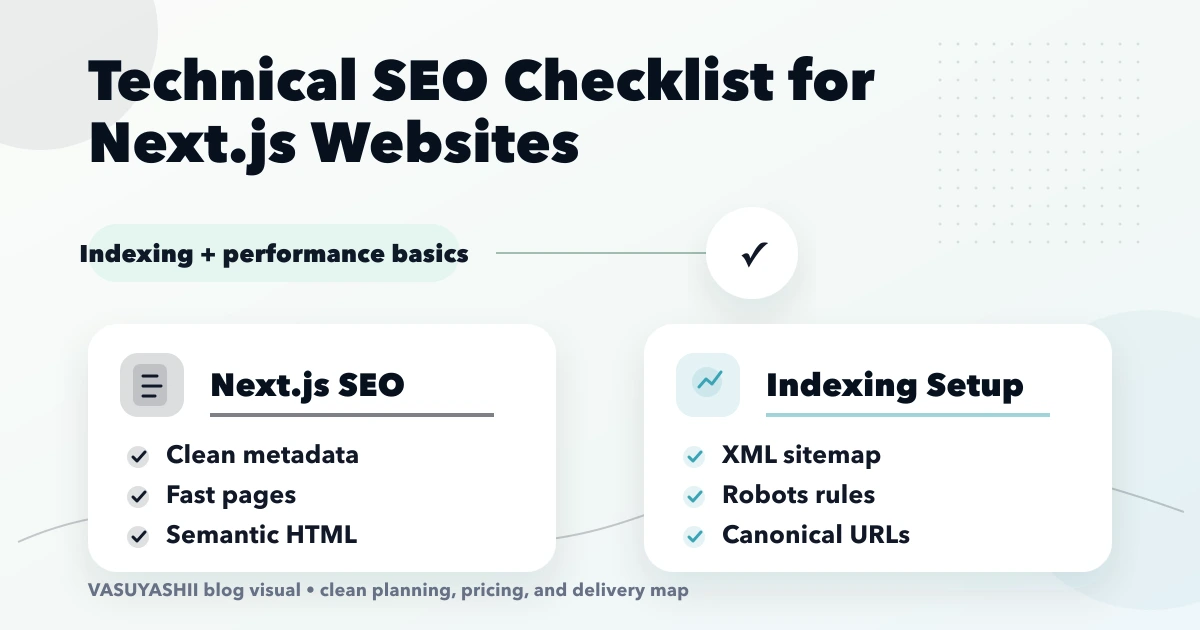
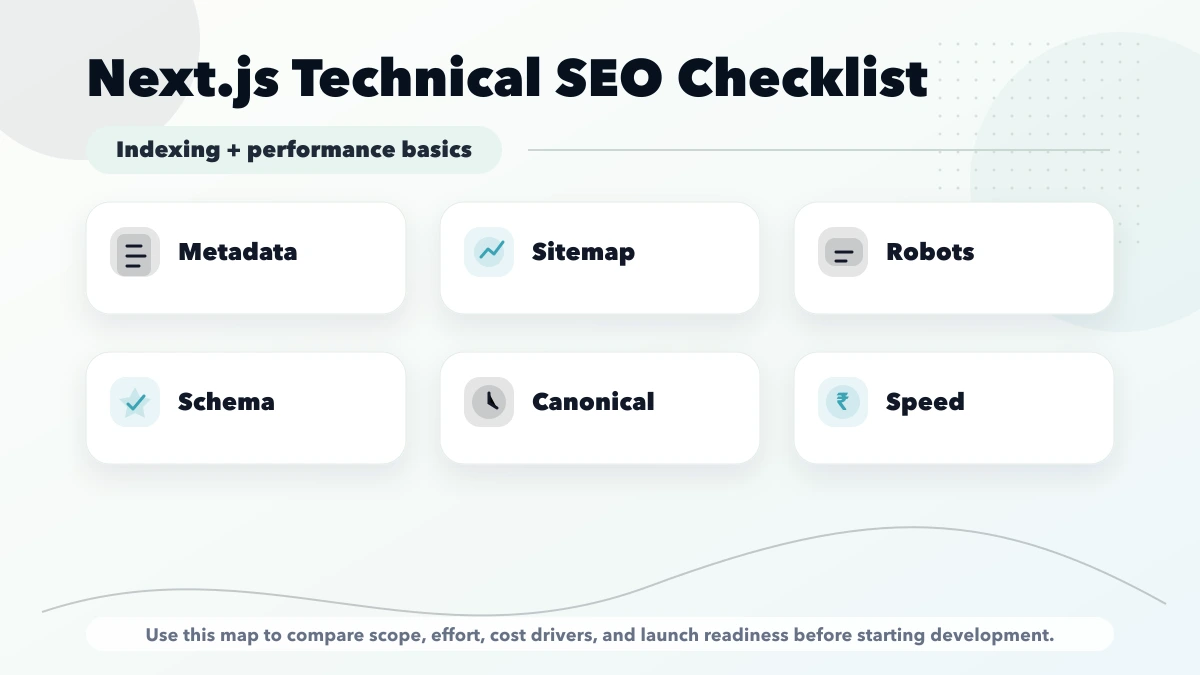
technical SEO checklist for Next.js websites is important for Next.js website owners, developers, and marketing teams who want crawlable, fast, indexable pages. A technical SEO checklist for Next.js websites should cover metadata, sitemap, robots, canonicals, rendering, speed, images, and structured data. This guide is for teams using Next.js for business websites, blogs, service pages, or landing pages. This guide is written for Indian SMB owners who want practical scope, cost, timeline, and decision clarity without generic theory.
By Tushar C. (Founder, VASUYASHII). Reviewed by VASUYASHII Editorial for practical scope, pricing, implementation clarity, and local business relevance.
Editorial note: Next.js sitemap and robots guidance was cross-checked against official Next.js documentation.
| Scope | Typical range | | --- | --- | | Technical SEO audit | ₹15,000 to ₹40,000 | | Next.js SEO fixes | ₹40,000 to ₹1.2 lakh | | Full SEO architecture cleanup | ₹1.2 lakh to ₹3 lakh+ |
Serving Delhi NCR and nearby business regions including Ghaziabad, Noida, Delhi, Gurugram, Faridabad, and surrounding localities.
If this topic is part of your current business plan, start with a scoped phase-one version. That keeps cost controlled and makes the next decision based on real usage instead of assumptions.
Start with a short discovery checklist that defines users, workflow, required outputs, and success metric.
Yes. A phased build is usually safer because it keeps cost and adoption under control.
Avoid building too many advanced features before the core workflow is tested with real users.
Compare exact deliverables, timeline, ownership, support, and reporting instead of only the final price.
No. Custom development is useful when workflow, roles, reports, or integrations are specific to your business.
Yes, if the first phase is scoped around one clear business problem.
If you want a practical build plan instead of generic package labels, share your requirement and we will map the scope, timeline, and first phase clearly.
Related Articles
April 2, 2026
Duplicate without canonical in Next.js: practical causes, fixes, canonical setup, and redirect rules to clean indexing problems in 2026.
Read article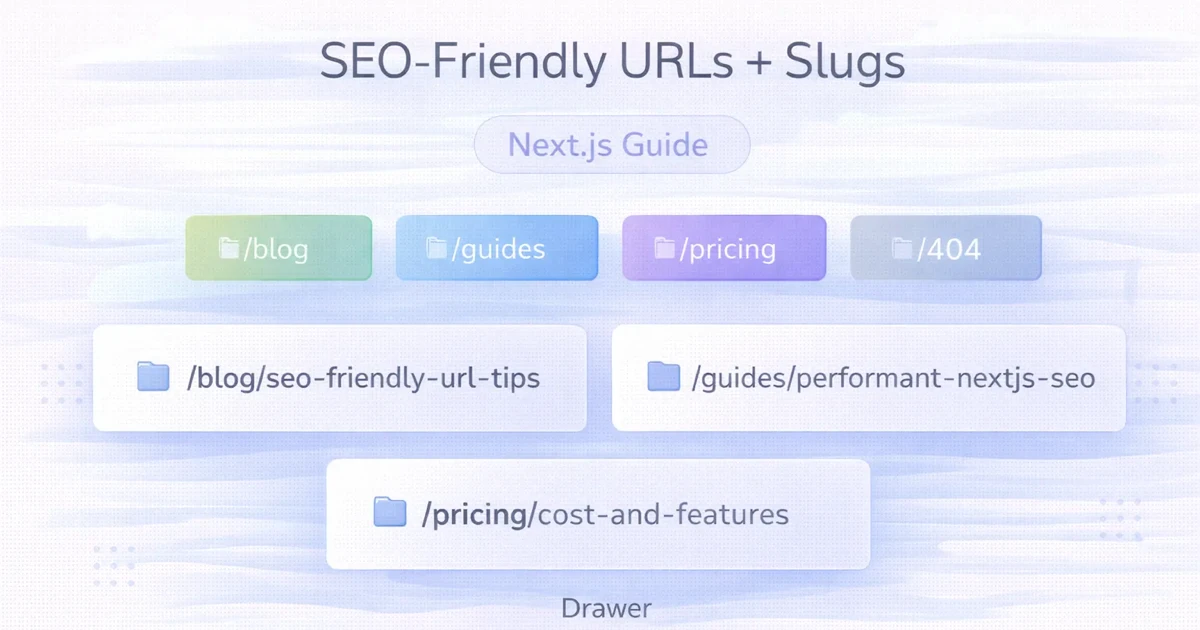
April 2, 2026
SEO-friendly URLs and slugs in Next.js: clean structure, canonical setup, redirects, and practical implementation guidance for 2026.
Read article
March 28, 2026
Google Search Console indexing guide for 2026: how to get pages indexed faster without spam, common issues, checks, and practical workflow.
Read article