API Integration Services for Businesses: Payment, WhatsApp, CRM, and Operational Sync (2026)
Businesses often feel integration pain before they describe it in technical terms. Someone enters the same data twice, payment updates do not reach the CRM, customer messages go out late, or reports are stitched together manually every week. Those are integration problems disguised as routine admin issues.
In 2026, companies expect their tools to work together. Customers do not care whether their update came from a CRM, billing system, or custom dashboard; they only experience whether the business looks organized and responsive.
This guide covers:
- what API integration services include beyond simply connecting two tools
- how payment, WhatsApp, CRM, and webhook workflows affect architecture
- which technical details make integrations reliable in production
- business use cases where API work saves time and reduces manual errors
- what to scope early so integration projects do not become unstable later
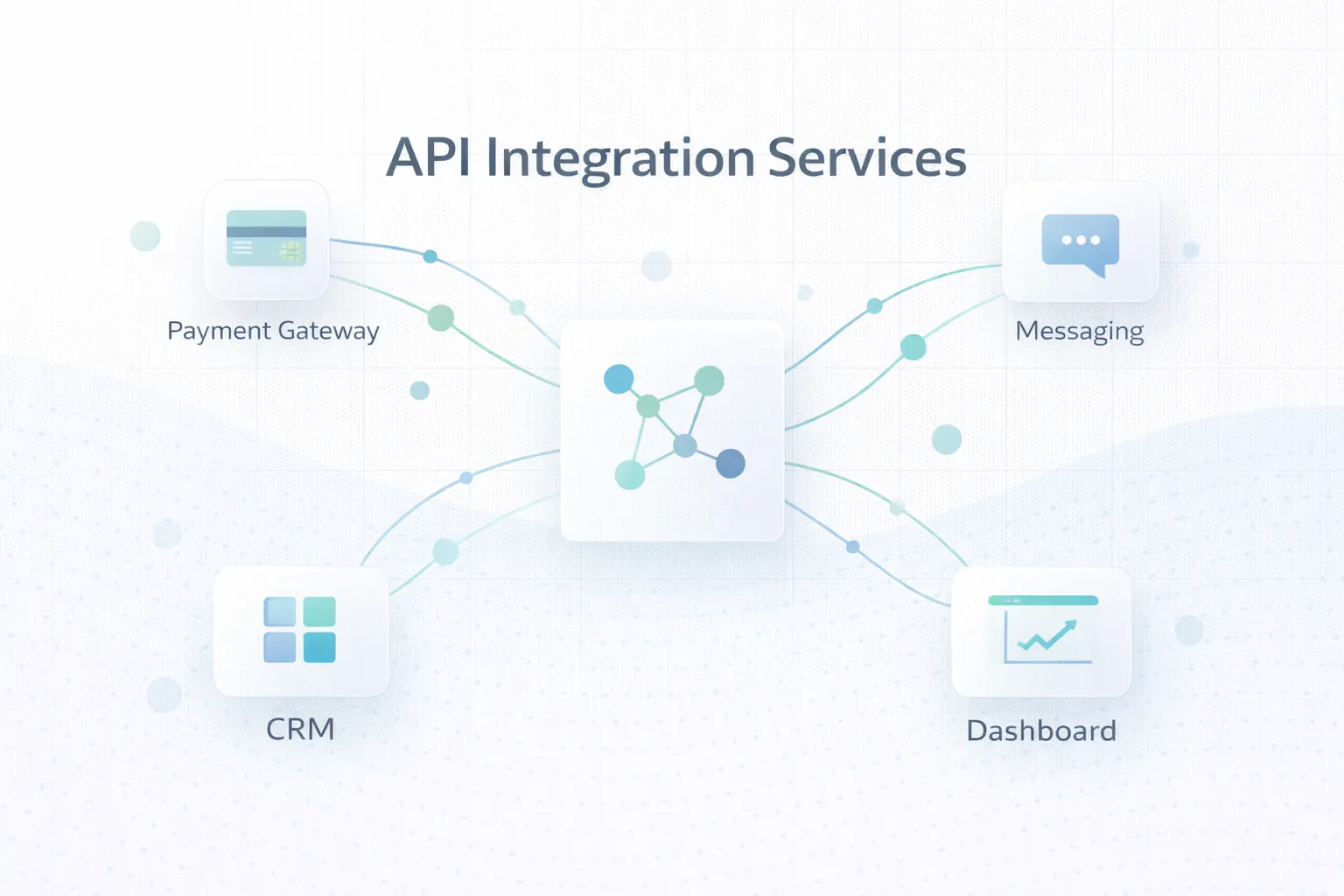
Table of Contents
- Quick answer
- Why this matters in 2026
- What changes the outcome
- What good implementation usually includes
- Common business use cases
- Cost, timeline, and scale considerations
- FAQs
Quick Answer
API integration services connect systems so data and actions move automatically between payment gateways, CRM platforms, messaging channels, dashboards, and custom software. The real job is not just connection. It is reliable business flow.
- Good integrations map business events, not just fields.
- Auth, data transformation, webhooks, retries, and logs are core parts of serious integration work.
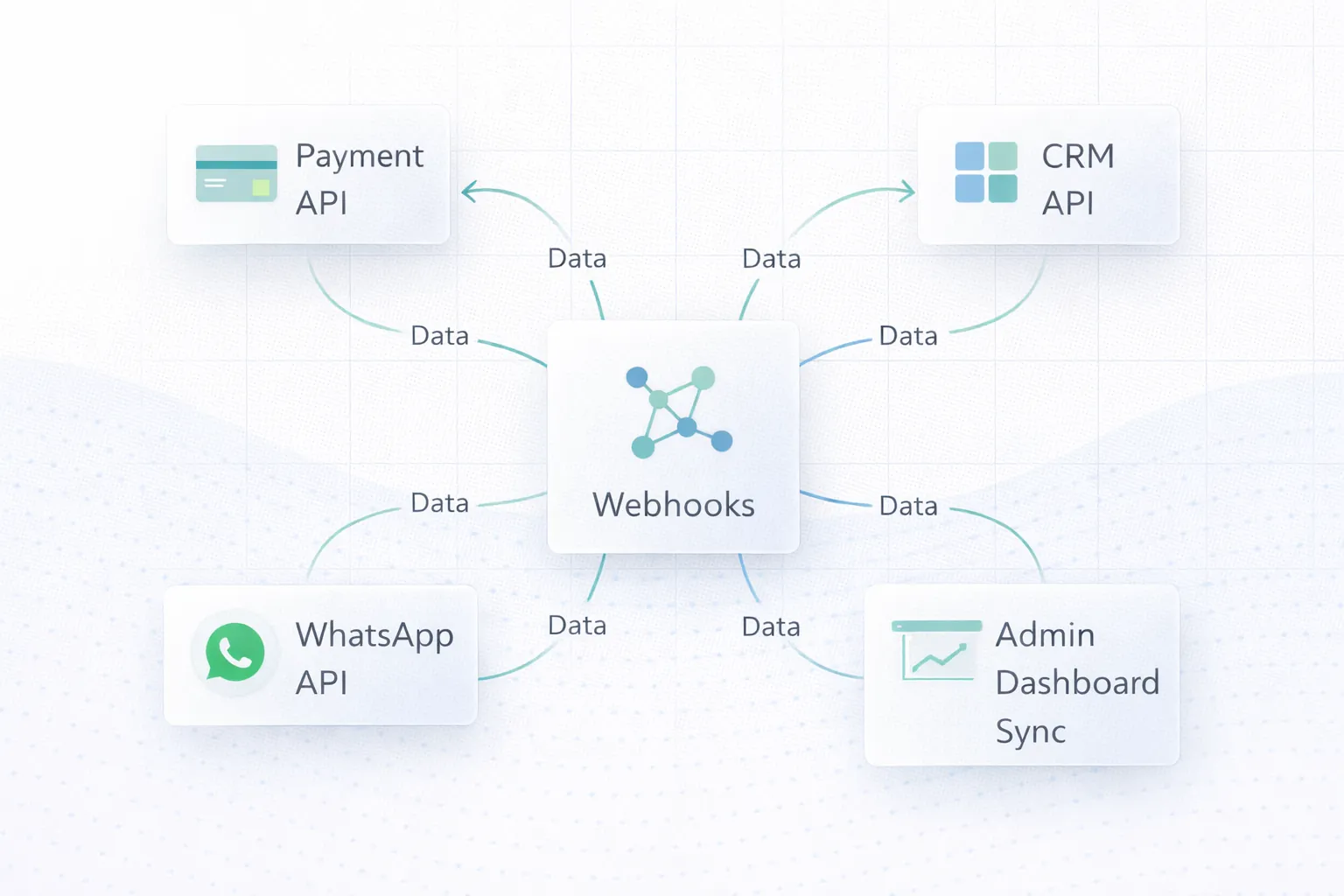
- Payments, WhatsApp, CRM, and dashboards often need both live updates and clear failure handling.
- The best API projects reduce manual duplication and make system behavior easier to trust.
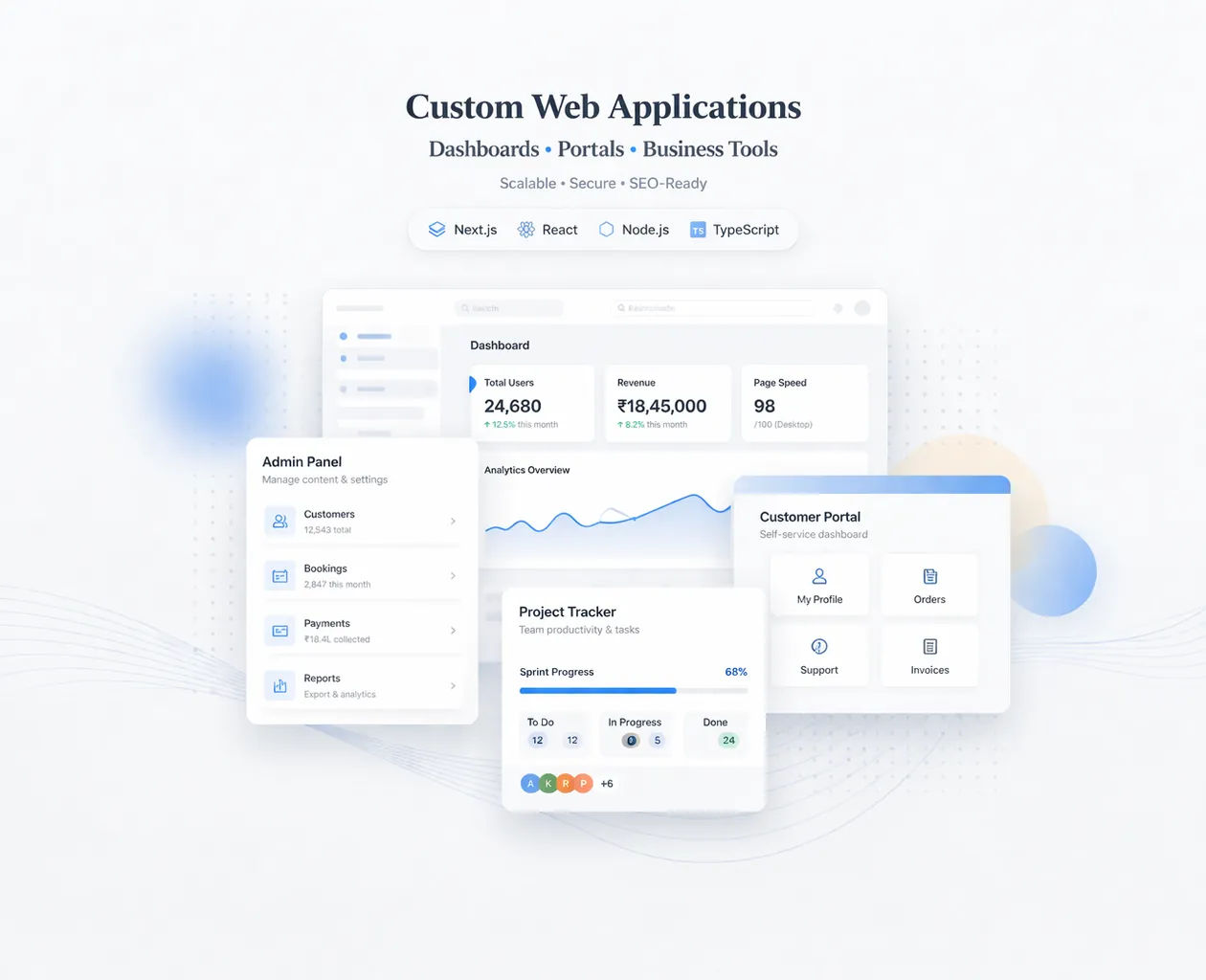
If you already know your business needs a stronger technical foundation, web application services are usually the best place to start the discussion because the scope can be mapped around workflows instead of guesswork.
The right scope starts by matching the business goal, the users involved, and the decisions the system needs to support every day. That keeps the project practical, measurable, and easier to phase.
Why This Matters in 2026
API integration services matter because they align system behavior with business operations. When integration is done well, information moves reliably, teams trust the data, and automation becomes practical instead of fragile.
What Changes the Outcome
API quality and documentation
Some APIs are mature and predictable, while others have limited documentation, restrictive endpoints, or inconsistent webhook behavior. This changes the outcome because API quality directly affects integration speed, stability, and support effort.
Authentication and security handling
Tokens, secrets, signature verification, access scopes, and secure storage all need to be managed correctly before any sync becomes trustworthy. This changes the outcome because weak auth handling creates real business risk, not just technical inconvenience.
Data mapping and transformation
Field names rarely match business meaning cleanly between systems, so integrations need logic for status mapping, validation, and fallback behavior. This changes the outcome because data mapping is often where the real complexity of the project lives.
Webhook and event processing
Many integrations depend on webhook events for real-time updates, which means retries, duplicate protection, and logging need to be handled carefully. This changes the outcome because event reliability is what keeps sync accurate under real traffic.
Operational visibility and alerts
Teams need to know what synced, what failed, and what needs attention without reverse-engineering logs every time an issue occurs. This changes the outcome because observability keeps integrations manageable after launch.
Ownership and change tolerance
Third-party APIs change over time, so the integration should be built with enough structure that updates do not break the whole workflow unexpectedly. This changes the outcome because maintainability matters because integrations are living dependencies, not one-time code snippets.
What Good Implementation Usually Includes
A strong project is not only about getting features live. It is about making sure the system can be operated, edited, trusted, and improved after launch. That is where implementation quality becomes visible.
Business event and system mapping
The project should begin by defining what business event starts the sync, which systems are involved, and what the successful outcome looks like.
That prevents integrations from becoming technical bridges without business clarity. When this layer is done properly, the product becomes easier to onboard, easier to support, and easier to improve later.
Secure auth and secret handling
API keys, OAuth flows, webhook signatures, and environment configuration all need controlled implementation and storage.
Security is foundational because integrations usually carry sensitive operational data. When this layer is done properly, the product becomes easier to onboard, easier to support, and easier to improve later.
Transformation and validation logic
Data often needs cleaning, field mapping, or status translation before another system can use it safely.
Validation protects downstream tools from bad or partial data. When this layer is done properly, the product becomes easier to onboard, easier to support, and easier to improve later.
Webhook processing and retry design
Live event handling should account for duplicate events, delayed deliveries, and temporary failures without creating inconsistent records.
Reliable event processing is what makes integrations feel dependable in production. When this layer is done properly, the product becomes easier to onboard, easier to support, and easier to improve later.
Logs, dashboards, and admin inspection
Teams should be able to inspect sync state, failed runs, and retried events without needing low-level developer access for routine checks.
This reduces support friction and improves confidence in the system. When this layer is done properly, the product becomes easier to onboard, easier to support, and easier to improve later.
Testing, sandboxing, and rollout control
Serious integrations need controlled testing with representative scenarios before real customers or transactions depend on them.
A safer rollout reduces the chance of production surprises around money, communication, or records. When this layer is done properly, the product becomes easier to onboard, easier to support, and easier to improve later.
Common Business Use Cases
Payment to CRM or dashboard sync
When a customer pays, the system can update order state, notify the team, log the event, and trigger the next workflow automatically. In practice, businesses usually choose this direction because the workflow repeats often and has a clear value when handled better.
This removes manual reconciliation steps and speeds up fulfilment. That combination of speed, clarity, and control is why this use case tends to justify the build.
WhatsApp messaging linked to lead status
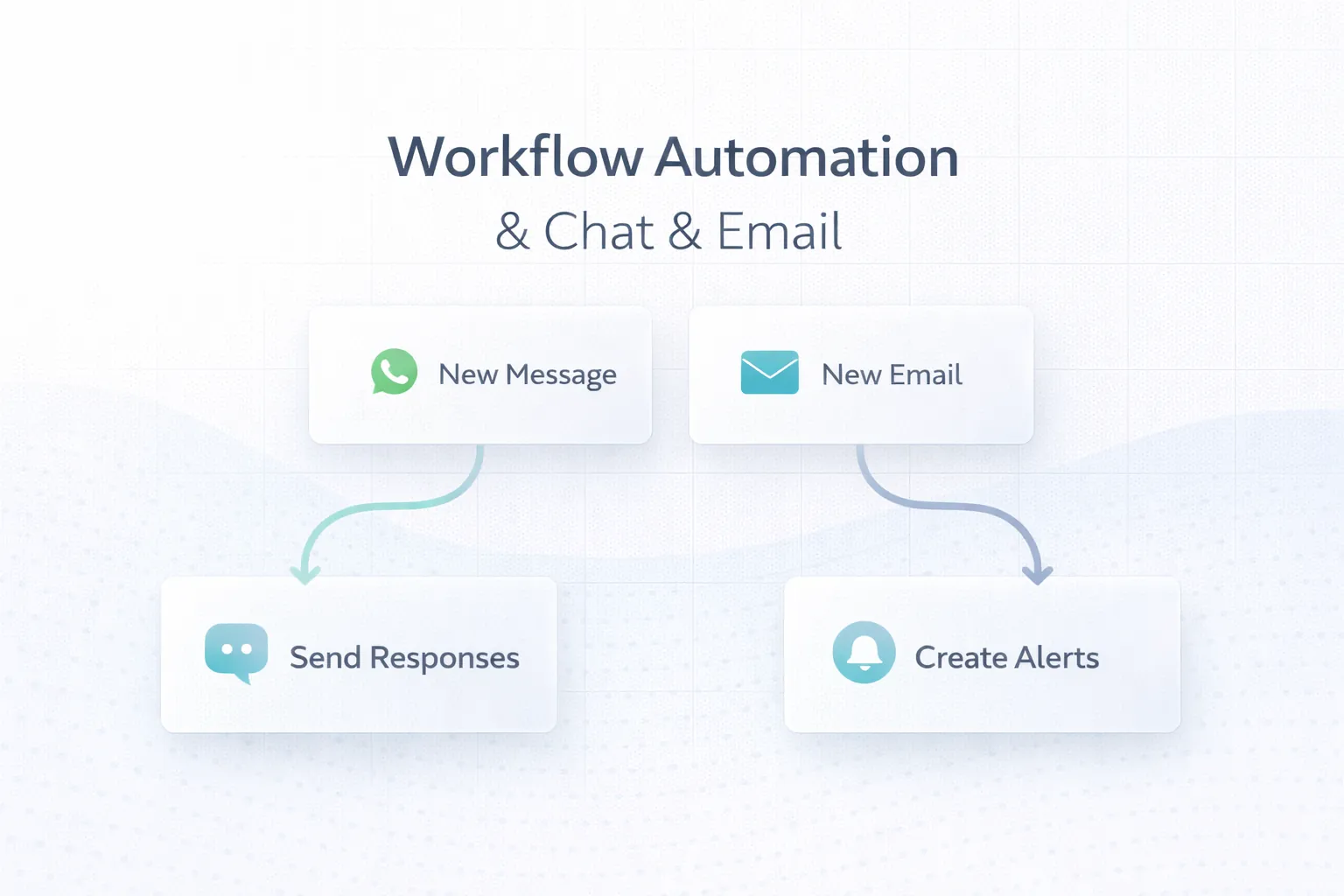
CRM changes can trigger approved WhatsApp messages, reminder logic, or support updates based on real business events. In practice, businesses usually choose this direction because the workflow repeats often and has a clear value when handled better.
Communication becomes more timely and less dependent on manual checking. That combination of speed, clarity, and control is why this use case tends to justify the build.
Lead forms and CRM routing
Enquiries from websites or landing pages can be validated, assigned, and pushed into the right CRM pipeline automatically. In practice, businesses usually choose this direction because the workflow repeats often and has a clear value when handled better.
That reduces response delay and data-entry duplication. That combination of speed, clarity, and control is why this use case tends to justify the build.
ERP or operations bridge to custom software
Custom dashboards often need data from external business systems for reporting, approvals, or status updates. In practice, businesses usually choose this direction because the workflow repeats often and has a clear value when handled better.
Integrations create one coherent operating picture instead of several disconnected interfaces. That combination of speed, clarity, and control is why this use case tends to justify the build.
Mid-Article CTA
If you want to translate this topic into a practical scope for your own business, the fastest next step is to review the real workflow, the must-have first phase, and the integrations that matter most.
Common Mistakes to Avoid
Treating integration as just field mapping
Real business integration also involves state changes, failures, timing, and exception handling. Simple mapping alone rarely survives production complexity. Avoiding this one mistake often protects both budget and adoption quality.
No retry or idempotency planning
Webhooks and external APIs can deliver late, duplicate, or partial events. Systems must know how to handle that safely. Without this, duplicate records and broken sync are common. Avoiding this one mistake often protects both budget and adoption quality.
Poor secret management
Storing keys loosely or mixing environments carelessly increases security risk and debugging pain. Integration security should be handled with the same seriousness as app security. Avoiding this one mistake often protects both budget and adoption quality.
No visibility for operations teams
If every sync issue requires developer intervention to diagnose, the business loses confidence in the integration quickly. Admin visibility is part of operational reliability. Avoiding this one mistake often protects both budget and adoption quality.
Ignoring future API changes
Third-party platforms update versions, scopes, and data formats over time. Build with maintainability in mind so one change does not break the whole workflow. Avoiding this one mistake often protects both budget and adoption quality.
Cost, Timeline, and Scale Considerations
Integration cost depends on the number of systems involved, the quality of their APIs, the amount of transformation logic required, and how much failure visibility the business needs. A simple one-way sync is far smaller than a real-time, event-driven workflow with retries and monitoring.
If your integrations are feeding a larger custom product, Full Stack Web Development Guide and Web Application Development Guide are useful related reads because integration quality depends on the surrounding system architecture too.
The smartest way to control cost is to define the business event clearly, map the minimum useful sync, and add secondary automations only after the core flow is stable.
- API documentation quality and webhook behavior can change project complexity dramatically.
- Retries, logs, and admin visibility are critical parts of real integration work.
- Payment, messaging, and CRM flows should be scoped around business events, not around technical curiosity.
- A stable integration is usually more valuable than a broader but fragile one.
Related Reading
FAQs
What is an API integration service?
It is a service that connects software systems so data and actions move automatically between them in a reliable, secure, and traceable way.
Why do integrations fail in production?
Common reasons include weak data mapping, no retry logic, poor webhook handling, hidden API limits, or lack of visibility when something goes wrong.
Can integrations work in real time?
Yes, many do through webhooks or event-driven sync. Real-time behavior still needs safeguards for duplicates, delays, and failed processing.
What is idempotency and why does it matter?
It means handling the same event safely more than once without creating duplicate results. It is important because APIs and webhooks can repeat events.
Should integrations have an admin dashboard too?
Often yes. Even lightweight inspection views or sync logs make support much easier and help businesses trust the workflow.
How should businesses prepare for an integration project?
List the systems involved, define the business event, identify required fields, note failure scenarios, and clarify who should act when something does not sync correctly.
Are payment and messaging integrations more sensitive than others?
Usually yes, because mistakes can affect money, customer communication, and trust. They deserve extra attention around testing, logging, and rollback behavior.
Strong CTA (End)
If you want this planned around your business instead of around generic assumptions, the next move is to define the workflow, the first release boundary, and the technical approach that matches your growth path.