
March 30, 2026
Restaurant Billing System: Features, Cost & Setup (2026)
Plan a restaurant billing system with GST invoices, table and takeaway flows, cashier roles, KOT boundaries, payments, reports, testing, and cost.
Read articlePublished Updated
Plan restaurant inventory software for purchases, units, recipes, yield, wastage, transfers, counts, food-cost variance, permissions, and integrations.
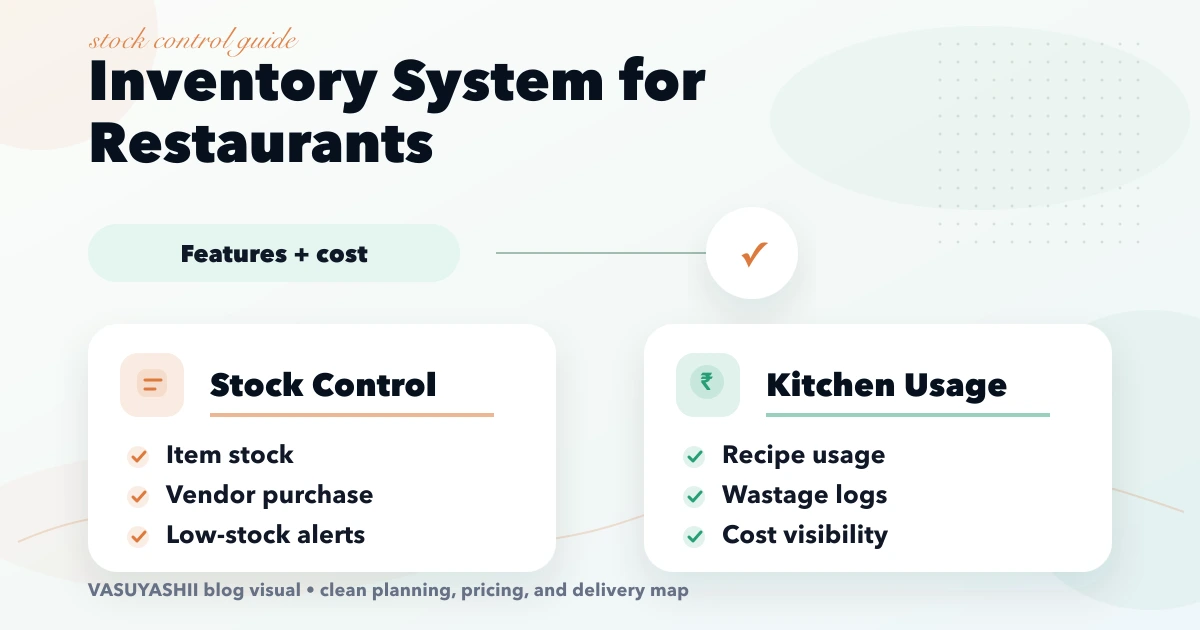
Restaurant inventory is difficult because purchases arrive in one unit, recipes consume another, preparation creates yield loss, and sales happen as menu items rather than raw materials. A stock system that only records “10 kg purchased and 2 kg remaining” cannot explain whether the difference came from sales, prep loss, wastage, transfer, staff meal, or an incorrect count.
A useful restaurant inventory system creates a traceable stock ledger from receiving to consumption and reconciliation. This guide explains the masters, transactions, recipe rules, reports, integrations, and rollout choices needed before discussing software cost.
Start with four controls:
Add recipe-level theoretical consumption only after menu items, portions, yields, and POS sales are reliable. Otherwise the system produces precise-looking but misleading food-cost reports.
Each ingredient needs a stable ID, name, category, base unit, purchase units, conversion rules, preferred vendors, storage location, tax/HSN where used, minimum level, shelf-life notes, and active status.
Store legal/trade name, GSTIN where applicable, contacts, address, payment terms, approved categories, and status. Avoid duplicate vendors with spelling variations.
Connect a menu item or preparation batch to ingredient quantities, units, expected yield, portion size, modifier impact, and effective date. Preserve recipe versions so historical cost can be understood.
Separate main store, kitchen, bar, prep area, outlet, cold storage, or central kitchen when stock moves between them. Users should only access their assigned company/outlet/location where appropriate.
Choose one base unit for stock: grams, millilitres, pieces, etc. Purchases can arrive in bags, cases, bottles, or kilograms, but each conversion must be explicit.
Example:
| Purchase unit | Conversion | Base stock |
|---|---|---|
| 1 case of 24 bottles | 24 x 750 ml | 18,000 ml |
| 1 rice bag | 25 kg | 25,000 g |
| 1 tray of eggs | 30 pieces | 30 pieces |
Do not convert “1 bunch” or “1 packet” without a defined average or count process. If vendor pack size changes, create an effective conversion rather than rewriting historical receipts.
A controlled purchasing flow can include:
Small restaurants may begin at goods receipt without formal purchase orders, but quantity, rate, vendor, date, and receiving user should still be recorded.
Receiving is where stock truth begins. Record ordered, received, accepted, rejected, and free quantities separately. Capture batch/expiry for relevant items. Weigh or count high-value ingredients instead of trusting the supplier document automatically.
The system should prevent one purchase line from posting twice. Corrections need a reversal or approved adjustment, not silent edits after consumption has begun.
Every quantity change should have a transaction type and reference:
The ledger should show opening quantity, movement, closing quantity, location, user, time, and reason. A current-stock number without movement history cannot be audited.
Restaurant recipes often include sub-recipes. A sauce batch consumes raw ingredients and produces a measured yield; each menu item then consumes a portion of that sauce.
Model:
If 10 kg of raw chicken produces 7.8 kg usable preparation, theoretical consumption must use the approved yield rule. Do not treat all purchase weight as sellable portion weight.
Theoretical consumption comes from POS sales x recipe quantities. Actual consumption comes from opening stock + receipts + transfers in - closing stock - transfers out, adjusted for recorded movements.
Variance can reveal:
Variance is an investigation signal, not automatic proof of staff misconduct.
Require a reason such as spoilage, preparation loss, overproduction, damaged packaging, expired item, customer return, staff meal, or count correction. Allow notes and approval thresholds for high-value movements.
Do not use one “adjust stock” button for every discrepancy. Reason-coded transactions improve reports and accountability. Restrict backdated adjustments and preserve who approved them.
A transfer should have requested, dispatched, received, short, and cancelled states. Stock leaves the source when dispatched according to the chosen policy and reaches the destination when received. Differences need a reason.
For central kitchens, separate production output from transfer. A prepared item may have a batch, yield, expiry, and cost different from its raw ingredients.
Use full stock counts at controlled intervals and cycle counts for high-value or high-variance items. A count sheet should freeze or account for movements during counting.
Good practice:
Closing stock should not be a guess entered only to make food cost look acceptable.
Map each sold menu item and modifier to the correct recipe version. Define what event triggers consumption: order accepted, served, billed, or paid. Restaurants usually need a consistent operational state and reversal rule for cancellation/return.
Integration requirements:
Use integration services to define webhook/API retries and ownership. Do not rely only on matching item names.
Negative stock can indicate delayed entry, wrong conversion, missed receipt, or unrecorded transfer. Decide whether the system blocks consumption, warns, or temporarily allows it with an exception.
Blocking may stop billing during an operational mismatch; always allowing negatives can hide poor data. A practical policy uses warnings, controlled override, and a daily negative-stock review.
The business may use weighted average, FIFO, standard cost, or another approved method for operational reporting. The system should apply one documented rule consistently and distinguish operational food-cost estimates from statutory accounting.
Recipe cost changes with purchase rate, yield, portion, and recipe version. Reports should state whether they use latest, average, or historical cost. Ask the accountant to approve interfaces with financial records.
Reports need filters, export, and clear data timestamps. “Real time” should be used only when source transactions arrive reliably.
Current VASUYASHII Business Suite provides company-scoped product, purchase, inventory, payment, expense, and reporting foundations. Restaurant recipes, yield, POS consumption, and central-kitchen controls described here are separate custom scope and are not being presented as already included in that product.
Restrict delete, backdate, cost visibility, export, and manual adjustment. Use individual accounts and audit logs.
Cost depends on outlets, storage locations, item count, unit complexity, recipes/sub-recipes, purchase workflow, barcode/scale support, POS/accounting integrations, offline requirements, roles, reports, and migration quality.
A purchase-and-count tracker is smaller than a multi-outlet food-cost platform with production batches and central kitchen transfers. Request module-wise scope and acceptance scenarios. Custom software makes sense when workflows or integrations cannot be handled reliably by an existing restaurant product.
Clean ingredient/vendor masters, units, purchases, returns, locations, counts, wastage, ledger, and low-stock reports.
Recipes, sub-recipes, yield, POS mapping, theoretical usage, and variance reports.
Purchase approvals, central kitchen, transfers, multi-outlet control, forecasting, and accounting integration.
Pilot one outlet or category. Run parallel checks for a defined period, but do not maintain two permanent sources of truth.
Duplicate ingredients and units destroy reporting. Clean a sample and approve naming rules before migration.
Theoretical reports cannot be trusted without reliable opening/closing quantities and movements.
Cases, bottles, kilograms, grams, and portions need explicit rules.
Investigate recipes, yield, conversions, mapping, receiving, and count quality.
Use transactions with reasons, users, approvals, and history.
Names change and duplicate. Use stable IDs and an unmapped-item report.
It can when POS items and modifiers map to approved recipes and sale/cancellation events sync reliably.
Use the smallest practical unit that supports counting and recipe consumption, such as grams, millilitres, or pieces, with explicit purchase conversions.
Yes, but results depend on purchase costs, recipes, yields, portions, sales mapping, and stock counts. The report should state its costing method.
It depends on operations. Many restaurants use warnings plus controlled overrides and daily reconciliation rather than stopping service completely.
Count high-value and high-variance items frequently and complete broader counts on a defined schedule. The right frequency depends on volume and risk.
No. Inventory can provide quantities, movements, and operational valuation. Financial books, tax reporting, and reconciliation may require separate accounting processes.
Share outlets, locations, item/vendor sheets, purchase and transfer flow, recipes, current POS/accounting tools, user roles, reports, devices, and sample exceptions.
Review the connected restaurant table management guide, purchase and sales management guide, and restaurant billing software guide. For a custom stock or integration scope, see custom software services or contact VASUYASHII.
Related Articles
March 30, 2026
Plan a restaurant billing system with GST invoices, table and takeaway flows, cashier roles, KOT boundaries, payments, reports, testing, and cost.
Read article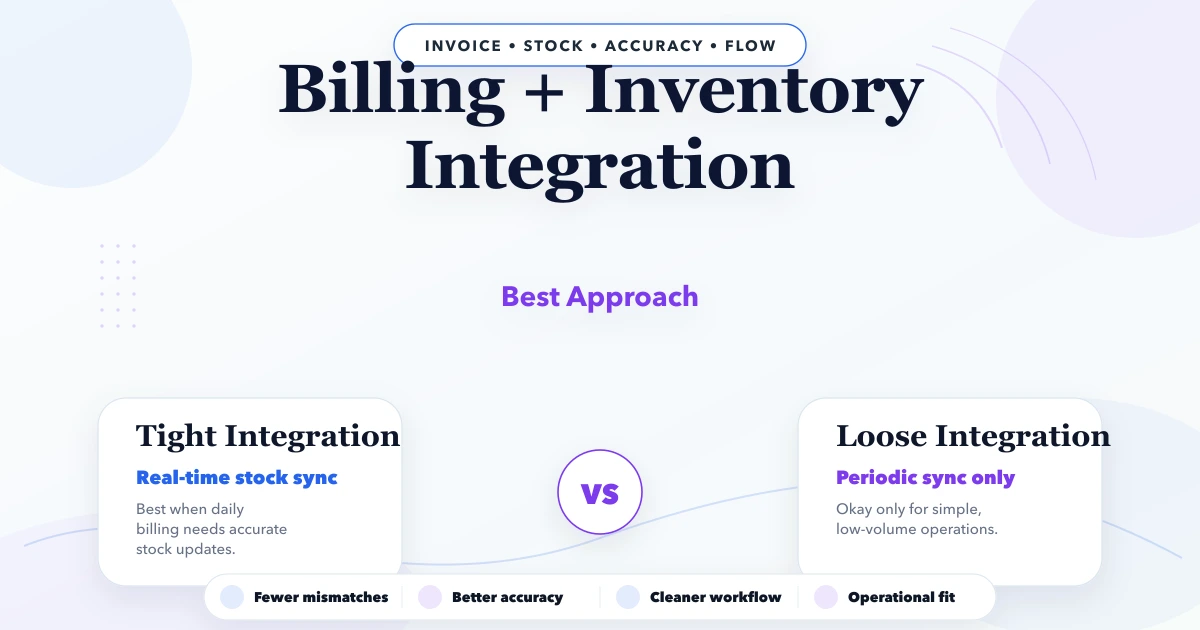
April 23, 2026
Billing + inventory integration: best approach: practical features, cost, timeline, implementation checklist, and real-world guidance for Indian SMBs in 2026.
Read article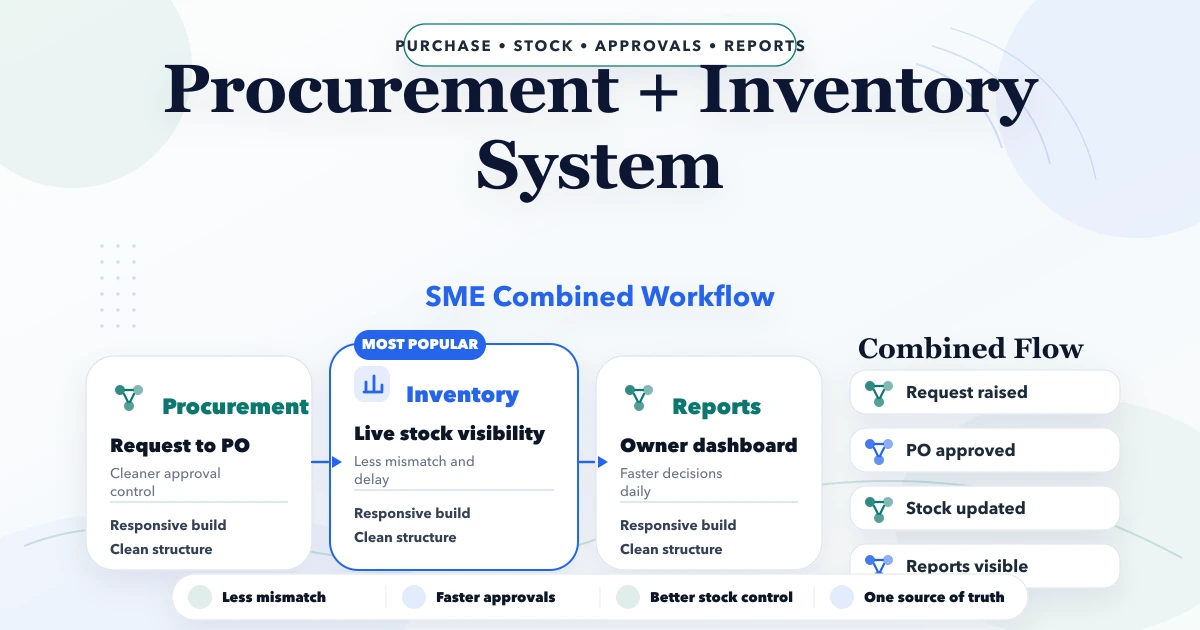
April 23, 2026
Plan an SME procurement and inventory system with purchase requests, approvals, POs, goods receipt, stock updates, returns, vendor records, and controls.
Read article
May 18, 2026
Plan ecommerce inventory sync across stores, warehouses and marketplaces using stock states, reservations, webhooks, idempotency and reconciliation.
Read article