Restaurant Billing Software: Features, Cost, and Setup Guide
Restaurant billing looks simple until the operation gets busy. Orders change, table shifts happen, kitchen timing affects billing speed, taxes must be correct, and staff cannot afford confusion during peak hours. That is why restaurant billing software matters much more than a basic invoice screen.
A good restaurant billing system does not only print bills. It helps staff manage orders, tax calculation, discounts, cashier flow, and reporting with less stress. For restaurants, cafes, food courts, and cloud kitchens, that clarity matters every day.
This guide explains what restaurant billing software should include, what it costs in India, and how to set it up properly.
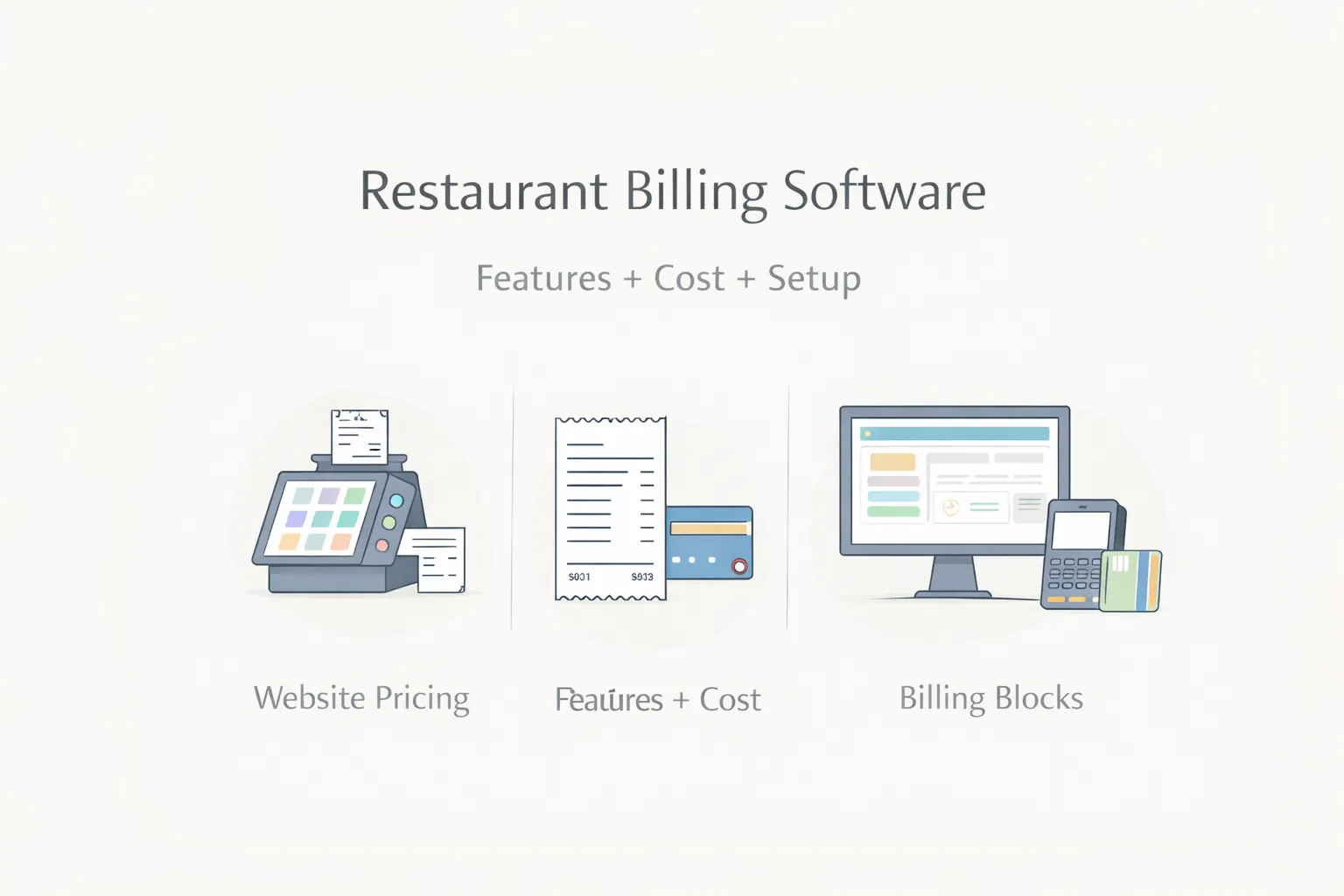
Table of Contents
- Quick answer
- Why restaurant billing software matters
- Features
- Pricing
- Setup flow
- Tech stack
- Timeline
- FAQs
Quick Answer
For most restaurants, the best billing software includes:
- GST-ready billing
- dine-in or takeaway flow
- item and category control
- discount and tax rules
- cashier dashboard
- daily sales reports
Typical pricing ranges:
- basic billing setup:
₹80,000 to ₹1.8 lakh - stronger restaurant billing system:
₹1.8 lakh to ₹3.8 lakh - advanced billing plus ordering or KDS features:
₹3.8 lakh to ₹8 lakh+
Why Restaurant Billing Software Matters
Restaurant billing affects service speed, customer trust, and reporting quality.
Common issues in weak setups
- slow bill generation during rush periods
- discount confusion
- tax errors
- item naming mismatch
- poor report clarity at the owner level
What changes with a better system
Cashier flow gets faster, daily totals become clearer, and operations feel more consistent.
Related reading:
Features
- GST-ready invoice handling
- table or takeaway billing modes
- category and item management
- discount and offer rules
- split bill or merge support where needed
- cashier reports
- shift and daily closing reports
- role-based access
- sales export
Pricing
Basic restaurant billing
₹80,000 to ₹1.8 lakh
Growth billing system
₹1.8 lakh to ₹3.8 lakh
Billing plus advanced restaurant workflows
₹3.8 lakh to ₹8 lakh+
Setup Flow
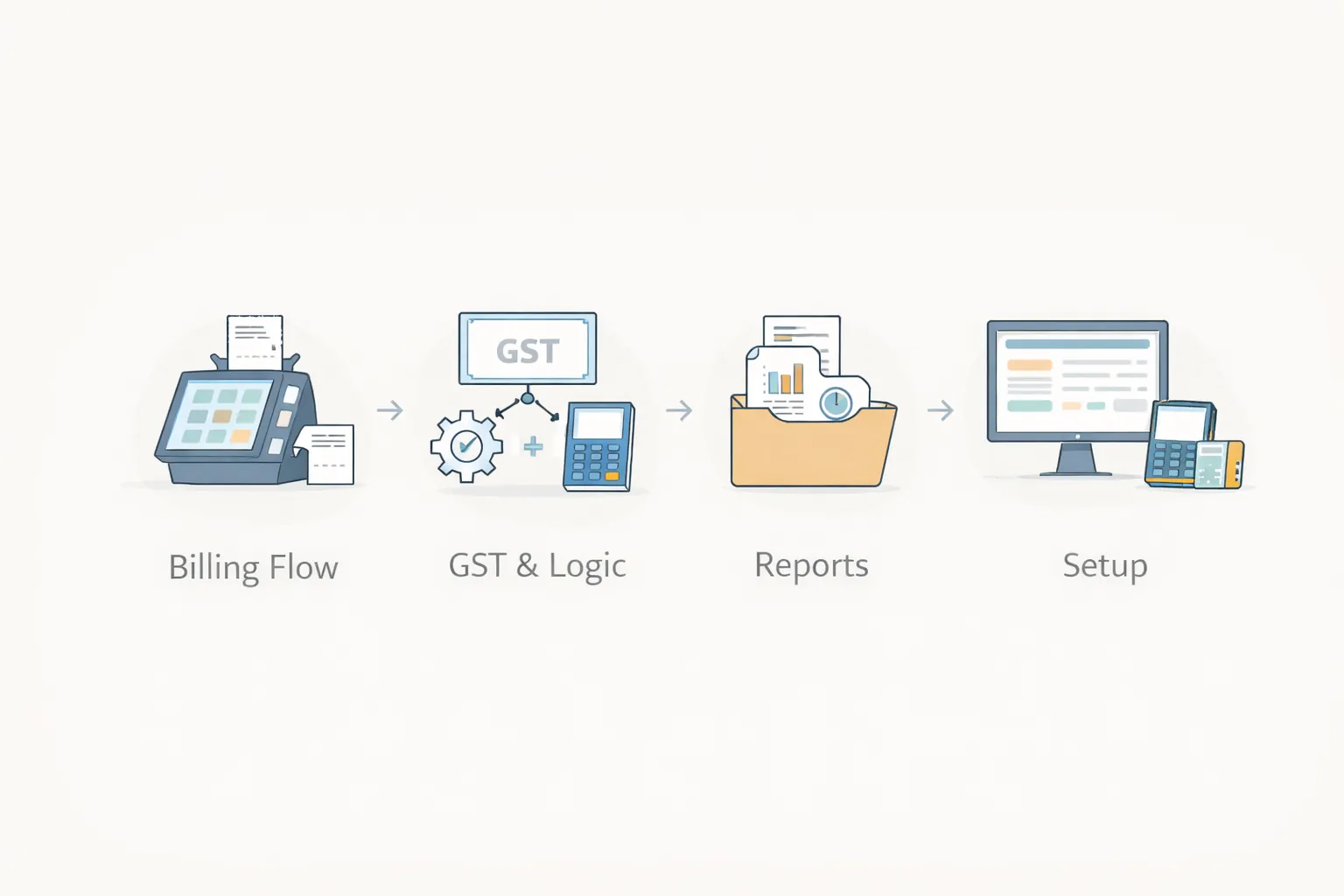
The best setup sequence is:
- item and tax structure
- bill flow and cashier logic
- roles and reports
- testing during real service simulation
Tech Stack
Next.js or modern admin frontendNode.js billing and order logicPostgreSQL for sales, items, reports, and users- printer or export support where needed
Timeline
- 2 to 4 weeks: compact billing system
- 4 to 8 weeks: stronger billing plus reports and restaurant flow
Soft CTA
If billing mistakes or slow cashier flow are affecting restaurant operations, the next step is to map billing, tax, and report requirements clearly before choosing software.
FAQs
Does restaurant billing software need GST support?
Yes. GST-ready calculation and invoice structure are essential in most Indian setups.
Can billing software work without full POS?
Yes. Many restaurants start with billing and later add more modules.
How much does restaurant billing software cost?
Basic projects may start near ₹80,000, while richer systems cost more.
What is the biggest billing mistake?
Using a weak system that slows service and creates reporting confusion.
Can this connect with ordering?
Yes. Many setups later connect billing with QR ordering or KDS.
What matters most in phase one?
Accurate item setup, tax logic, and cashier usability.
How long does rollout take?
Usually a few weeks for a practical system.
Can reports be customized?
Yes, depending on the scope and build approach.
Related Reading
Need Restaurant Billing Software That Stays Fast During Rush Hour?
If you want cleaner cashier flow, better reports, and fewer billing mistakes, the next step is to scope items, tax logic, and reporting clearly before build starts.