
March 28, 2026
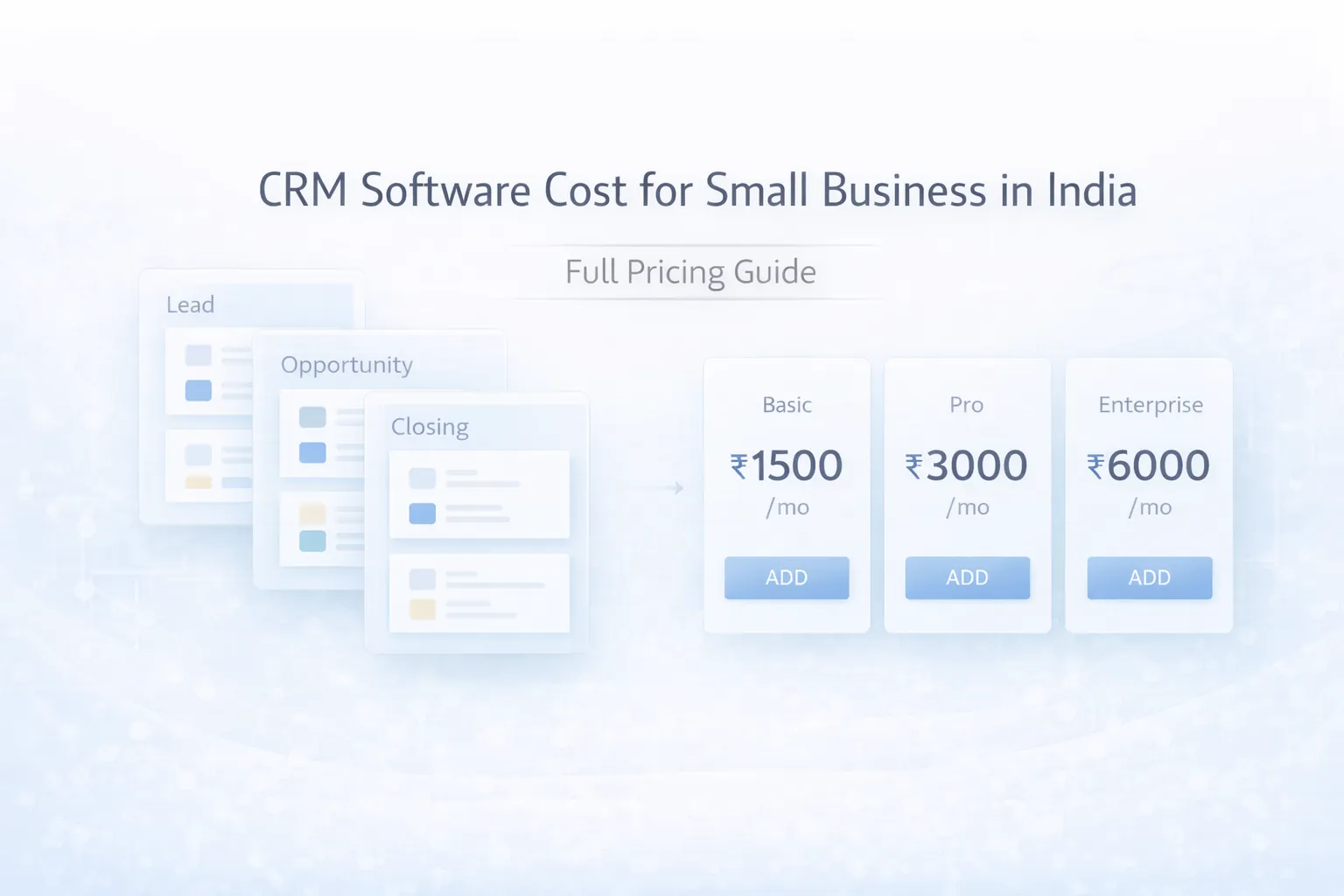
CRM Software Cost for Small Business in India (2026): Full Pricing Guide
CRM software cost for small business in India: full 2026 pricing guide covering SaaS, custom CRM, modules, timelines, and cost drivers.
Read articleApril 25, 2026
CRM implementation timeline for small business: phased plan, costs, roles, automations, common delays, and launch checklist for Indian SMBs.
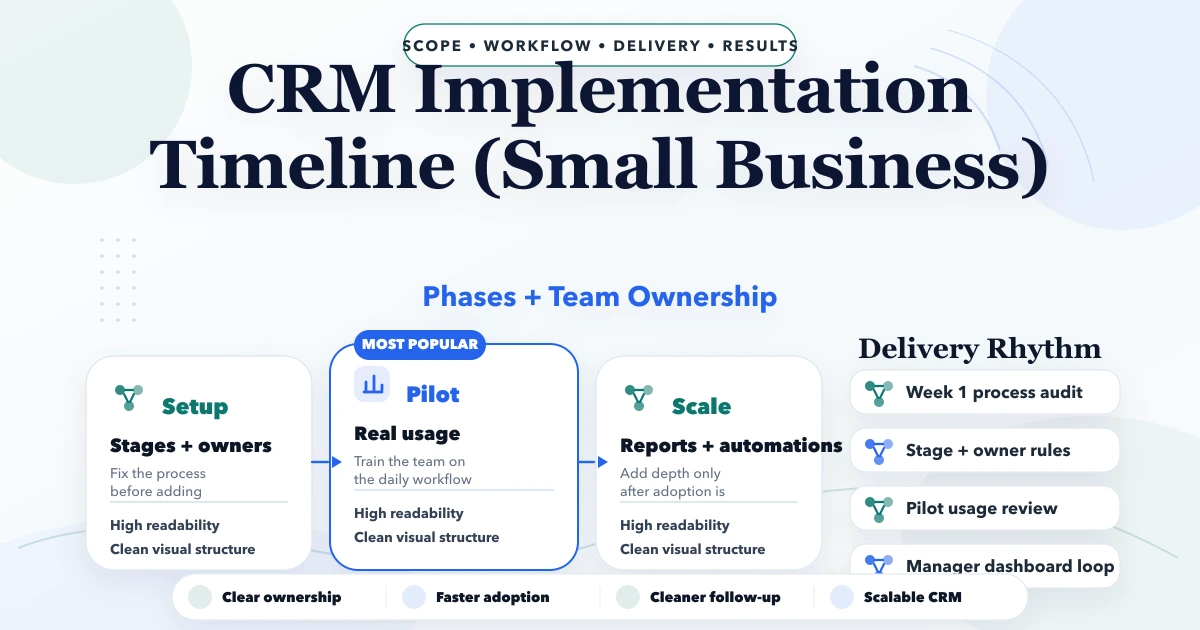
CRM implementation timeline for small business matters for small business owners and sales managers planning their first CRM implementation. This guide is written for Indian SMBs that want clearer decisions, fewer implementation mistakes, and a practical plan before they spend on software. The goal is not to use more software words. The goal is to understand what to build first, what to delay, how much to budget, and what usually goes wrong in real implementations.
If a business is still running key workflow decisions from Excel, WhatsApp, memory, or repeated status calls, then the timing of software decisions starts affecting cash flow and team efficiency directly. That is why this topic should be treated as an operational decision, not only a technology purchase.
By Tushar C. (Founder, VASUYASHII). Reviewed by VASUYASHII Editorial for practical scope, pricing, implementation clarity, and local business relevance.
A small-business CRM should usually go live in phases, not in one large rollout. Contact cleanup, stage definition, ownership rules, reminders, and reporting matter more than buying too many features in the first month.
| Scope | Price range | Timeline | | --- | --- | --- | | SaaS CRM setup + process cleanup | ₹20,000 to ₹85,000 | 1 to 3 weeks | | CRM setup + custom workflows | ₹85,000 to ₹2.5 lakh | 3 to 8 weeks | | Custom CRM with integrations | ₹2.5 lakh to ₹6 lakh+ | 8 to 14 weeks |
The strongest first step is usually not the biggest software plan. It is the clearest phase-one scope with measurable operational value. That keeps cost sane, adoption realistic, and future expansion easier.
For many SMBs, software decisions are really decisions about process discipline. If the team follows inconsistent steps, the software will reflect that confusion. If the team agrees on data, ownership, and stages, even a modest first release can create fast clarity.
The financial side matters too. Delay in billing, missed follow-up, weak inventory visibility, and no manager-level reporting all have a real cost. Many businesses underestimate this cost because the pain is spread across people and time rather than appearing as one direct invoice.
A useful first version should remove repeated manual work, make status visible, and reduce dependency on one person’s memory. When a system does that well, teams adopt it faster because the value becomes visible in daily work, not only in a demo.
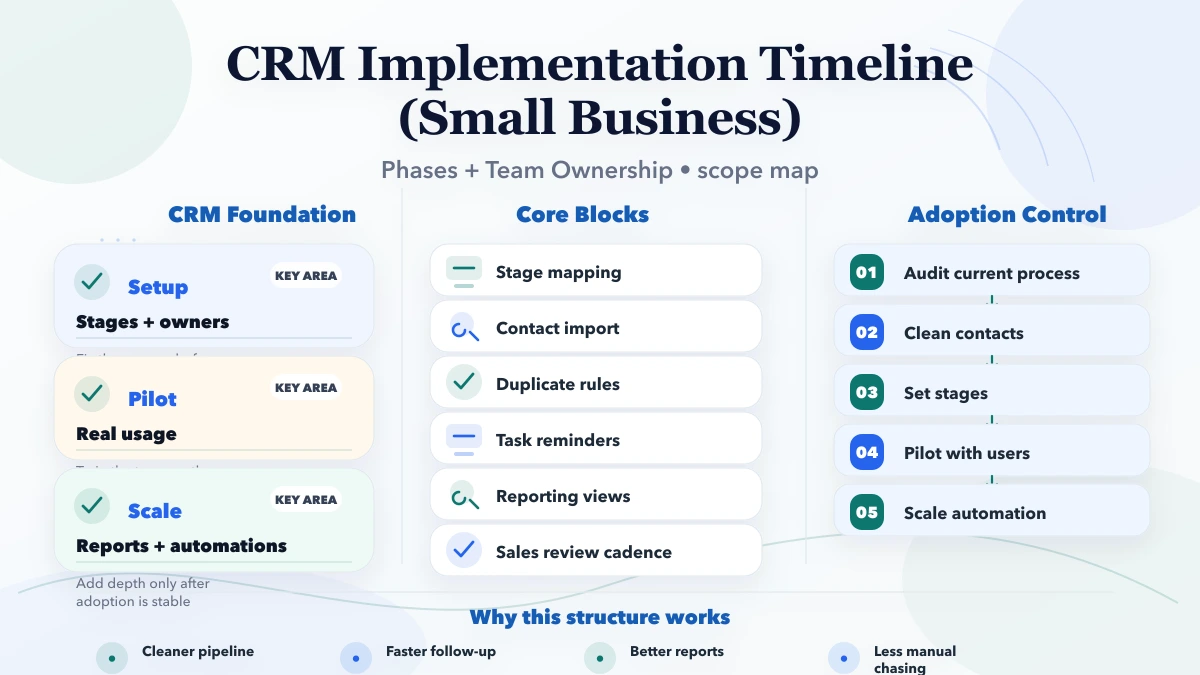
Pricing changes based on roles, modules, integrations, data migration, and reporting depth. Businesses often compare quotes only on feature count, but that is rarely enough. Two systems with the same high-level module names can have very different implementation effort depending on the workflow behind them.
| Scope | Price range | Timeline | | --- | --- | --- | | SaaS CRM setup + process cleanup | ₹20,000 to ₹85,000 | 1 to 3 weeks | | CRM setup + custom workflows | ₹85,000 to ₹2.5 lakh | 3 to 8 weeks | | Custom CRM with integrations | ₹2.5 lakh to ₹6 lakh+ | 8 to 14 weeks |
The practical way to budget is phase-wise. Decide what must work first, what can wait, and what depends on cleaner data or stronger adoption later.
A rollout becomes smoother when every phase has a business owner, a measurable output, and clear review points. When implementation runs without those anchors, even good software teams end up burning time on avoidable confusion.
A practical software build for SMBs usually depends on a stack that supports workflow control, reporting, and future change without becoming fragile:
The stack should serve the workflow, not dominate the decision. In many projects, data structure, role logic, and reporting design matter more than one specific framework choice.
If you define these drivers early, your quote becomes more honest and your implementation risk drops. If you ignore them, pricing either becomes artificially low or gets inflated later by change requests and hidden complexity.
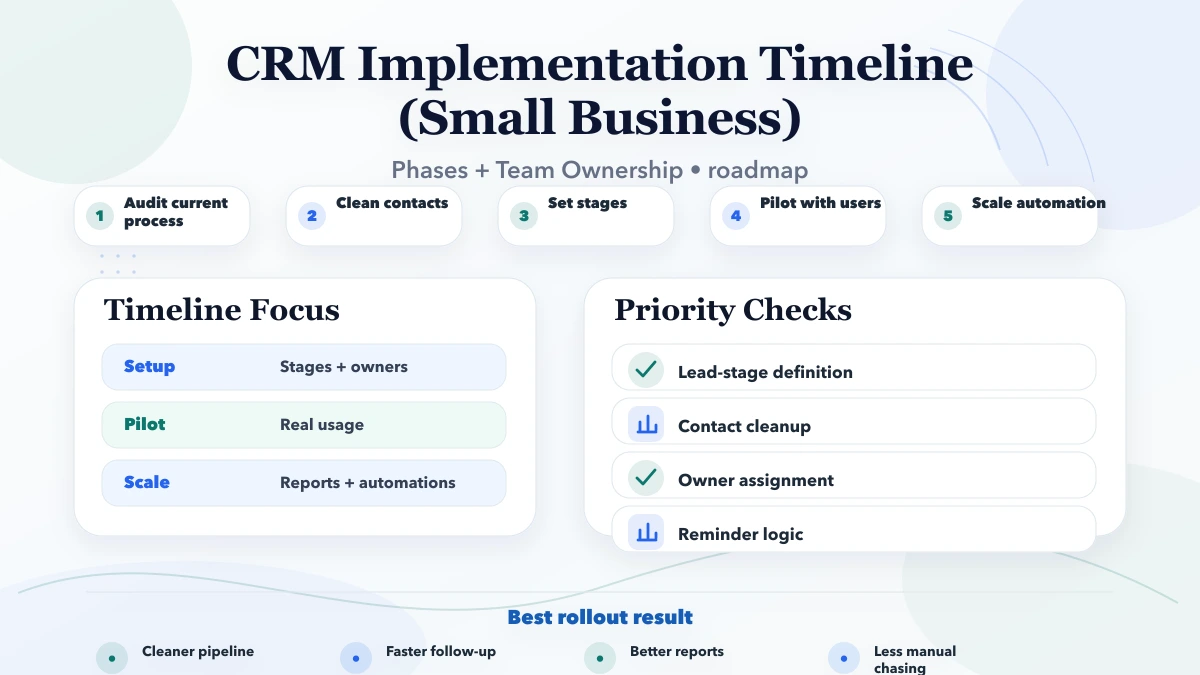
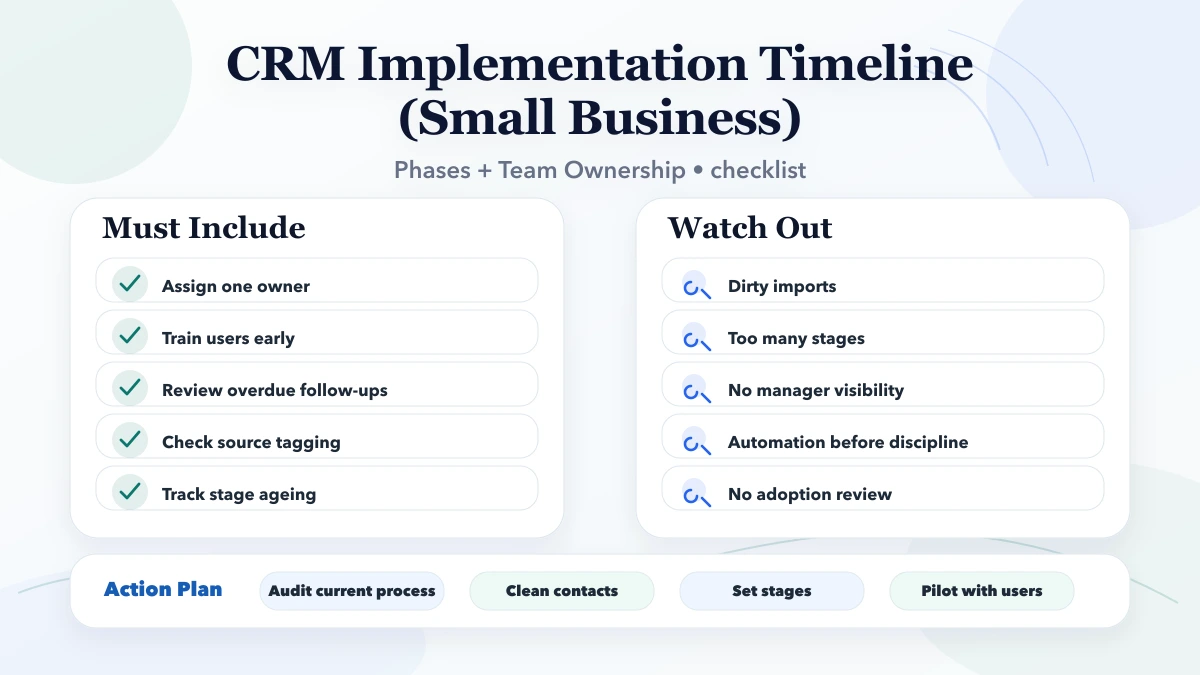
A small-business CRM implementation works best when every phase solves one practical problem. Phase one should clean contacts, remove duplicate records, and define who owns each lead. Phase two should stabilise the actual pipeline stages and follow-up rules. Phase three should add reminders, templates, and manager views. Only after that should deeper automations, integrations, or score-based assignment rules be introduced.
This phased model keeps adoption sane because staff can understand what changed and why. If everything changes at once, the team stops trusting the data and goes back to old habits. A CRM rollout is successful only when the system becomes the default place to check lead status, pending follow-up, and ownership.
After go-live, the business should review adoption weekly. Useful checkpoints include how many leads were entered correctly, how many follow-ups became overdue, whether users are editing old records properly, and whether reports match what managers see on the ground. If the numbers do not match, the process needs correction quickly.
A good post-launch review should ask:
These checkpoints are what turn CRM software into an operating system for sales instead of a tool that only management opens at review time.
CRM timelines slip most often because nobody owns the process cleanly. One person should own contact cleanup, one should validate pipeline stages, one should approve automation logic, and management should review reporting definitions before launch. If these responsibilities stay vague, the CRM becomes a shared project with no clear decision-maker.
For a small business, the most useful ownership model is simple:
This keeps the project practical. A CRM is not delayed because the software is difficult. It is delayed because the business keeps changing what it wants the sales process to mean.
Most software disappointment comes from weak scoping and weak rollout discipline, not from the idea of custom software itself.
If you are serious about implementation, start by writing the current workflow, the repeated pain, the roles involved, and the reports the owner wants every week. That single step makes good software planning dramatically easier.
If the workflow is simple and data is reasonably clean, a CRM can go live in one to three weeks. If reporting, automation, and multi-user discipline matter, a more realistic safe rollout is three to eight weeks.
Bad contact data, unclear stages, too many stakeholders, and weak internal ownership are the biggest delays. Teams often buy a CRM quickly but take too long to define how work should move inside it.
No. First stabilise contact data, stages, ownership, and reporting. Once the base is trusted by the team, automations create speed. Before that, they often create confusion or wrong reminders.
Yes, and it should be. Start with lead capture, stages, assignments, and reminders. Then expand into dashboards, automations, WhatsApp/email flows, quote tracking, and integration with other systems.
Resistance often means the process is unclear or the CRM feels like extra work. Adoption improves when the system reduces follow-up effort, clarifies ownership, and gives managers better visibility without daily chasing.
Not always. Many small businesses can start with SaaS CRM. A custom CRM becomes useful when standard tools cannot fit the workflow, reporting logic, or integration depth cleanly enough.
Review stage movement, overdue follow-ups, response times, lead-source quality, and reasons deals are being lost. These signals matter more than raw lead count.
If you want a practical software plan instead of vague feature promises, share your workflow and we will map the first useful version, timeline, pricing, and rollout sequence clearly.
Related Articles
March 28, 2026
CRM software cost for small business in India: full 2026 pricing guide covering SaaS, custom CRM, modules, timelines, and cost drivers.
Read article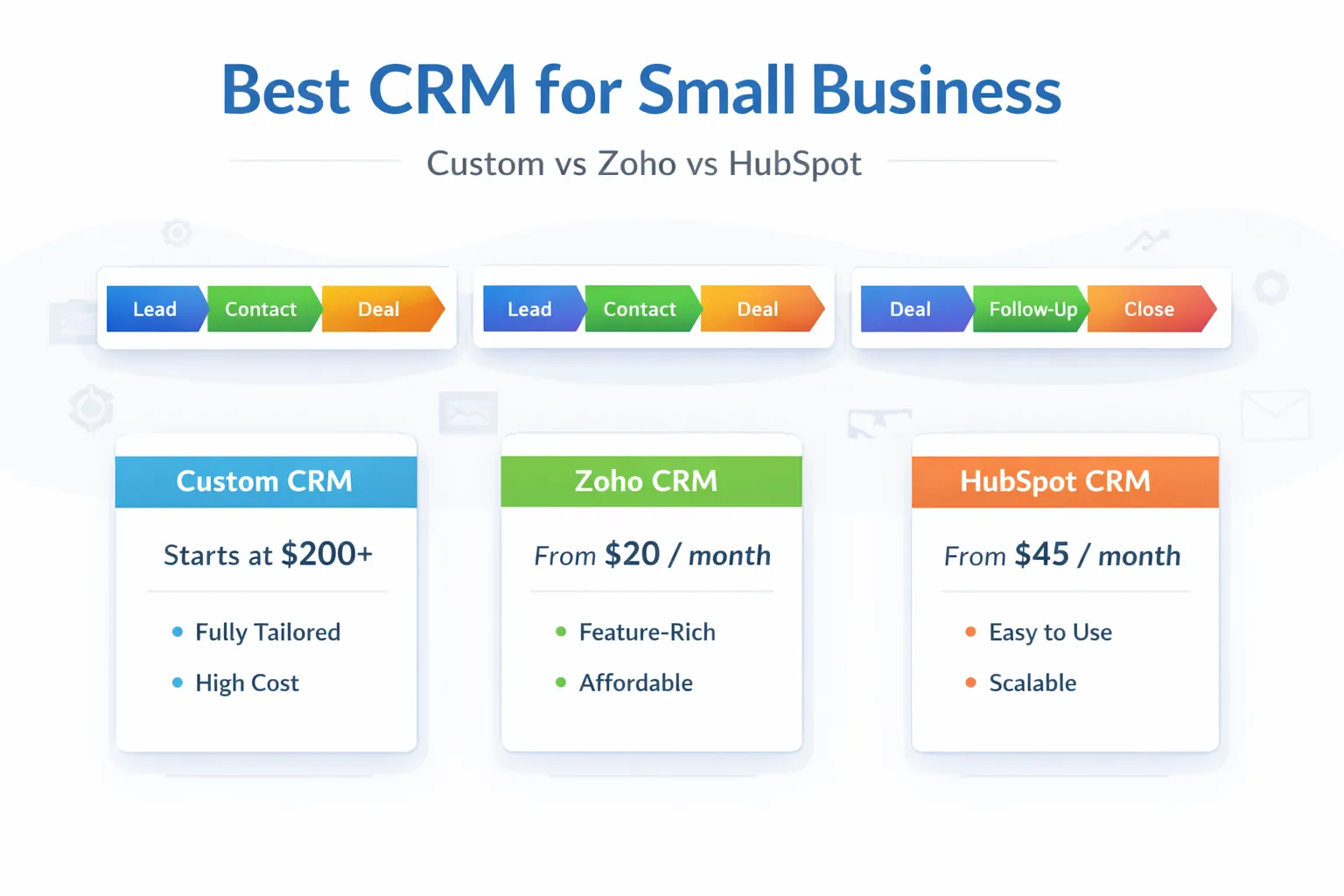
March 29, 2026
Best CRM for small business in India: custom CRM vs Zoho vs HubSpot, pricing snapshot, fit by business type, and how to choose in 2026.
Read article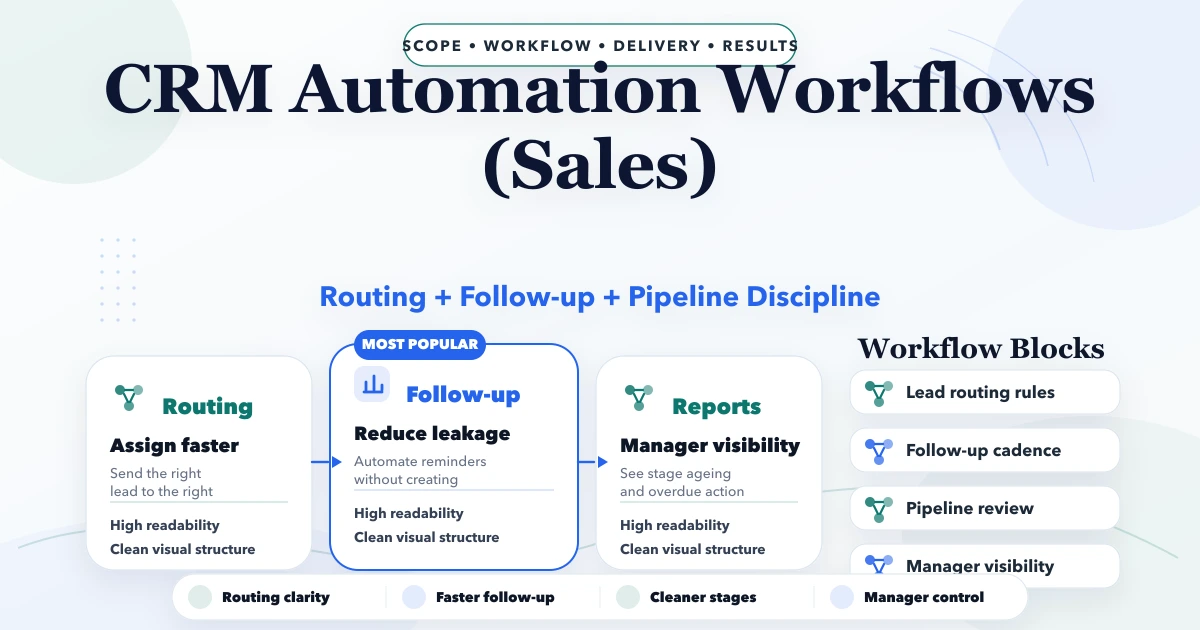
April 29, 2026
CRM automation workflows for sales with lead routing, follow-up rules, task logic, reporting, pricing, and implementation guidance for SMBs.
Read article