
April 1, 2026
Customer Support Ticket System: Features + Cost + Build Guide
Customer support ticket system guide: features, cost, build timeline, and what businesses should include in a practical helpdesk in 2026.
Read articleApril 25, 2026
SaaS vs custom software for SMB: costs, fit, rollout trade-offs, timeline, tech stack, and decision checklist for Indian businesses in 2026.
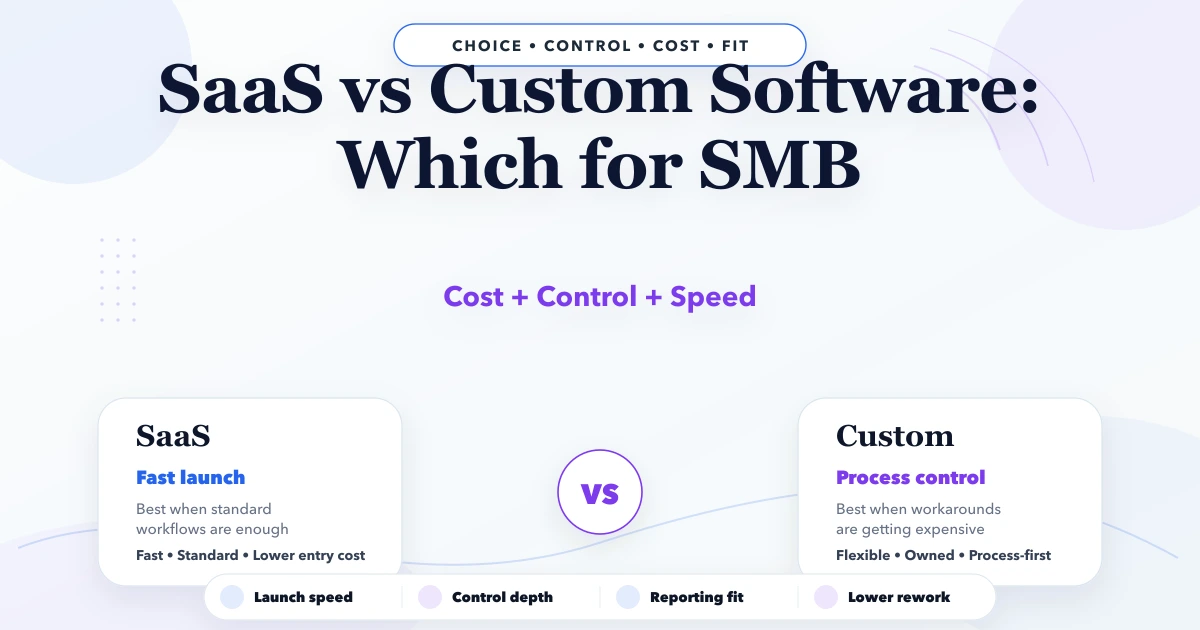
SaaS vs custom software for SMB matters for founders, operators, and SMB owners deciding between a monthly tool and a custom build. This guide is written for Indian SMBs that want clearer decisions, fewer implementation mistakes, and a practical plan before they spend on software. The goal is not to use more software words. The goal is to understand what to build first, what to delay, how much to budget, and what usually goes wrong in real implementations.
If a business is still running key workflow decisions from Excel, WhatsApp, memory, or repeated status calls, then the timing of software decisions starts affecting cash flow and team efficiency directly. That is why this topic should be treated as an operational decision, not only a technology purchase.
By Tushar C. (Founder, VASUYASHII). Reviewed by VASUYASHII Editorial for practical scope, pricing, implementation clarity, and local business relevance.
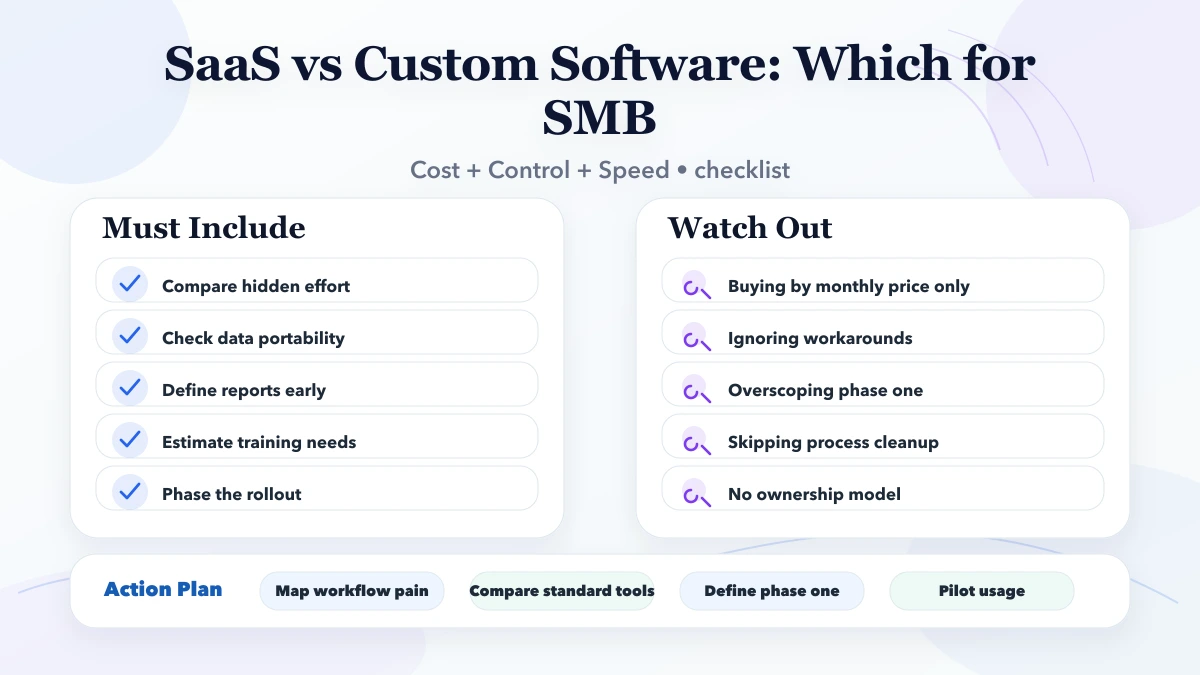
Most SMBs should not ask which option is universally better. The right question is whether the business needs speed and standard features now, or process control and compounding efficiency over the next two to five years.
| Scope | Price range | Timeline | | --- | --- | --- | | SaaS-first setup | ₹15,000 to ₹80,000 initial + monthly subscriptions | 3 to 10 days | | Light custom layer + SaaS tools | ₹80,000 to ₹2.5 lakh | 2 to 6 weeks | | Purpose-built custom software | ₹2.5 lakh to ₹9 lakh+ | 6 to 16 weeks |
The strongest first step is usually not the biggest software plan. It is the clearest phase-one scope with measurable operational value. That keeps cost sane, adoption realistic, and future expansion easier.
For many SMBs, software decisions are really decisions about process discipline. If the team follows inconsistent steps, the software will reflect that confusion. If the team agrees on data, ownership, and stages, even a modest first release can create fast clarity.
The financial side matters too. Delay in billing, missed follow-up, weak inventory visibility, and no manager-level reporting all have a real cost. Many businesses underestimate this cost because the pain is spread across people and time rather than appearing as one direct invoice.
A useful first version should remove repeated manual work, make status visible, and reduce dependency on one person’s memory. When a system does that well, teams adopt it faster because the value becomes visible in daily work, not only in a demo.
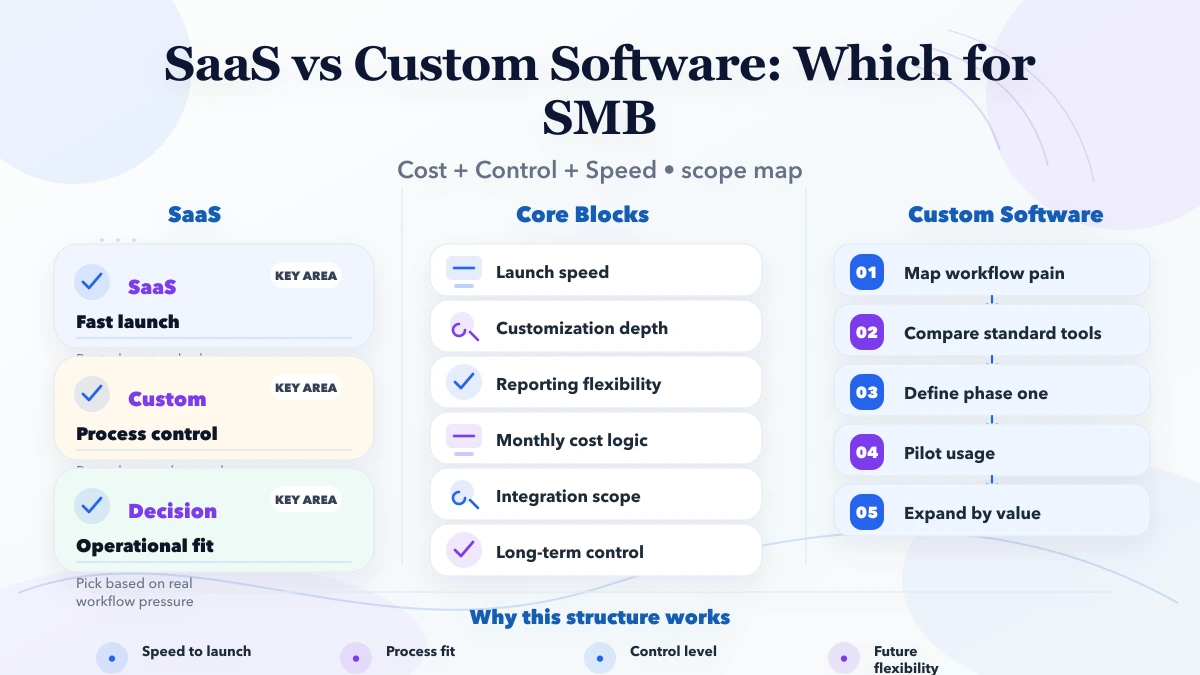
Pricing changes based on roles, modules, integrations, data migration, and reporting depth. Businesses often compare quotes only on feature count, but that is rarely enough. Two systems with the same high-level module names can have very different implementation effort depending on the workflow behind them.
| Scope | Price range | Timeline | | --- | --- | --- | | SaaS-first setup | ₹15,000 to ₹80,000 initial + monthly subscriptions | 3 to 10 days | | Light custom layer + SaaS tools | ₹80,000 to ₹2.5 lakh | 2 to 6 weeks | | Purpose-built custom software | ₹2.5 lakh to ₹9 lakh+ | 6 to 16 weeks |
The practical way to budget is phase-wise. Decide what must work first, what can wait, and what depends on cleaner data or stronger adoption later.
A rollout becomes smoother when every phase has a business owner, a measurable output, and clear review points. When implementation runs without those anchors, even good software teams end up burning time on avoidable confusion.
A practical software build for SMBs usually depends on a stack that supports workflow control, reporting, and future change without becoming fragile:
The stack should serve the workflow, not dominate the decision. In many projects, data structure, role logic, and reporting design matter more than one specific framework choice.
If you define these drivers early, your quote becomes more honest and your implementation risk drops. If you ignore them, pricing either becomes artificially low or gets inflated later by change requests and hidden complexity.
SaaS usually wins when the workflow is common, the team wants speed, and the business does not need deep control over approvals, reports, or role-based rules. For example, a small sales team that needs lead tracking, reminders, and basic reports can often get value fast from a mature SaaS CRM. The business avoids a large upfront build and starts using the tool within days.
Custom software starts making more sense when the workflow has already become expensive to manage through workarounds. If the team is maintaining side sheets, copying the same data into multiple tools, checking status manually, or creating branch-specific rules outside the main system, that is usually a sign that SaaS is carrying too much operational load. At that point, paying monthly for multiple tools still feels “cheaper” on paper, but the hidden cost starts rising through wasted time, slow reporting, and inconsistent execution.
A practical decision rule works well here:
Many SMBs do best with a hybrid model. The CRM or communication layer stays on a SaaS tool, while pricing logic, approvals, inventory movement, billing rules, or reporting dashboards move into a custom system. This reduces risk because the business does not rebuild everything at once. It also keeps the first phase smaller and easier to adopt.
The hybrid model works especially well when the owner wants to prove business value before a bigger build. Start with the most painful workflow first, keep the rest stable, and expand only when the first phase shows real improvement in speed, visibility, or conversion.
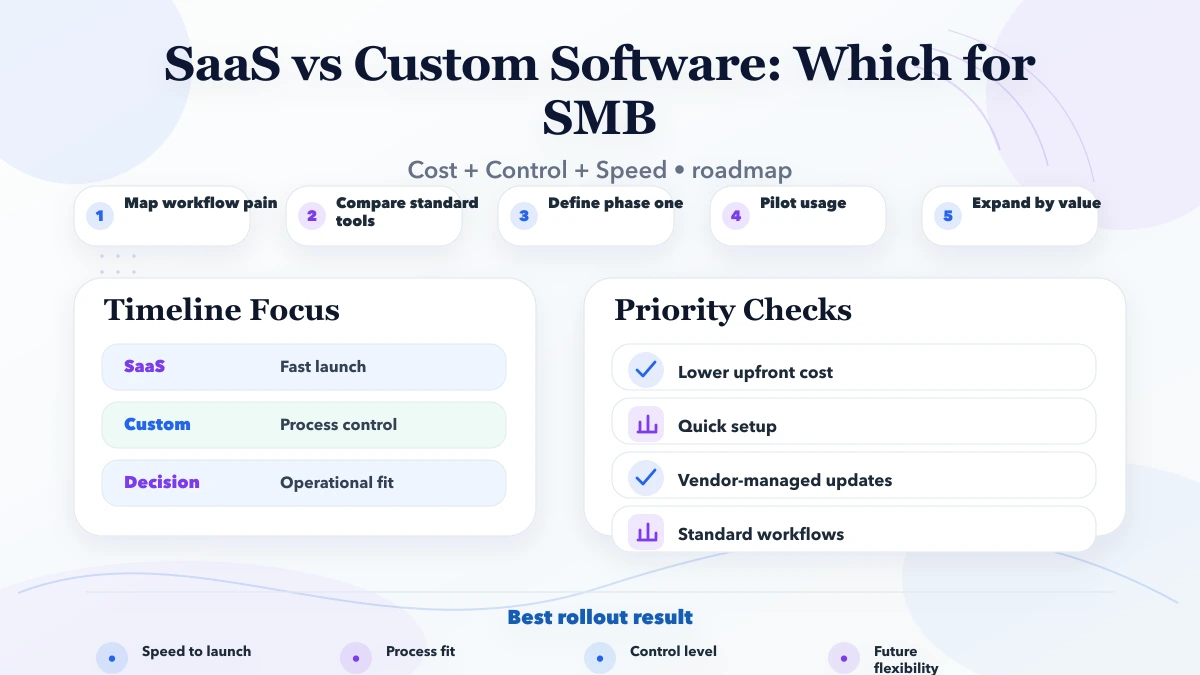
A sensible SMB roadmap usually starts with one measurable business objective. That could be faster billing, better lead follow-up, cleaner stock visibility, or fewer owner-dependent approval steps. Once that objective is clear, the business can decide whether SaaS, custom software, or a hybrid stack is the best fit for phase one. This is a better approach than collecting a huge wish list and then asking vendors to price everything together.
A strong first roadmap usually answers these questions:
When the roadmap is written this way, software decisions become much more commercial and much less emotional. That is exactly what most SMBs need before they spend more money on tools.
Most software disappointment comes from weak scoping and weak rollout discipline, not from the idea of custom software itself.
If you are serious about implementation, start by writing the current workflow, the repeated pain, the roles involved, and the reports the owner wants every week. That single step makes good software planning dramatically easier.
SaaS is usually the right first move when the workflow is common, team size is small, reporting needs are basic, and speed matters more than deep control. It also works well when the business is still validating process maturity.
Custom software makes more sense when the business has unique pricing, approvals, multi-role operations, branch visibility, or workflow friction that SaaS cannot handle cleanly without workarounds and repeated manual effort.
Not always. A focused phase-one custom build can be practical if it replaces recurring operational waste, repeated subscriptions, and owner-level dependency on manual reporting. Cost becomes dangerous when scope is vague or bloated.
Yes. In many SMB setups, SaaS tools handle communication or standard CRM functions while a custom layer handles the operational workflow, reporting logic, and integrations that matter most for the business.
Ask how they handle scope definition, rollout phases, role control, reporting, integrations, and maintenance. If the answer is only about technology or only about price, the decision quality is weak.
Document the workflow pain, identify repeated manual actions, estimate the cost of delay, and then compare SaaS, hybrid, and custom options against that reality. Generic tool comparisons alone are rarely enough.
Yes. The strongest SMB software rollouts usually start with the highest-friction workflow first, prove adoption, and then expand into automation, dashboards, mobile views, or additional roles later.
If you want a practical software plan instead of vague feature promises, share your workflow and we will map the first useful version, timeline, pricing, and rollout sequence clearly.
Related Articles
April 1, 2026
Customer support ticket system guide: features, cost, build timeline, and what businesses should include in a practical helpdesk in 2026.
Read article
March 25, 2026
Learn custom business software development in 2026: practical use cases, cost drivers, delivery process, and when custom software is worth the investment.
Read article
March 22, 2026
Discover the benefits of SaaS for businesses in 2026: lower costs, faster deployment, scalability, automatic updates, remote access, security, integrations, analytics, and better productivity.
Read article