How to Choose a Web Development Company (2026): Checklist, Questions, Red Flags & Pricing Guide
Hiring a web development company is one of the most important decisions for a business in 2026. Your website is not just a design—it’s a sales asset, a trust builder, a lead generator, and sometimes even a full business system (web apps, portals, dashboards, ordering systems, automation).
But the market is confusing:
- Some companies show fake portfolios.
- Some sell cheap websites that break later.
- Some promise “#1 on Google in 7 days.”
- Some build slow websites with heavy templates.
- Some deliver but offer no maintenance or support.
So how do you choose the right web development company—without wasting money?
This guide gives you a complete process:
- what to check before hiring
- the exact questions to ask
- how to verify real portfolio work
- how to avoid scams and low-quality vendors
- what pricing ranges are realistic in India
- what deliverables you should demand
Quick Summary (If You Want the Short Answer)
Choose a web development company that:
- shows real portfolio with demos or live links
- explains a clear process (planning → design → development → QA → launch)
- understands SEO + speed (Core Web Vitals)
- builds mobile-first UI/UX
- provides post-launch support and maintenance
- gives clear pricing and scope boundaries
- communicates professionally
If you need web applications, dashboards, portals, or scalable systems, explore: Web Applications Services
Step 1: Define What You Actually Need (Website vs Web App)
Many clients say “I need a website,” but they actually need a web application.
A normal website includes:
- Home
- About
- Services
- Portfolio
- Contact
- Blogs
Goal: trust + leads
A web application includes:
- login system
- roles (admin/staff/customer)
- database
- dashboards
- automation workflows
Goal: run business operations
Before hiring anyone, write clearly:
- do you need a simple business website?
- or do you need a portal/dashboard?
If you don’t define this, developers will quote randomly, and scope will explode later.
Step 2: Check Portfolio Properly (Most Important)
Portfolio is the biggest proof—but also the most faked area.
What to check in portfolio
✅ Ask for:
- live website link
- demo links
- admin panel screenshots (if web app)
- performance proof (PageSpeed)
- SEO structure proof (blog + sitemap)
How to verify it’s real work
- ask them to show the project in their GitHub (if possible)
- ask for a short walkthrough video
- check the design consistency across pages
- see if contact forms and flows actually work
- check mobile experience (most sites fail here)
Red flag: they show only images, no live link.
For reference, your demos are:
- School Demo: https://www.vasuyashii.com/demos/school
- Hotel Demo: https://www.vasuyashii.com/demos/hotel
And your work proof:
- Portfolio: https://www.vasuyashii.com/portfolio
Step 3: Ask These 12 Questions (Hiring Script)
These questions instantly reveal quality.
1) What stack will you use and why?
They should explain the reason, not just buzzwords.
2) Will the website be mobile-first?
Ask: “Will you design mobile-first or just responsive?”
3) How will you optimize speed?
They should talk about:
- WebP images
- caching/CDN
- minimal scripts
4) How will you set up SEO?
They should mention:
- clean URLs
- sitemap
- metadata
- internal linking
5) Will you add schema markup?
At least basic Organization/Website schema.
6) Can you show PageSpeed for your past work?
A good company is not scared of performance results.
7) Who owns the domain/hosting/code?
Answer should be: “You own everything.”
8) Will you provide editable content system?
CMS options:
- WordPress
- headless CMS
- MDX workflow
9) How do you handle security?
They should mention:
- HTTPS
- spam protection for forms
- backups
10) Do you provide maintenance?
Ask exact: “Monthly maintenance plan included or optional?”
11) What is included in price?
They should list:
- pages count
- revisions
- features
- integrations
12) What is NOT included?
This prevents later conflicts.
Step 4: Look for These Red Flags (Avoid)
Red Flag 1: Guaranteed #1 Google ranking
No one can guarantee rankings quickly. That’s a scam.
Red Flag 2: Super cheap quote with too much promise
Example: “₹8,000 me complete website + SEO + app.” Usually template + poor quality.
Red Flag 3: No written scope
No scope = future fights.
Red Flag 4: No testing process
If they don’t talk about QA/testing, bugs will appear after launch.
Red Flag 5: No support after launch
If something breaks, you’re stuck.
Red Flag 6: Fake portfolio or stock templates
If every project looks the same and they can’t show live links, avoid.
Step 5: Understand Pricing (India 2026)
Pricing depends on:
- number of pages
- design quality
- custom features
- content writing
- SEO setup
- speed and performance work
- integrations (WhatsApp, CRM, payment, booking)
Typical ranges
Basic business website (5–10 pages): ₹25,000 – ₹90,000 Premium corporate website: ₹90,000 – ₹2,50,000 Landing page funnel: ₹15,000 – ₹80,000 Custom website (Next.js): ₹80,000 – ₹3,50,000 Web app/dashboard: ₹1,50,000 – ₹10,00,000+ SaaS: ₹5,00,000 – ₹25,00,000+
If you want a deeper cost guide: Cost of Website Development in India (2026)
Step 6: Demand These Deliverables (Contract Checklist)
Before paying full amount, ensure these deliverables are agreed:
Design deliverables
- homepage design
- service page template
- mobile design view
- brand colors + typography system
Development deliverables
- responsive pages
- fast loading (WebP images)
- SEO metadata + sitemap
- WhatsApp CTA + contact form
- portfolio/demos section
- basic schema
Launch deliverables
- domain/hosting setup
- SSL
- Search Console + Analytics setup
- post-launch bug fixing window (7–30 days)
Ownership deliverables
- GitHub repo access
- hosting access (if needed)
- admin/CMS access
- all source files ownership
Step 7: Support & Maintenance (This Saves Money)
A website is not “one-time.” Things change:
- updates
- security patches
- content publishing
- speed optimization
- SEO fixes
Ask for a maintenance plan that includes:
- backups
- updates
- spam protection checks
- broken link checks
- small content updates
Related: Website Maintenance Guide Website Security Best Practices
Step 8: Best Hiring Strategy (Simple, Safe)
Option A: Small project test
Start with:
- 1 landing page or 1 section
- evaluate quality
Then continue full site.
Option B: Full website MVP first
Build core pages first:
- Home
- Services
- Portfolio
- Contact
Then add blogs, SEO, and extra features.
This prevents overspending at start.
Selection Checklist (Print This)
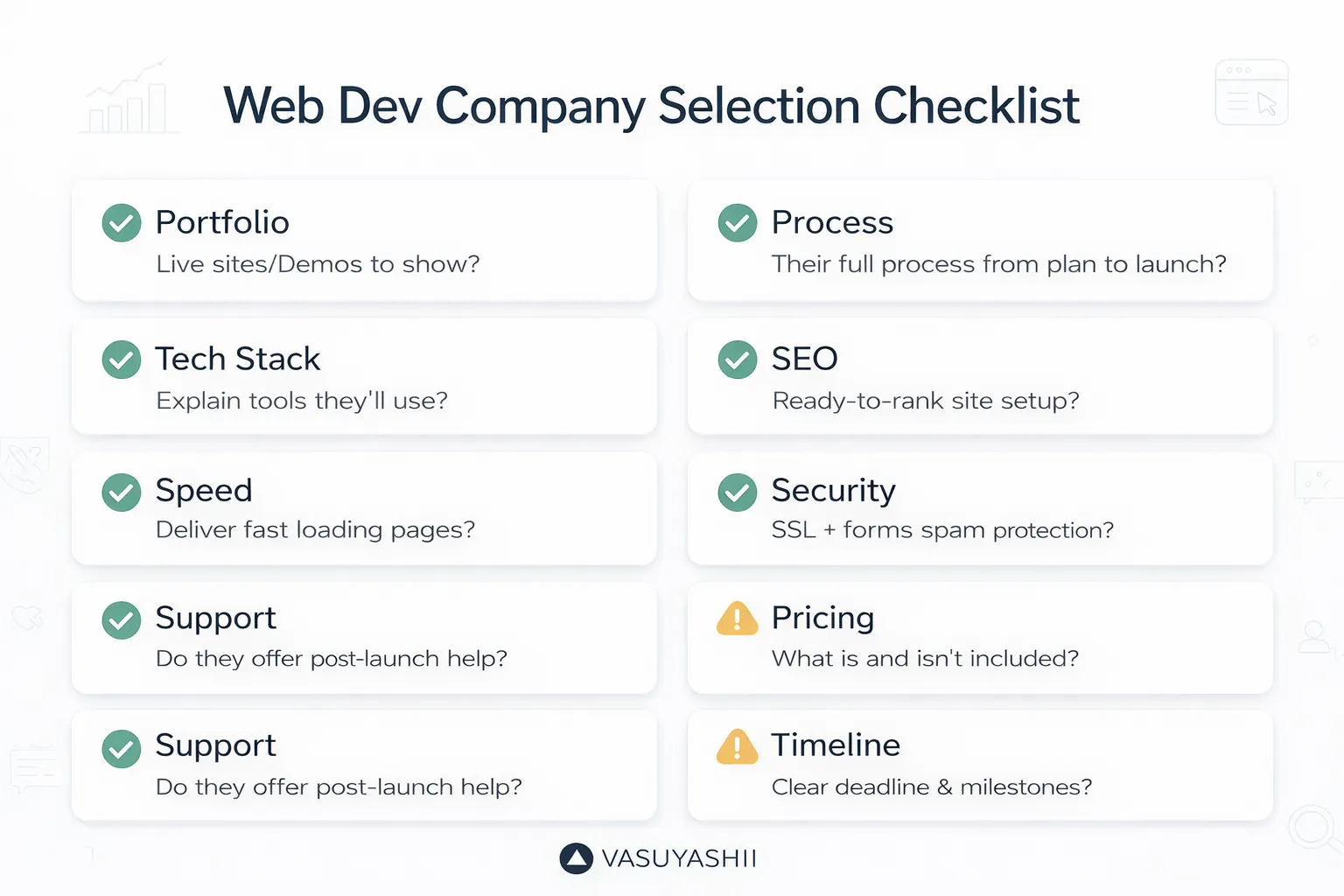
Use this checklist before finalizing:
- Portfolio verified
- Mobile-first approach
- Speed and SEO knowledge
- Clear scope and timelines
- Security + spam protection
- Maintenance plan
- Ownership confirmed
- Communication quality
If You Want VASUYASHII to Build It
If you want a website or web application that is:
- premium UI/UX
- fast + SEO-ready
- built for lead generation (WhatsApp + forms)
- scalable for future dashboards and automation
We can help.
👉 WhatsApp: Chat on WhatsApp 👉 Services: https://www.vasuyashii.com/services/web-applications 👉 Portfolio: https://www.vasuyashii.com/portfolio 👉 Contact: https://www.vasuyashii.com/contact