Inventory Software for Retail Shops: Features, Real Use Cases, and What to Build First
Retail shops often think inventory problems start when business becomes "big." In reality, stock confusion begins much earlier. One item shows available in the register but is missing on the shelf. Another item gets reordered late. Staff updates stock manually in one place and sales happen somewhere else. Slowly, stock mistakes become a daily tax on the business.
That is why inventory software matters even for small and mid-sized retail shops. Good inventory software is not only a stock counter. It becomes the system that helps the owner understand item movement, purchase planning, dead stock, fast-moving items, and day-to-day control.
This guide explains what inventory software for retail shops should include, what real use cases justify the investment, how much it costs in India, and what to build first if you do not want to overcomplicate operations.
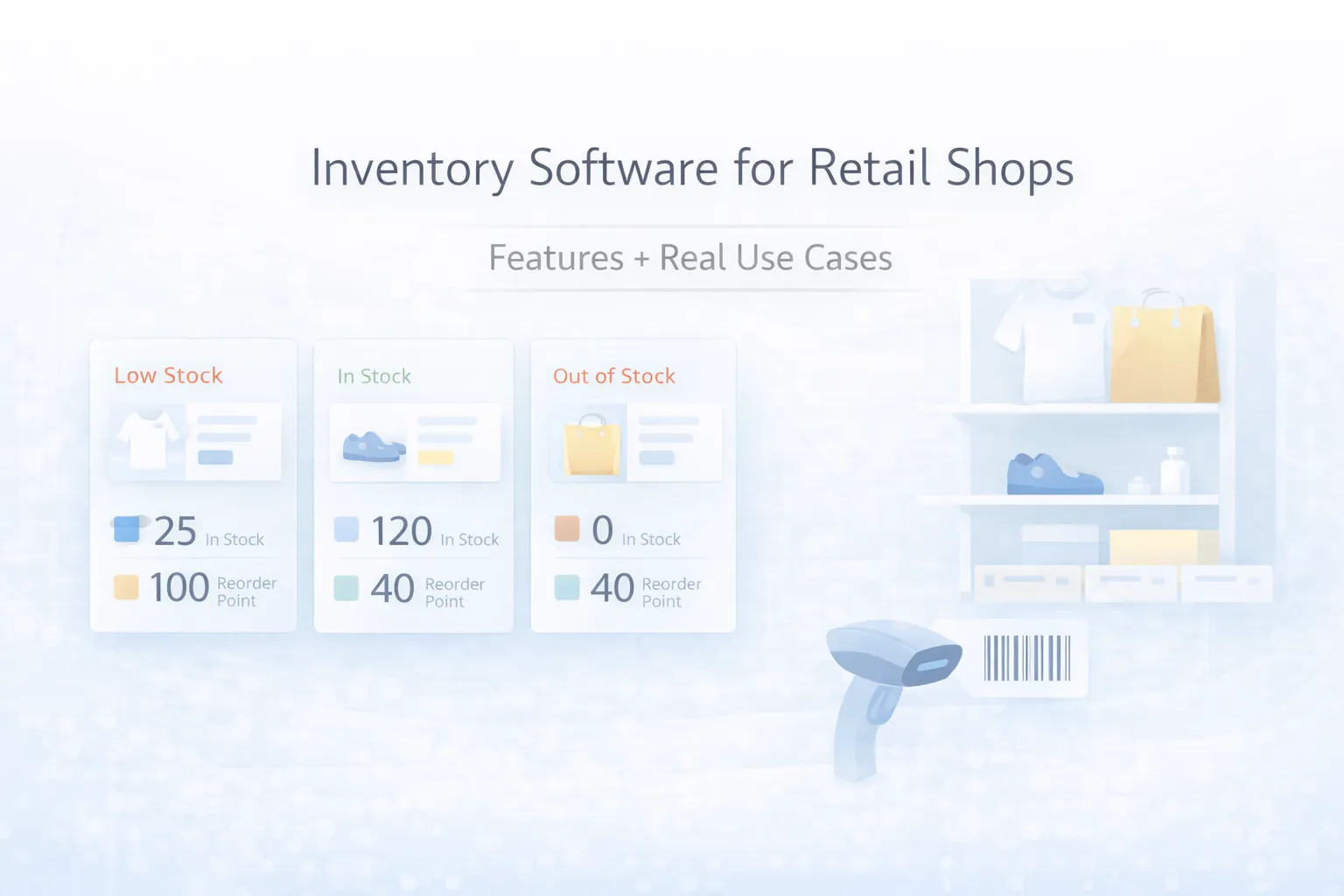
Table of Contents
- Quick answer
- Real retail problems inventory software solves
- Features
- Real use cases
- Pricing in India
- Tech stack
- Timeline
- Cost drivers
- FAQs
Quick Answer
Retail inventory software becomes valuable the moment a shop starts facing repeated stock mismatch, purchase delay, slow counting, or unclear product movement. Even a small shop can benefit if the right phase-one scope is chosen.
For most retail businesses, the best first version includes:
- product and SKU records
- stock in and stock out tracking
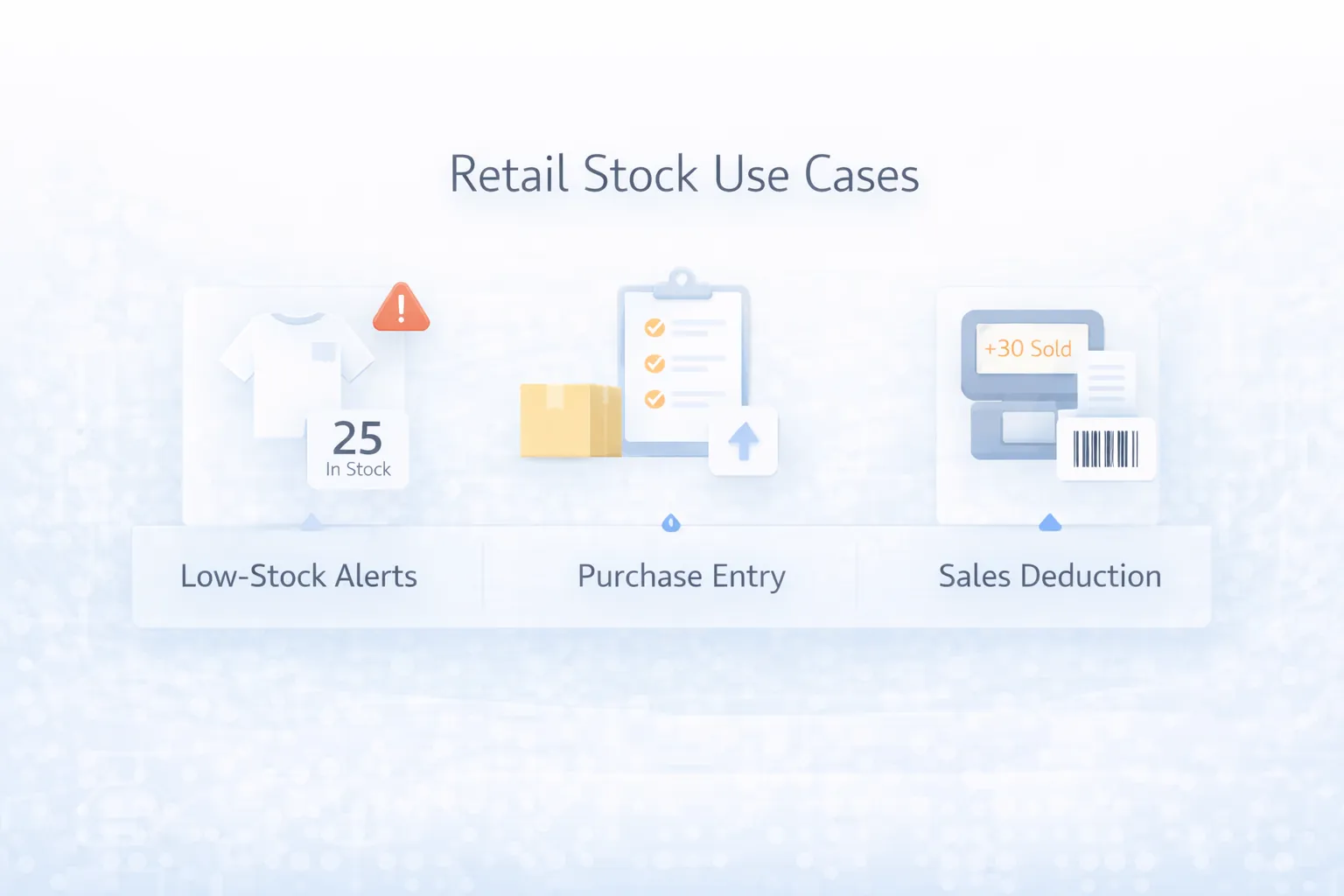
- low-stock alerts
- purchase entry
- sales-linked stock deduction
- simple reports
Typical pricing ranges:
- starter inventory setup:
₹1 lakh to ₹2.2 lakh - retail inventory MVP:
₹2.2 lakh to ₹4.5 lakh - inventory plus POS or multi-branch layer:
₹4.5 lakh to ₹10 lakh+
Real Retail Problems Inventory Software Solves
Inventory software matters because retail mistakes multiply quietly. They may not look dramatic in one day, but they hurt margin and customer trust over time.
Common retail pain points
- item quantity in system does not match physical count
- staff cannot see fast-moving vs slow-moving products clearly
- purchase decisions depend on guesswork
- duplicate products or inconsistent naming create confusion
- sales continue while stock records remain outdated
- expiry, size, color, or batch variants are hard to track
What changes with proper software
Once stock movement becomes visible, owners make better decisions. Reordering becomes calmer. Staff accountability improves. Product-level reporting starts making sense. This is especially useful for apparel, grocery, cosmetics, hardware, stationery, electronics, and multi-category stores.
Related reading:
Features
These are the features that matter most for retail inventory control.
- Product master: item names, SKU, barcode, category, size, color, or basic variant data
- Stock in and stock out: every purchase, sale, return, or adjustment should affect stock correctly
- Low-stock alerts: owners should know what is about to run out
- Purchase entry: supplier-wise purchase records and incoming stock visibility
- Sales-linked deduction: stock should reduce when sales happen, not later "when there is time"
- Stock adjustment log: damaged, missing, or manually corrected stock needs traceability
- Reports: fast-moving, non-moving, low-stock, purchase trend, and item-level history
- Search and filters: staff should find products quickly
- Branch or outlet support: useful if more than one shop or counter exists
- Role-based access: owner, cashier, manager, or store staff permissions
Useful phase-two additions
Barcode printing, supplier reorder suggestions, expiry alerts, margin reports, transfer between branches, and deeper POS integration can be added after the base system works well.
Real Use Cases
Retail owners often understand software better through use cases than through feature lists.
Use case 1: Fashion or apparel store
The store needs size and color visibility, stock movement by variant, and confidence that popular products are not oversold or under-ordered.
Use case 2: Grocery or FMCG retail
The owner needs quick reordering, item count discipline, and clarity on fast-moving essentials. Low-stock alerts create immediate value here.
Use case 3: Cosmetics or electronics shop
The team needs traceable product entry, price updates, and better visibility into product categories that move slower but have higher value.
Use case 4: Multi-branch retail
Here inventory software becomes even more important because one branch may have dead stock while another is understocked. Central visibility saves real money.
Pricing in India
Retail software cost depends on product complexity, branch count, and whether billing or POS integration is included.
Competitive pricing tiers
- Basic shop inventory system:
₹1 lakh to ₹2.2 lakh
Best for one outlet and core stock tracking.
- Retail inventory MVP:
₹2.2 lakh to ₹4.5 lakh
Best for stronger reporting, low-stock logic, roles, and better admin usability.
- Advanced retail inventory platform:
₹4.5 lakh to ₹10 lakh+
Best for POS sync, multi-branch control, richer reports, and workflow automation.
What retailers should budget separately
- barcode hardware or scanners
- POS integration work
- bulk product data cleanup
- branch rollout and staff training
- maintenance and future feature requests
Best rollout strategy
Start with stock visibility and reporting. Do not try to rebuild the entire shop operation at once unless the team is ready for that change.
Tech Stack
Retail inventory systems need dependable data, search speed, and easy admin access.
- Frontend:
Next.js for admin panels, stock screens, and reports - Backend:
Node.js for stock logic, adjustments, alerts, and integrations - Database:
PostgreSQL for products, branches, stock history, and reports - Barcode support: optional scanning and label workflow
- Integrations: POS, billing, or purchase systems when needed
- Hosting: cloud setup with backup and role-based access
Timeline
Most focused retail inventory projects take 4 to 8 weeks.
- Week 1: product structure, stock workflow, and reporting needs
- Week 2: screen planning, stock logic, and admin setup
- Week 3 to 5: product master, stock movement, alerts, and reports
- Week 6: testing with sample data and staff workflow review
- Week 7 to 8: POS sync, branch rollout, or advanced fixes for larger builds
Timeline improves when the shop already has clean product records.
Soft CTA
If stock mismatch is already affecting sales decisions or staff time, the right software project usually starts with SKU discipline and stock visibility, not with a huge feature list.
Cost Drivers
The biggest pricing factors in retail inventory software are:
- product count and data quality
- variants like size, color, or batch
- number of branches or counters
- billing or POS integration depth
- reports and dashboard expectations
- user roles and approval logic
- data migration from spreadsheets or old systems
- training and rollout support
The biggest process mistake is trying to digitize messy product data without standardizing it first.
FAQs
Do small retail shops really need inventory software?
If stock mismatch, delayed purchase, or unclear product movement is already causing problems, then yes, even a small shop can benefit.
How much does retail inventory software cost in India?
A focused project can start near ₹1 lakh, while more useful retail builds usually sit between ₹2.2 lakh and ₹4.5 lakh.
Should inventory software connect with billing?
In many retail setups, yes. That reduces manual stock updates and improves reliability.
Can it support multiple branches?
Yes, though multi-branch logic increases scope and should be planned carefully.
What should be in version one?
Product master, stock movement, low-stock alerts, purchase entry, and simple reports are usually enough.
Can barcode scanning be added later?
Yes. Many shops start with admin software and add barcode workflows after adoption improves.
What is the biggest owner mistake?
Trying to automate everything before product records and daily stock rules are clear.
What type of shops benefit most?
Apparel, grocery, cosmetics, hardware, electronics, and other SKU-heavy retail businesses usually benefit quickly.
Related Reading
Need Inventory Software That Matches Retail Reality?
If you want stock control that actually improves ordering, visibility, and reporting, the next step is to define your product structure, branch rules, and reporting needs clearly before build starts.