
March 30, 2026
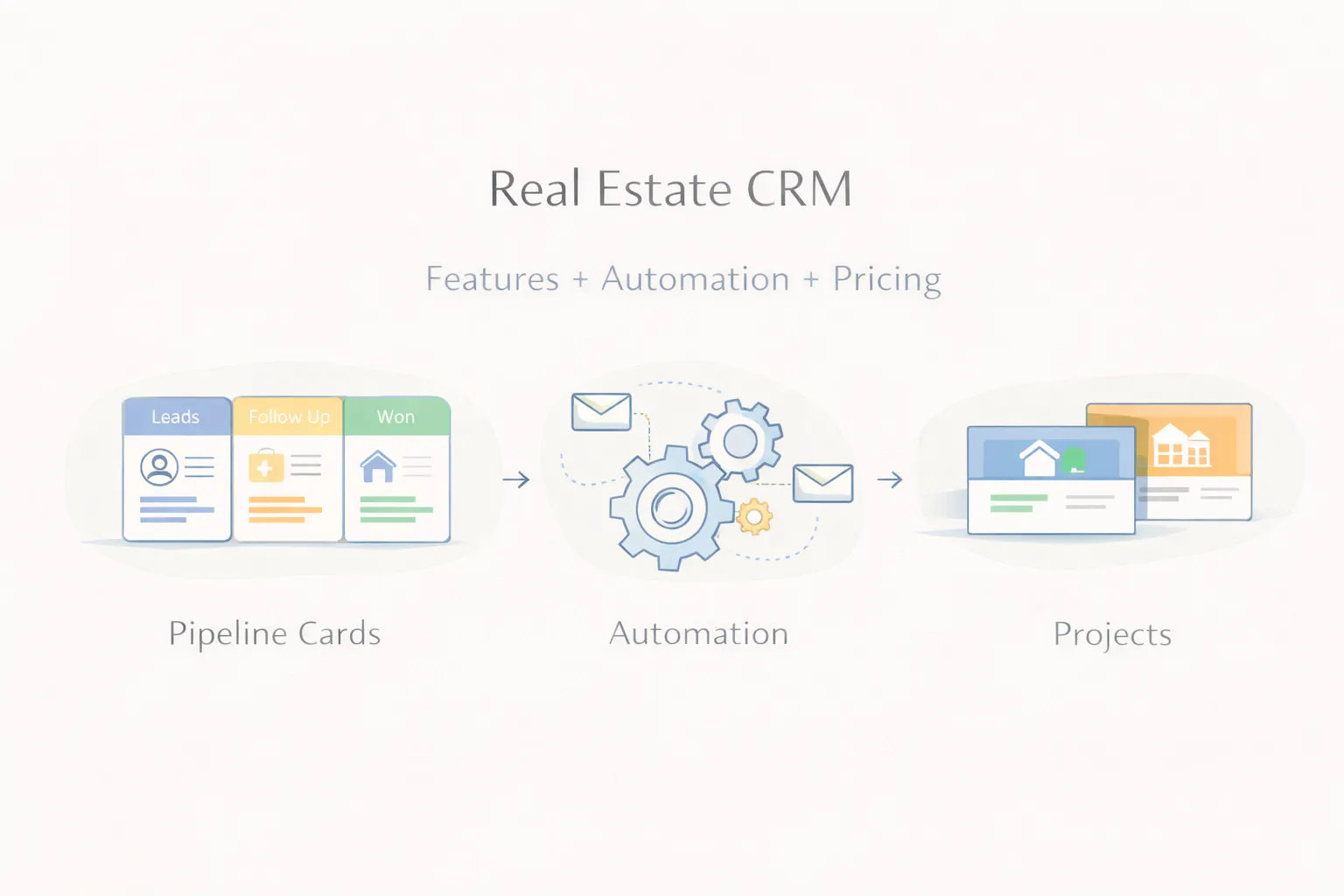
Real Estate CRM: Features, Automation, and Pricing Guide (2026)
Real estate CRM guide covering lead flow, automation, follow-ups, pricing, and what brokers and property firms should build in 2026.
Read articleMarch 30, 2026
Clinic and hospital appointment system guide covering features, cost, patient flow, admin needs, and rollout planning for 2026.
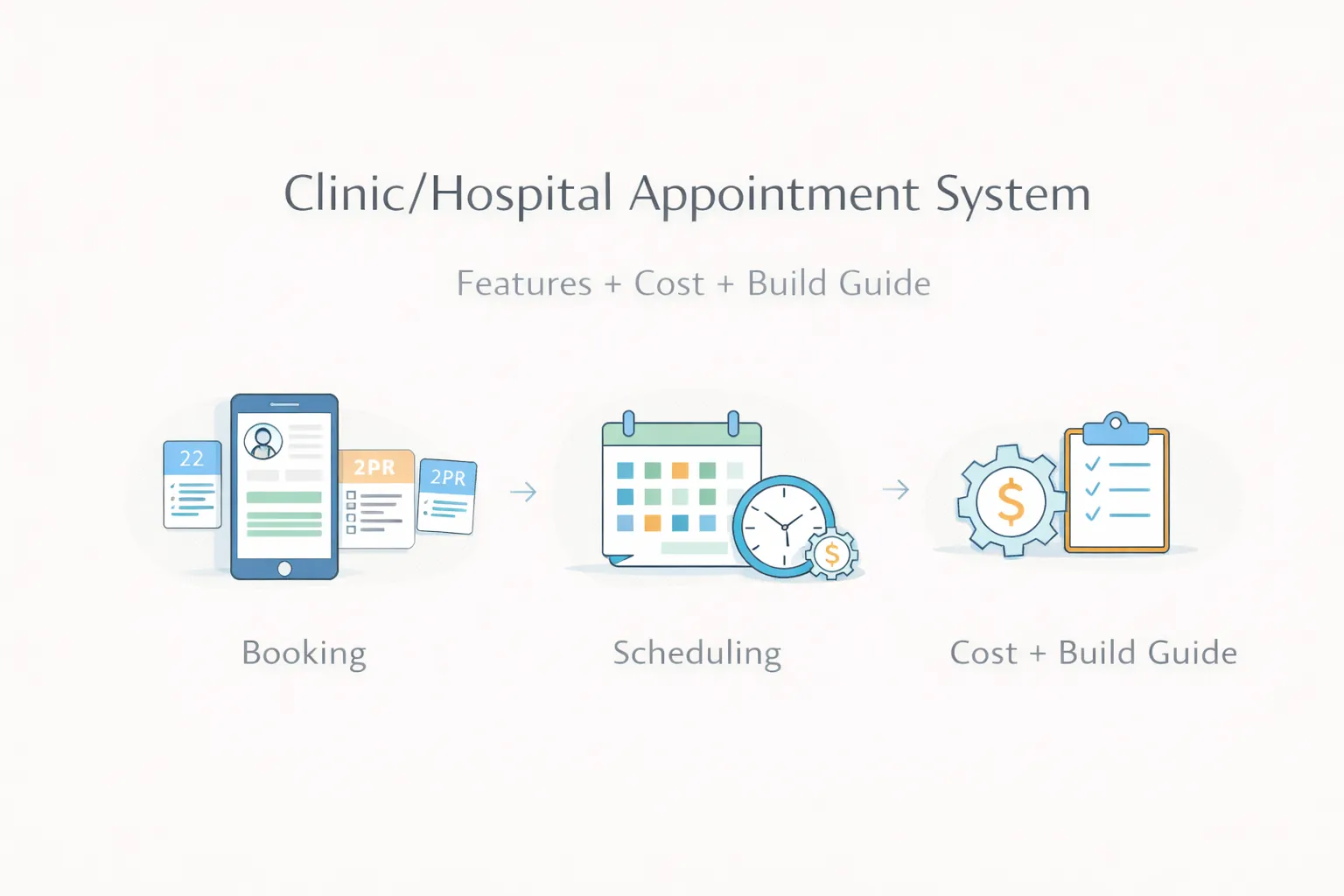
Many clinics and hospitals still handle appointments through phone calls, WhatsApp chats, notebooks, or loosely managed spreadsheets. That works only till patient volume is low. Once multiple doctors, time slots, follow-ups, reschedules, and front-desk coordination enter the picture, confusion starts quickly.
A proper appointment system reduces that confusion. It helps patients book more clearly, helps staff manage schedules faster, and gives owners a better view of slot usage, doctor load, and missed appointments.
This guide explains what a clinic or hospital appointment system should include, what it usually costs in India, and how to build phase one without overcomplicating operations.
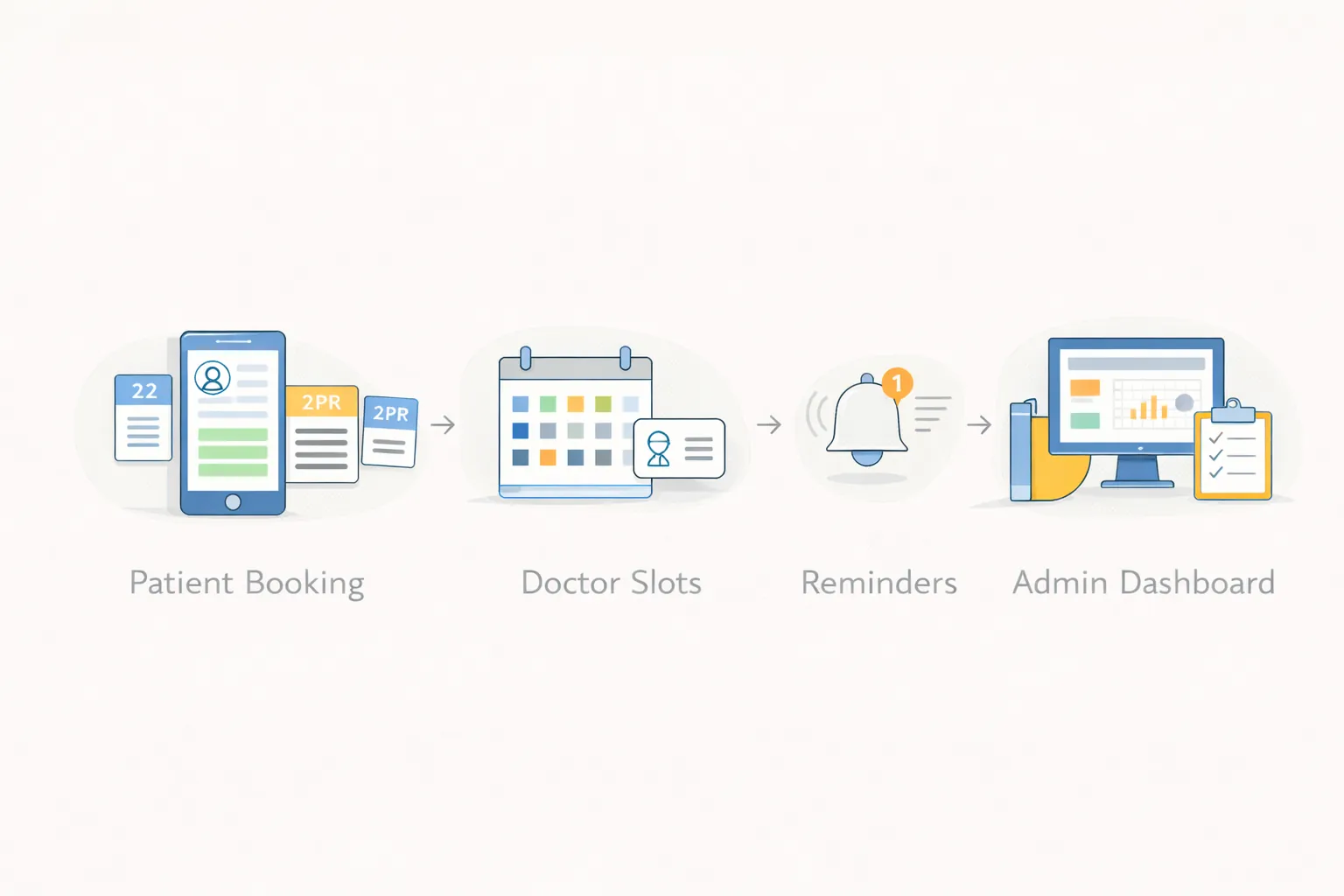
For most clinics and growing healthcare setups, a useful appointment system should include:
Typical pricing ranges:
₹1.2 lakh to ₹2.5 lakh₹2.5 lakh to ₹5 lakh₹5 lakh to ₹10 lakh+When appointments come from phone, walk-in, and WhatsApp together, double-booking becomes common.
Some doctors need fixed slots, some need flexible queues, and some work only on selected days. Weak systems cannot handle that cleanly.
Many clinics lose repeat visits simply because there is no clean reminder or follow-up status flow.
Owners often do not know which doctor is fully booked, which slots are underused, and how many bookings are actually converting into visits.
Related reading:
The patient should be able to choose doctor, date, slot, and visit type without confusion.
Admins should control availability by day, shift, break, leave, and special timings.
Useful statuses usually include booked, confirmed, arrived, in consultation, completed, cancelled, and no-show.
The front desk should see today's queue, upcoming appointments, patient contact details, and quick actions in one place.
SMS or WhatsApp reminders reduce missed appointments and improve schedule discipline.
Important reports include doctor-wise bookings, no-show rates, daily load, source of bookings, and repeat patient trends.
₹1.2 lakh to ₹2.5 lakh
Best for:
₹2.5 lakh to ₹5 lakh
Best for:
₹5 lakh to ₹10 lakh+
Best for:
Launch the core appointment engine first:
Add communication and process improvements:
Add integrations if the clinic really needs them:
Next.js or React-based frontend for patient and admin viewsNode.js backend for booking logic and scheduling rulesPostgreSQL for appointments, users, doctors, and reportsThe biggest cost drivers are:
If your clinic is managing appointments through calls and chats only, the best next step is to map slot logic, front-desk tasks, and reminder flow before choosing software.
Basic setups often start near ₹1.2 lakh, while richer workflows cost more depending on scope.
Yes. A clean booking flow can be provided through the website or an internal booking panel.
Yes. Doctor-wise slots, days, and leave logic are common requirements.
Not always. Some clinics keep billing separate in phase one and connect later if needed.
Yes. Reminder flows through SMS or WhatsApp are common add-ons.
Reliable slot logic, admin control, and low-friction booking.
Yes, but hospital workflows often need more roles, departments, and scheduling rules.
A practical first version can often launch in a few weeks.
If you want fewer booking errors, better doctor schedule control, and cleaner patient flow, the right next step is to define booking rules and daily admin actions before development starts.
Related Articles
March 30, 2026
Real estate CRM guide covering lead flow, automation, follow-ups, pricing, and what brokers and property firms should build in 2026.
Read article
March 30, 2026
Restaurant billing software guide covering features, pricing, GST-ready setup, billing flow, and rollout advice for restaurants in 2026.
Read article
March 28, 2026
CRM software cost for small business in India: full 2026 pricing guide covering SaaS, custom CRM, modules, timelines, and cost drivers.
Read article