
March 30, 2026
Restaurant Billing Software: Features, Cost, and Setup Guide
Restaurant billing software guide covering features, pricing, GST-ready setup, billing flow, and rollout advice for restaurants in 2026.
Read articleMarch 26, 2026
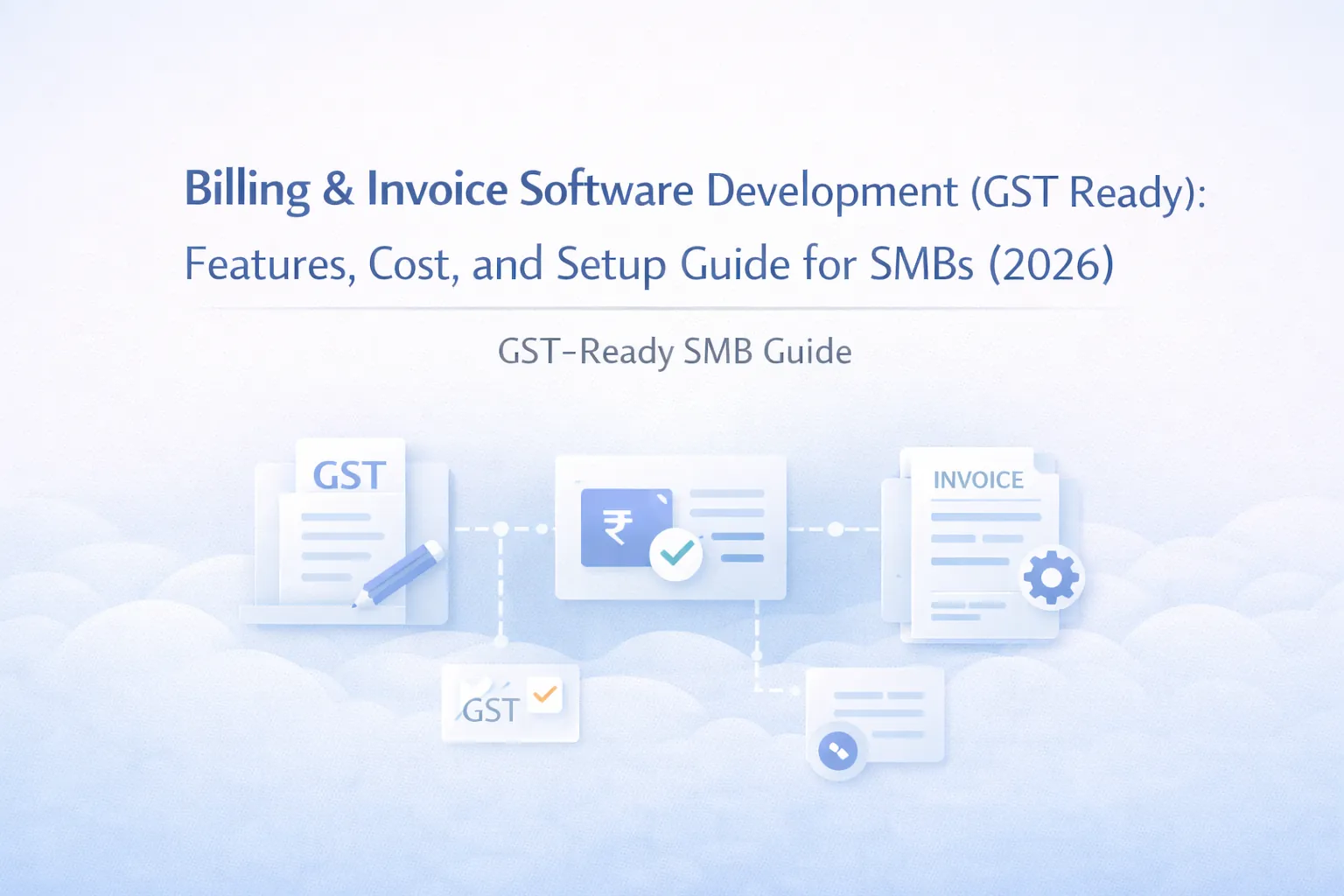
Billing and invoice software development guide for GST-ready SMB systems with features, pricing in India, timeline, tech stack, and rollout advice today.
Billing feels simple until the business starts dealing with multiple tax rates, repeat customers, partial payments, credit notes, quotation follow-ups, and branch-wise reporting. At that point, manual invoice making or generic tools often start creating delays and avoidable mistakes.
Billing and invoice software development for SMBs should focus on speed, accuracy, and clean records. A GST-ready system does not have to be huge, but it should create invoices properly, store customer and product details cleanly, support tax rules, and give owners reliable billing and payment visibility.
This guide explains what features matter, what typical development cost looks like in India, which tech stack works well, and how to scope phase one without wasting budget.
If your team is spending too much time preparing invoices, tracking payments manually, or correcting tax and customer details repeatedly, billing software can improve both speed and accuracy. For small businesses, the most useful billing system usually includes customer master, product or service master, GST setup, invoice generation, payment tracking, and reporting.
The software becomes more valuable when it also connects to quotation, sales order, or collections workflows. That is why many SMBs eventually connect billing with CRM software or purchase and sales systems.
This type of software is a strong fit for distributors, service businesses, consultancies, project-based firms, clinics, training companies, and any SMB where invoices are generated frequently but records and payment follow-up still feel manual. It is especially useful when owners want cleaner GST-ready documentation without depending on one person to prepare everything. If quotations, invoices, and outstanding amounts are still being tracked across multiple files, billing software usually delivers a quick operational win.
It is also a strong fit when one accountant or admin person currently holds too much billing knowledge in their head and the business wants a more dependable system.
Billing is not just document generation. It is a record of what was sold, to whom, at what rate, under which tax rule, and whether the amount was paid. When billing is weak, finance, sales, and customer communication all become more difficult.
A good billing platform standardizes the way invoices are created. It reduces dependency on one accountant or one operator and makes billing data reusable for reports, payment reminders, and customer history.
For many businesses, the immediate benefit is time saved. The deeper benefit is better control over invoicing quality and collections visibility.
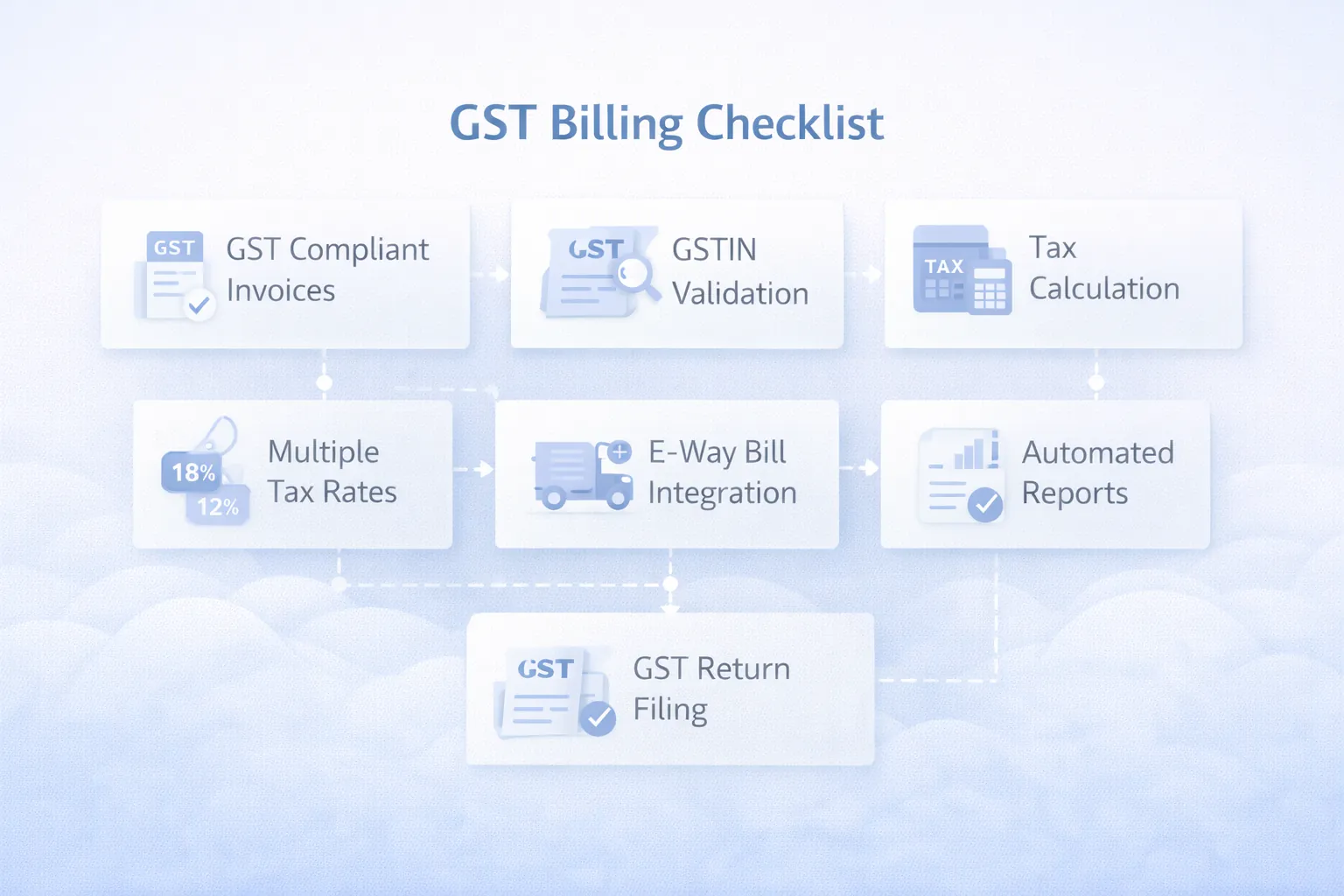
"GST-ready" should not be treated as a vague checkbox. For an SMB billing system, it usually means the software can handle the business's actual tax setup without repeated manual editing.
If your business also needs advanced statutory workflows such as e-invoice or e-way bill support depending on turnover and process, that scope should be discussed separately. Not every SMB needs the same compliance module on day one, so avoid paying for features you will not use.
Custom billing software is especially useful when:
These features usually make billing software practical for daily use.
After launch, many businesses add recurring invoices, payment links, automated reminders, sales-order conversion, or integration with API integration services and ERP modules.
If your billing process feels slower than it should, the fix is usually a better workflow with master data and proper roles, not just a prettier invoice template.
Billing software pricing depends on whether you only need invoice generation or a larger workflow around quotations, customer records, payment status, and reporting.
₹1.25 lakh to ₹2.2 lakhIncludes customer master, product master, GST-ready invoicing, PDF export, and basic reports.
₹2.3 lakh to ₹4 lakhIncludes quotation-to-invoice flow, payment tracking, roles, dashboards, and branded output.
₹4.25 lakh to ₹7 lakhIncludes approvals, branch-wise billing, reminder automation, integrations, and richer admin analytics.
For most SMBs, annual support and minor improvements usually fall in the ₹20,000 to ₹60,000 range depending on usage volume and change needs.
If your team mainly wants to stop making invoices manually, keep phase one tight. If you want billing to become a control point for sales, payment follow-up, and reporting, invest in a stronger middle-tier scope from the start.
Billing systems need stable calculations, secure access, and clean document generation.
Next.js for invoice forms, customer tables, dashboards, and responsive admin usage.Node.js for invoice logic, numbering, tax calculation, export generation, and workflow rules.PostgreSQL for customers, items, invoices, payments, and audit records.If invoicing is tightly linked to order fulfilment or dispatch in your business, it is worth planning alongside order management system development.
Billing software typically takes 4 to 8 weeks for an SMB-ready launch.
Projects slow down when businesses have multiple invoice formats but no clear rule for when each format should apply. Sorting that out early saves time.
These are the biggest pricing variables:
The right build should help billing move faster without making finance records messy. Clean data matters more than excessive features.
Keep phase one tightly focused on accuracy and repeatability:
This sequence reduces confusion and improves adoption. Later, you can expand into collections reminders, recurring invoicing, or broader ERP modules without rebuilding the foundation.
Many businesses focus only on the PDF layout, but the real value comes from master data, tax rules, payment visibility, and repeatable workflow. A pretty invoice alone does not solve billing chaos.
If tax defaults and document numbering are still changing during development, testing becomes messy and user confidence drops. These rules should be decided before the build gets deep.
Billing tools need role discipline. If too many users can edit, delete, or revise invoices freely, finance control becomes weak very quickly.
Generating invoices is only half the story. Owners usually want to see which amounts are outstanding, which customers delay payment, and how collections are moving. If that is not visible, the software feels incomplete.
Trying to build a full accounting platform in the first release usually slows everything down. It is better to get clean billing right first, then connect to wider finance workflows later.
For small businesses, a focused custom billing tool usually starts around ₹1.25 lakh and can grow to ₹4 lakh or more with payment tracking, reports, and integrations.
It usually includes tax calculation support, customer GST fields, invoice numbering, tax breakup on output, and report exports suitable for finance review.
Yes. This is useful when the sales team wants to see quotation, invoice, and payment status in one customer timeline.
Yes. These are common requirements and should be planned early if your business uses them regularly.
No. Billing software focuses on invoicing workflow and payment visibility. It can connect to accounting, but the scope is different.
Most SMB billing tools take around 4 to 6 weeks for a core build and up to 8 weeks if workflow layers and integrations are added.
Yes. Many businesses add reminder logic in phase two after invoice creation and records are stable.
Trying to support too many document formats and exception rules before the base workflow is standardized.
If billing still depends on manual templates, repeated data entry, or unclear payment follow-up, the process is ready for a proper system.
Related Articles
March 30, 2026
Restaurant billing software guide covering features, pricing, GST-ready setup, billing flow, and rollout advice for restaurants in 2026.
Read article
March 26, 2026
CRM software development for small businesses: compare custom CRM vs SaaS, features, pricing in India, timeline, tech stack, and rollout tips for lead tracking.
Read article
March 26, 2026
Custom CRM vs Zoho CRM for SMBs: compare pricing in India, features, timeline, tech stack, and long-term fit for lead tracking, quoting, and growth today.
Read article