Inventory Management Software Development: Features, Cost, and Build Plan for Small Businesses (2026)
Inventory problems usually show up as delayed dispatch, stock mismatch, urgent supplier calls, or the classic line: "system mein kuch aur hai, godown mein kuch aur." When stock data is not reliable, purchase planning, sales commitments, and cash flow all get affected.
Inventory management software development for small businesses should focus on visibility and control, not enterprise-level bloat. Most SMBs need a clean stock ledger, purchase and issue records, reorder logic, branch-wise visibility, and reports that can be trusted during daily operations.
This guide covers the features that matter, typical pricing in India, a sensible tech stack, realistic timelines, and the cost drivers that change project scope.
Table of Contents
- Quick answer
- Why businesses need inventory software
- What the software should solve
- Features
- Pricing in India
- Tech stack
- Timeline
- Cost drivers
- FAQs
Quick Answer
If your business is still managing stock through Excel, manual registers, or disconnected billing software, inventory software can reduce stock mismatch, improve reorder planning, and make branch-level reporting far easier. For small businesses, the best build is usually a focused system that handles stock in, stock out, purchase linkage, reorder alerts, and usable reports.
You do not need an oversized ERP to get value. You need the right core:
- Accurate stock movement records
- Clear product and SKU structure
- Purchase and issue tracking
- Low-stock visibility
- Branch or warehouse reporting
If stock is connected with sales, dispatch, or billing in your business, also review purchase and sales management systems and warehouse management systems for small businesses.
Best Fit Scenarios
Inventory software is usually the best fit for distributors, retailers with back-office stock, spare-parts businesses, clinics with consumable inventory, small manufacturers, and service companies that need reliable stock for fulfilment. It is especially useful when owners want to stop asking staff for manual stock confirmation every day. If your business has one or more stock locations, repeat inward and outward movement, or frequent reorder confusion, phase-one inventory software can create fast operational clarity.
Why Businesses Need Inventory Software
Inventory is one of the first business functions where hidden inefficiency becomes expensive. Even when revenue is growing, poor inventory visibility can quietly lock cash in slow-moving stock, increase missed sales, and create friction between sales, purchase, and operations teams.
Common stock-control pain points
- No live stock count: teams confirm availability based on assumptions instead of records.
- Manual updates happen late: stock changes are recorded after the fact, so reports are always one step behind.
- Purchase planning is reactive: reorder happens only when an urgent shortage is noticed.
- Branch transfer tracking is weak: items move, but the system does not reflect it cleanly.
- Returns and damages are unclear: usable stock and non-usable stock get mixed together.
- Owner reports are unreliable: value, ageing, and fast-moving item views are incomplete.
What good inventory software should change
A good system should make every stock movement traceable. That means product master, units, categories, supplier linkage, purchase entry, stock issue, stock transfer, adjustments, and reporting all need consistent structure. Once that is in place, the software stops being a passive register and starts becoming a control tool.
For many SMBs, the biggest gain is confidence. When the owner or operations manager can trust stock numbers, decision-making gets much faster.
What the Software Should Solve
Before talking about features, define the operational job of the software. Inventory software can sit at different levels:
Level 1: Basic stock control
This is for businesses that need item master, stock in/out, current availability, low-stock alerts, and branch-wise stock view. It is suitable for wholesalers, small manufacturers, repair operations, clinics, and retail back offices.
Level 2: Purchase-linked inventory
This adds supplier records, purchase orders, goods receipt, inward quality checks, and basic rate tracking. It is useful when procurement planning matters as much as stock counting.
Level 3: Operations-linked inventory
This connects stock with sales, dispatch, billing, or warehouse tasks. It is ideal when inventory is not isolated and directly affects fulfilment speed or customer commitments.
The right scope depends on how tightly inventory affects sales and service. If the business needs end-to-end operational visibility, ERP software for small businesses may be the longer-term direction, but most teams should still start with a clean inventory core.
Features
Below are the features that usually make inventory software useful in the real world.
- Product and SKU master: every item should have code, name, category, unit, tax class if needed, and status.
- Stock in and stock out entries: purchases, issues, sales linkage, adjustments, and returns must update balances clearly.
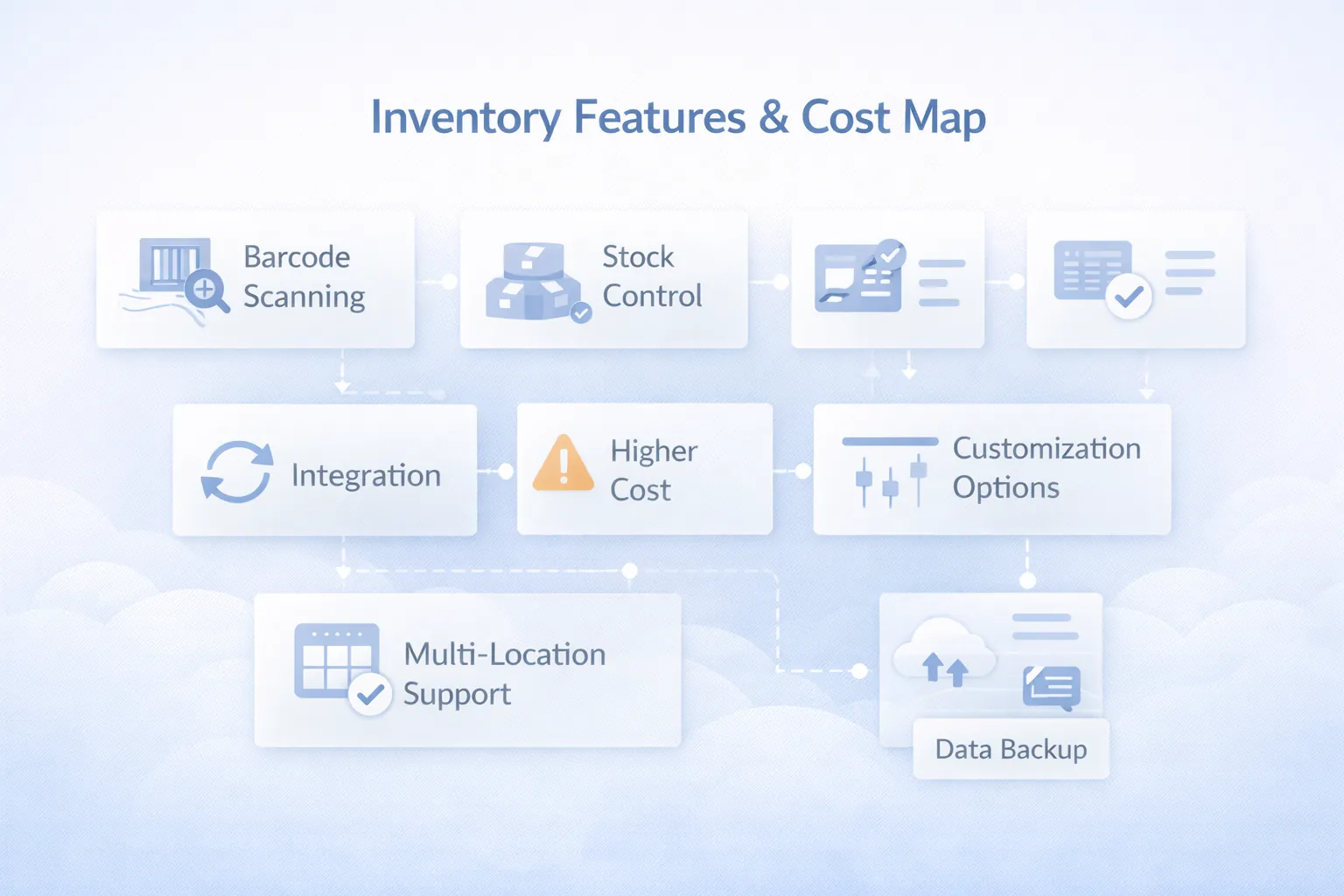
- Multi-location stock visibility: branch, store, warehouse, or rack-level stock view reduces confusion during dispatch and planning.
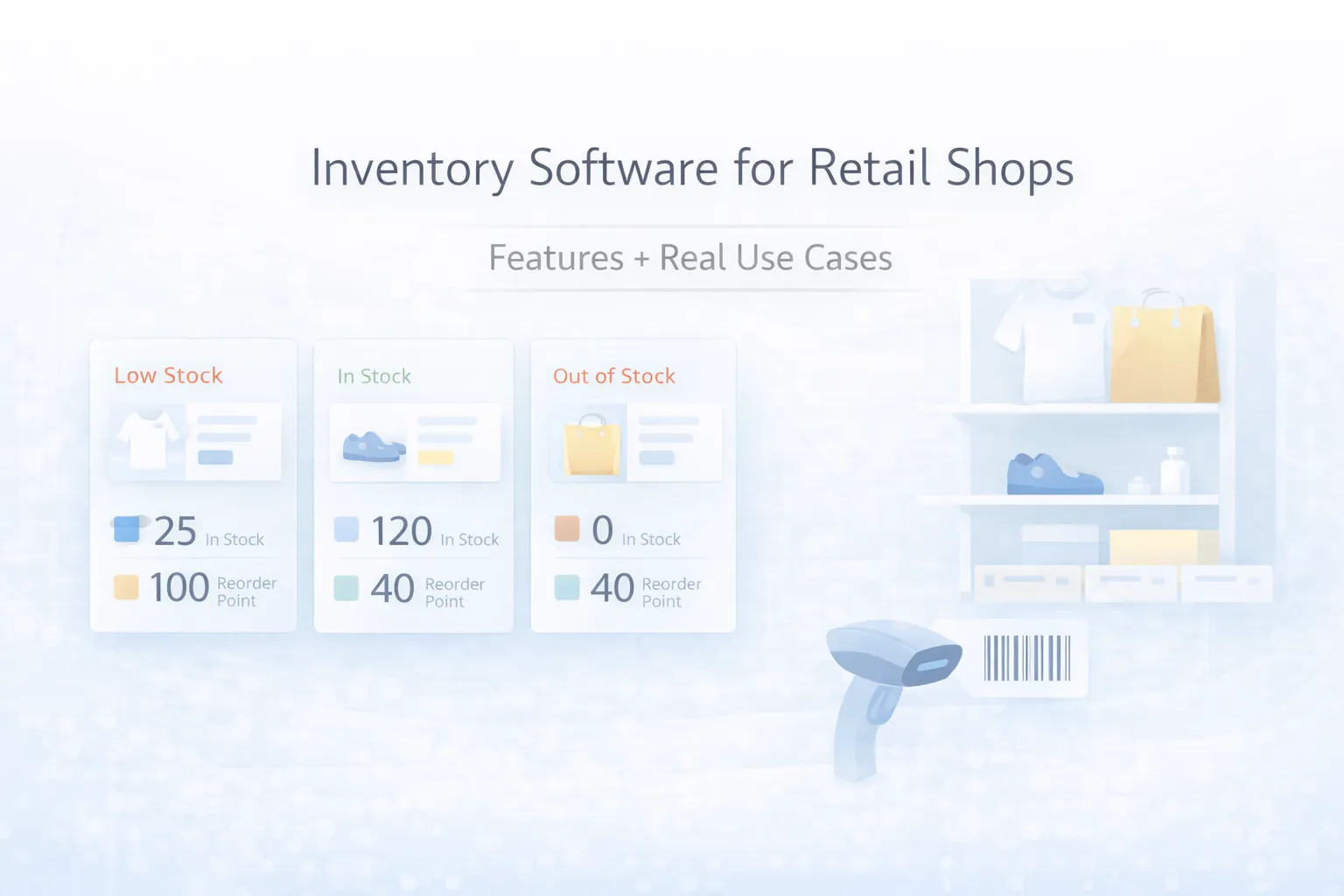
- Low-stock and reorder alerts: the system should flag items nearing reorder level before shortage becomes urgent.
- Supplier linkage: purchase history by vendor helps rate comparison and repeat ordering.
- Batch, serial, or expiry tracking: useful for medical, FMCG, spare parts, and regulated products.
- Stock transfer workflow: movement between branches or storage points should be recorded with source, destination, and status.
- Barcode-ready item handling: even if scanners are added later, the structure should support barcodes from day one.
- Adjustment and damage tracking: shrinkage, breakage, and manual corrections need audit visibility.
- Reports and valuation: current stock, movement history, slow-moving items, purchase trends, and stock value reports are essential.
- Role-based access: purchase staff, store staff, managers, and owners need different permissions.
- Audit log: every critical stock change should leave a visible trail.
Features often added in phase two
Once the base is stable, businesses often add barcode scanning screens, purchase approvals, sales-order reservation, dispatch planning, expiry alerts, or integration with billing and invoice software.
Soft CTA
If your stock records are growing but visibility is still weak, it usually means the problem is workflow design, not just data entry.
Pricing in India
Inventory software cost depends on location count, transaction volume, barcode needs, and how deeply purchase or sales workflows are connected.
Typical custom pricing
- Starter inventory MVP:
₹1.6 lakh to ₹2.8 lakh
Includes item master, stock in/out, low-stock alerts, and basic reports.
- Growth inventory system:
₹3 lakh to ₹5.25 lakh
Includes multi-location stock, supplier linkage, transfer workflow, valuation reports, and better permissions.
- Advanced SMB inventory platform:
₹5.5 lakh to ₹9 lakh
Includes barcode support, batch tracking, audit trails, integration with sales or billing, and richer dashboards.
Annual support and improvements
For most SMB builds, a support budget of ₹25,000 to ₹75,000 per year is reasonable depending on change frequency and hosting setup. This is often cheaper than living with stock mismatches and repeated manual reconciliations.
Where businesses overspend
They overspend when they try to include full warehouse, procurement, sales, and accounting in one go without proving the inventory core first. The best conversion-friendly scope is a clean phase one that solves stock visibility and movement discipline immediately.
Tech Stack
Inventory systems need fast forms, reliable data updates, and good report performance.
- Frontend:
Next.js for item management, stock movement screens, dashboards, and responsive branch access. - Backend:
Node.js services for stock calculations, transaction validation, and report generation. - Database:
PostgreSQL for structured inventory ledgers, product masters, suppliers, and stock movement records. - Search and filters: indexed tables for quick SKU search, category filtering, and movement lookup.
- Barcode layer: barcode generation or scanning support through device camera or scanner input when required.
- Hosting: managed cloud deployment for centralized access and easier backup.
- Permissions: role-based access so store staff cannot perform manager-only adjustments.
- Logs and exports: stock history exports and audit traces for reconciliation and review.
If you expect inventory to connect with website orders, marketplace orders, or shipping flows, keep future order management system development in mind while planning the data model.
Timeline
Inventory software projects typically take 5 to 10 weeks for a practical SMB rollout.
- Week 1: stock process discovery, item categorization, and movement rules.
- Week 2: wireframes, product master schema, and reporting priorities.
- Week 3 to 4: item master, inward, outward, and current stock modules.
- Week 5: alerts, permissions, and report screens.
- Week 6: sample data import and reconciliation testing.
- Week 7: user acceptance testing with real stock scenarios.
- Week 8: training and launch.
- Week 9 to 10: optional barcode support, transfers, and integration work.
Projects go faster when item coding is already clean. They slow down when product names, units, or categories are inconsistent across teams.
Cost Drivers
These are the biggest factors affecting final budget:
- Number of stock locations: a single store is much simpler than branch plus warehouse plus job site stock.
- Product complexity: serial, batch, expiry, or unit conversion rules add logic.
- Purchase linkage: PO flow, inward validation, and vendor pricing history increase scope.
- Barcode support: the software structure should support it early, but live scanning adds testing and hardware coordination.
- Report depth: fast-moving, slow-moving, ageing, valuation, and transfer analysis reports take planning.
- Data migration quality: messy item masters create implementation friction.
- User count and role levels: each role view adds UX and permission work.
- Cross-system integration: connecting with billing, OMS, or WMS changes architecture expectations.
The right inventory system should reduce daily doubt. If the team still needs manual verification for every stock question, the software is not solving the core problem.
Implementation Tips for Phase One
Inventory projects become smoother when the business first agrees on:
- one product naming rule
- one item code policy
- one unit and conversion standard
- who can adjust stock
- how inward, outward, and transfers will be recorded
Then build phase one around those rules. Do not start with advanced automation if the base stock discipline is not yet defined. Once the ledger is reliable, you can safely expand into WMS workflows, reorder planning, vendor comparisons, or stronger ERP-style reporting.
Common Mistakes to Avoid
Copying the old manual process exactly
Software should improve stock discipline, not simply digitize confusion. If your old method allowed delayed updates and unclear ownership, reproducing that exactly in software will not fix the business problem.
Skipping item master cleanup
Duplicate item names, inconsistent units, and vague categories create reporting trouble immediately. A strong item master is boring work, but it is one of the highest ROI parts of the project.
Mixing available, damaged, and blocked stock
When all stock is shown as one number, teams start making wrong commitments. The system should clearly separate usable stock from damaged, reserved, or pending-inspection inventory.
Adding barcode workflows before stock discipline exists
Barcode support is useful, but it does not automatically solve process gaps. If stock movements are not being recorded reliably, scanning only makes the same messy process faster.
No control over stock adjustments
Manual adjustments are sometimes necessary, but they should not be invisible. Adjustment reasons, user identity, and timestamps must be visible, otherwise trust in the entire system falls apart.
FAQs
How much does inventory software development cost in India?
For most SMBs, it starts around ₹1.6 lakh for a basic MVP and can grow to ₹5 lakh or more when multi-location logic, barcode support, and integrations are included.
Can the software support barcode scanning?
Yes. Many systems start barcode-ready and add live scanning in phase two once the stock structure is stable.
Is this different from warehouse management software?
Yes. Inventory software focuses on stock records and control. WMS goes deeper into bin locations, picking, packing, and warehouse operations.
Should inventory connect with billing?
Usually yes if sales directly consume stock. But it is better to connect after core stock records are behaving correctly.
Can small manufacturers use the same type of system?
Yes, with minor adjustments for raw material, finished goods, and inward or issue logic. If production stages are more detailed, scope should be planned accordingly.
How long does inventory software take to build?
Most focused SMB builds take 5 to 8 weeks. More complex transfer, barcode, or cross-module needs can extend the timeline.
What is the biggest mistake in inventory projects?
Importing a messy item master and hoping software will clean it automatically. Product structure quality matters a lot.
Is cloud-based inventory software safe for SMEs?
Yes, when login controls, backups, logs, and role permissions are implemented properly. Centralized cloud access usually improves visibility and support.
Related Reading
Need Better Stock Visibility Without Enterprise Bloat?
If your team is still checking stock by phone call, manual register, or delayed spreadsheet update, the business already has a process gap worth fixing.