Sales Pipeline CRM: Stages + Reports + Automation
Many businesses say they have leads, but they do not really have pipeline visibility. Deals are floating across spreadsheets, personal notes, and memory. The team knows activity happened, but management cannot see stage movement, conversion gaps, or where deals are actually getting stuck.
A sales pipeline CRM solves that. It gives the team a clear deal flow from first contact to closure, with stage ownership, follow-up history, reports, and automation where it actually helps.
This guide explains what pipeline stages should look like, what reports matter, how automation should be used, and what a practical custom CRM costs for SMEs.
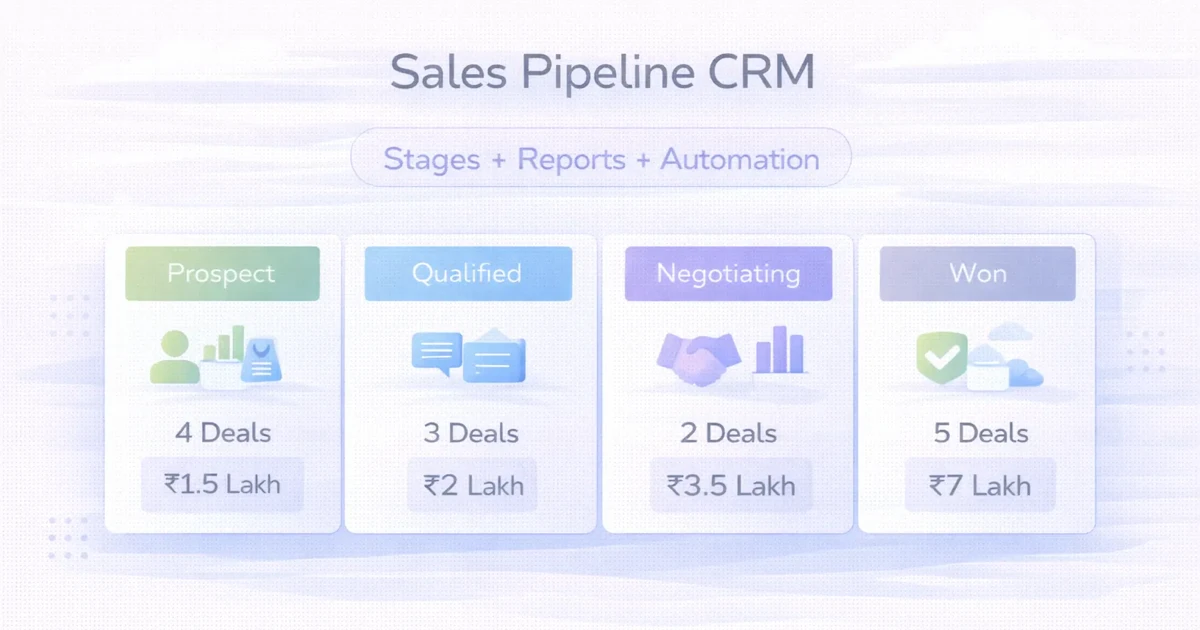
Table of Contents
- Quick answer
- Stages that actually work
- Reports
- Automation ideas
- Pricing
- Timeline
- Tech stack
- FAQs
Quick Answer
A useful sales pipeline CRM should help you:
- track deals by stage
- assign ownership
- capture notes and follow-ups
- see source-wise performance
- measure conversion and ageing
- automate repetitive reminders and updates
Typical custom pricing:
- starter pipeline CRM:
₹60,000 to ₹1.25 lakh - growth CRM with reports and automation:
₹1.25 lakh to ₹3 lakh - advanced CRM with integrations:
₹3 lakh to ₹6 lakh+
The biggest win is usually not automation first. It is visibility first.
Stages That Actually Work
Too many businesses create a pipeline with 10 to 15 stages and then nobody uses it properly. The better approach is fewer, clearer stages.
Example stage model
- new lead
- contacted
- qualified
- meeting scheduled
- proposal shared
- negotiation
- won
- lost
This model is simple enough for daily use and clear enough for reporting.
What each stage should define
For every stage, decide:
- who owns the deal
- what action must happen next
- what qualifies movement to the next stage
- what report should track ageing
Without these rules, stages become decoration.
Related reading:
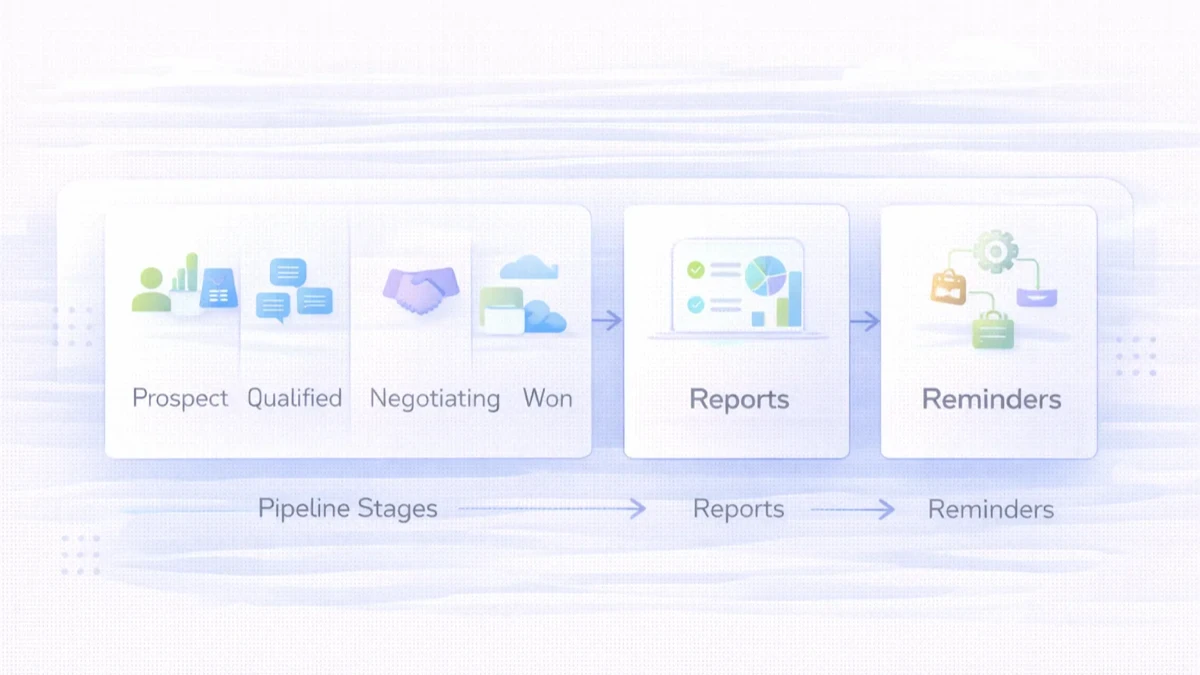
Reports
Stage-wise pipeline view
This shows how many deals sit in each stage and where the bottleneck is.
Ageing report
This shows how long deals stay inactive or pending in each stage.
Owner performance report
This helps management see:
- follow-up discipline
- conversion performance
- deal movement speed
Source report
This shows whether website, ads, referrals, or campaigns are creating useful deals, not just raw lead count.
Won vs lost analysis
This helps improve offer quality, qualification, and sales process.
Automation Ideas That Are Actually Useful
Automation should remove repetitive work, not create noise.
Practical examples:
- reminder for due follow-up
- auto-assign leads by source or team
- stage-based task creation
- stale deal alerts
- status-change notifications
Automation that usually becomes messy too early:
- over-complicated scoring
- too many triggers
- excessive notifications
- forcing every action into one rigid flow
Start with reminders, routing, and stale-deal visibility. Those create value quickly.
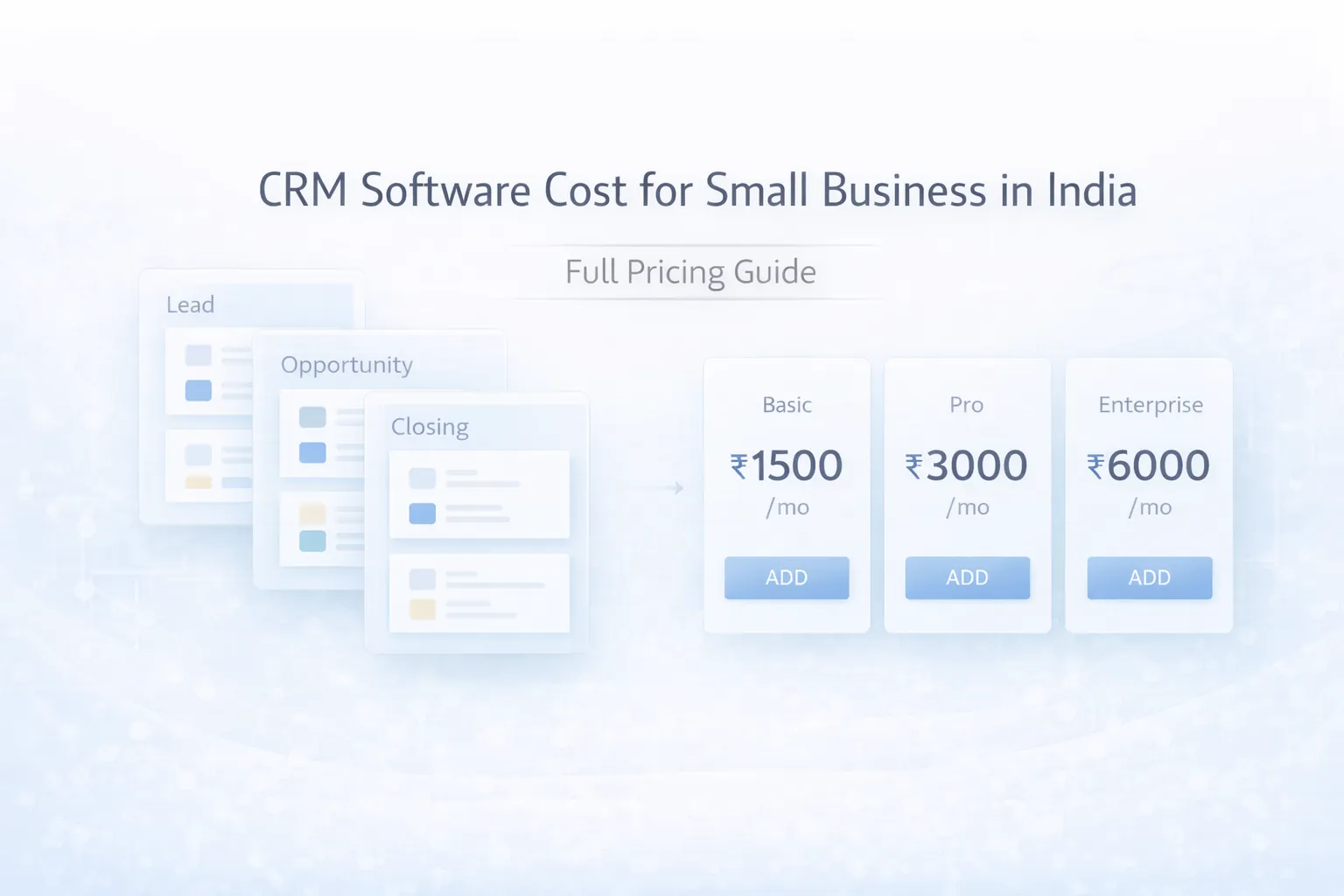
Pricing
Starter pipeline CRM: ₹60,000 to ₹1.25 lakh
Usually includes:
- core stages
- owner assignment
- notes and follow-ups
- basic reports
Growth CRM: ₹1.25 lakh to ₹3 lakh
Usually includes:
- role-based views
- ageing reports
- source tracking
- dashboard filters
- reminder automation
Advanced CRM: ₹3 lakh to ₹6 lakh+
Usually includes:
- integrations with website, WhatsApp, or ERP
- branch-level reporting
- custom workflows
- deeper audit logs
- API support
For many SMEs, the growth band is the best place to start.
Timeline
Typical implementation timeline:
2 to 3 weeks: starter CRM4 to 6 weeks: growth CRM6 to 10 weeks: advanced CRM with integrations
Timeline depends on:
- stage clarity
- reporting depth
- automation scope
- data migration needs
Tech Stack
A practical pipeline CRM stack:
Next.js or React frontendNode.js backendPostgreSQL database- role-based authentication
- event logs and reporting tables
- integration support for forms, WhatsApp, or email
The real quality comes from workflow design and reporting clarity, not from a fancy stack diagram.
Cost Drivers
The biggest drivers are:
- number of roles
- custom stage logic
- automation rules
- report complexity
- integrations
- existing data cleanup and import
The most common mistake is trying to solve pipeline discipline only through software. The stage rules and sales habits also need to be defined.
Soft CTA
If sales visibility is weak, do not jump straight to advanced automation. First make stages, ownership, and reporting clean. That alone improves management control a lot.
FAQs
Is a pipeline CRM different from a general CRM?
Yes. A pipeline CRM focuses more directly on deal stages, follow-ups, and sales visibility.
How many stages should I create?
Usually 5 to 8 clear stages are better than too many detailed stages.
What reports matter most?
Stage-wise count, ageing, owner performance, and source-wise conversion are the most useful first reports.
Should I automate everything?
No. Start with reminders, routing, and stale-deal tracking.
Can it connect with website leads?
Yes. Website forms can push leads directly into the CRM.
Is this useful for service businesses?
Yes. It is very useful where follow-up quality affects closing rates.
How fast can it launch?
A basic version can often launch in 2 to 3 weeks if scope is clear.
Custom CRM or SaaS?
If your process is simple, SaaS may work. If reporting, roles, or workflows are specific, custom is often better.
Related Reading
Need a CRM That Shows Real Pipeline Movement Instead of Just Storing Contacts?
If you want a CRM that helps sales teams act faster and management review pipeline quality clearly, start with the minimum stage system and report set that your team will use daily.