CRM Software Development for Small Businesses: Custom vs SaaS, Features, Cost, and Best Fit (2026)
For many small businesses, "CRM" starts as an Excel sheet, a shared WhatsApp group, and one person who remembers which lead needs a callback. That works for a while, but once enquiry volume grows, follow-ups get missed, deal stages become unclear, and owners stop trusting the pipeline numbers.
CRM software development for small businesses is not about copying big enterprise tools. It is about building or choosing a system that helps your sales process stay simple, visible, and repeatable. In the Indian SMB context, that usually means lead capture, reminders, quotations, customer history, and clean reporting without unnecessary complexity.
This guide explains when a small business should use SaaS CRM, when custom CRM makes more sense, what features matter, how much development usually costs in India, and how to keep the first version practical.
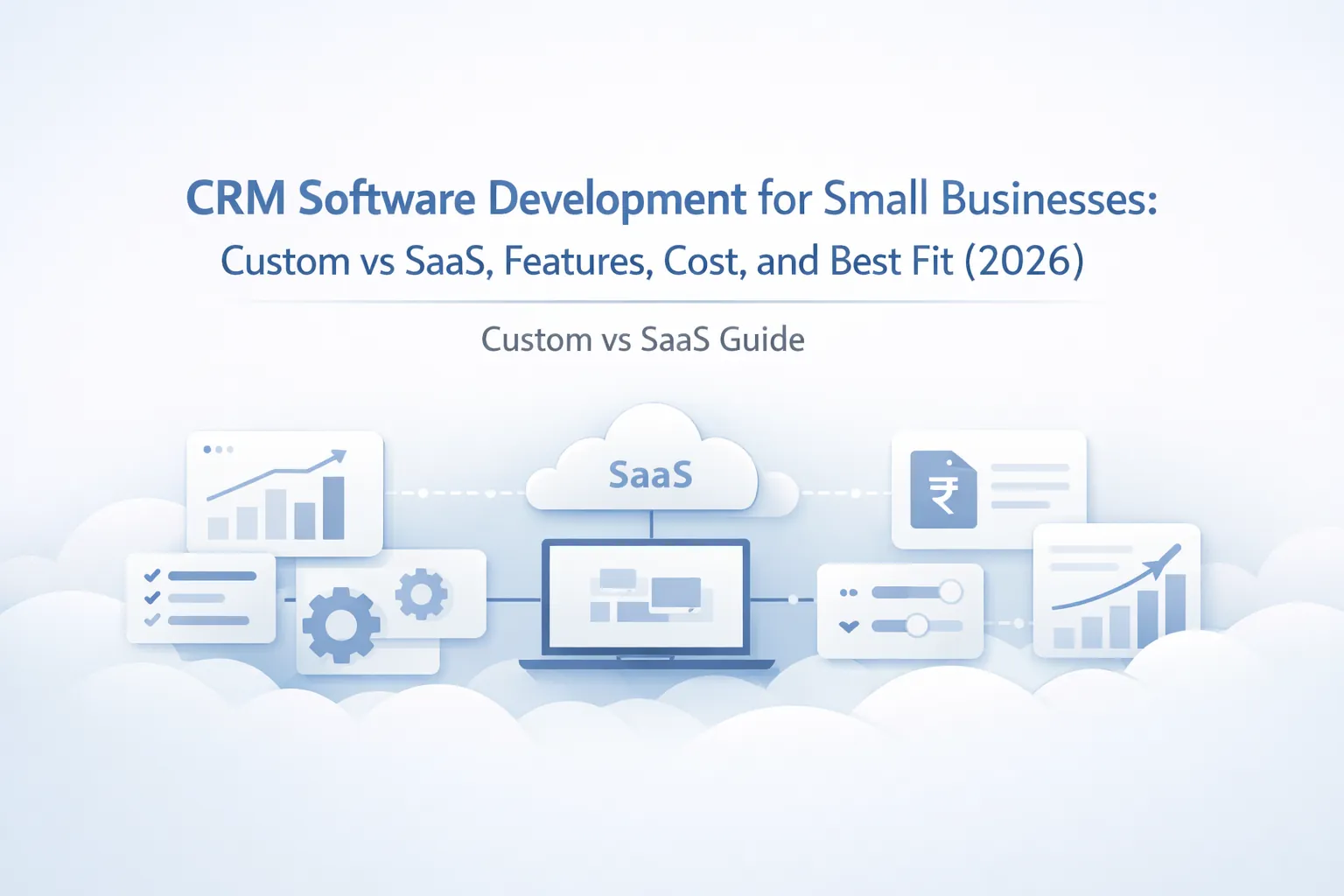
Table of Contents
- Quick answer
- Why businesses need CRM software
- Custom CRM vs SaaS
- Features
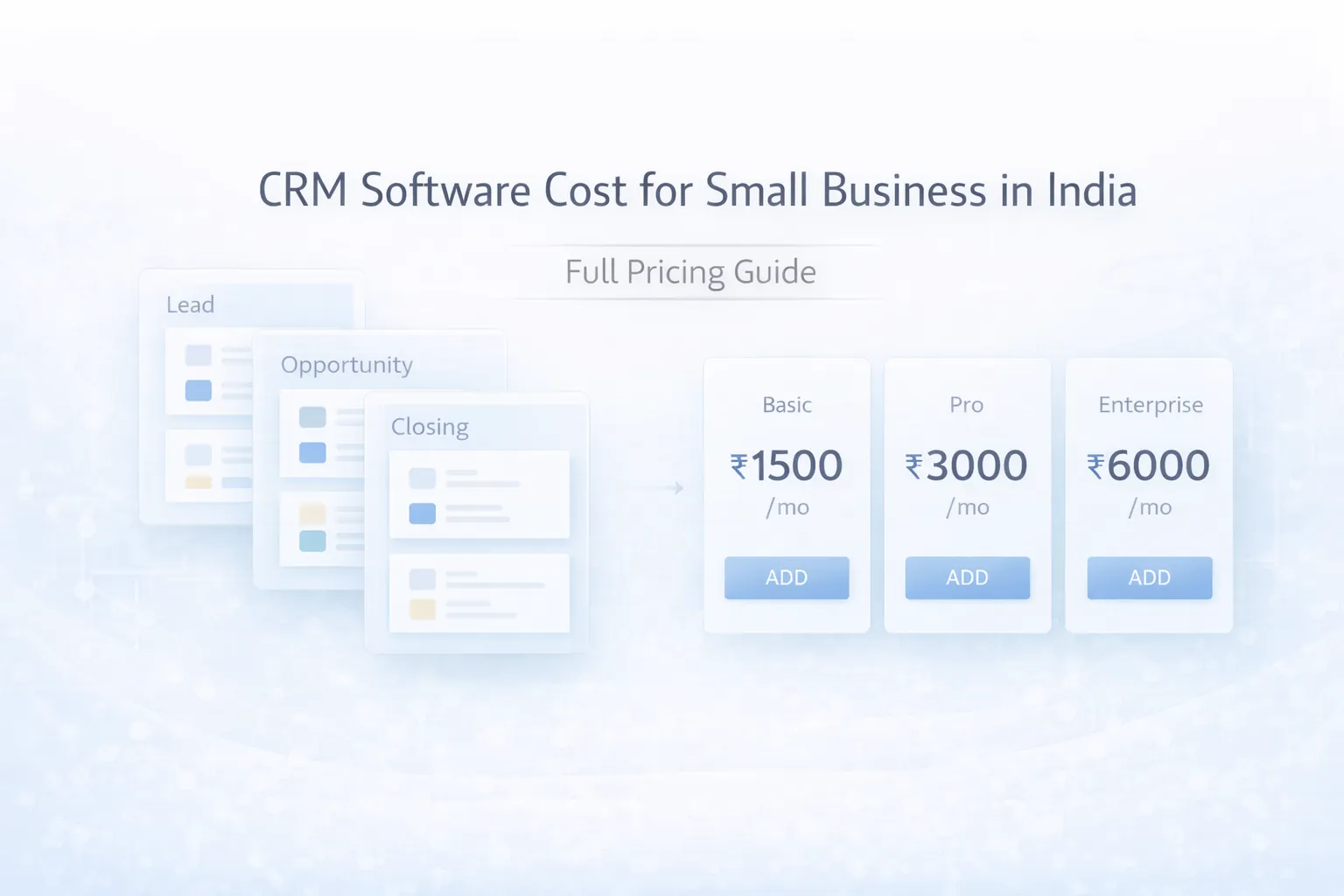
- Pricing in India
- Tech stack
- Timeline
- Cost drivers
- FAQs
Quick Answer
If your team has a standard sales process and you mainly need contact storage, basic pipeline tracking, and reminders, SaaS CRM is often enough in phase one. If your business has custom enquiry stages, quotation logic, branch-wise ownership, field sales workflows, or heavy WhatsApp-first communication, a custom CRM can give better long-term fit.
For most Indian SMBs, the smart decision is not "custom is always better" or "SaaS is always cheaper." The smart decision is to see where your current process breaks:
- Choose SaaS first if you need speed, low setup effort, and your process is close to standard lead management.
- Choose custom CRM if your sales flow is your business advantage and generic tools force too many workarounds.
- Choose a phased hybrid if you want quick lead handling now and a custom system later after the process is proven.
If you are still deciding whether a browser-based business tool is the right format, web application services and cloud-based software for SMEs give useful context before you lock scope.
Best Fit Scenarios
This topic is especially relevant for founder-led businesses, growing sales teams, distributors, agencies, consultative service providers, and B2B companies where follow-up quality directly affects revenue. If enquiries come from multiple places and one missed callback can kill a sale, CRM discipline starts paying back quickly. It is also a strong fit for companies that want a lighter phase-one business system before moving into broader ERP software for small businesses.
Why Businesses Need CRM Software
Small businesses usually do not lose leads because the team is careless. They lose leads because the follow-up system depends on memory, personal chat history, or scattered records. Once enquiries come from website forms, referrals, Meta ads, calls, and repeat customers, lead movement becomes harder to track manually.
Common signs you need a CRM
- Leads are stored in multiple places: website form emails, phones, notebooks, and spreadsheets do not create one reliable pipeline.
- No one knows the next follow-up date: if callbacks depend on memory, conversion rate always suffers.
- Quotations are going out without context: when the team cannot see previous calls, pricing discussion, or objections, sales quality drops.
- Owners ask for reports and get guesses: revenue forecasting becomes weak when pipeline stages are not updated consistently.
- Sales handover is messy: if one staff member leaves, customer context goes with them.
What CRM should improve for an SMB
A good CRM should reduce response time, make follow-up visible, and give managers a clean snapshot of leads, open deals, closed sales, and overdue tasks. It should also help with basic process discipline. The goal is not more admin. The goal is fewer dropped conversations and clearer accountability.
In simple terms, CRM should answer four daily questions:
- Which new leads came in today?
- Who owns each lead right now?
- What is the next action and when is it due?
- What is actually converting, not just getting discussed?
If your business needs a lighter contact-and-relationship tool rather than a full sales engine, vendor and client management software may be a better starting point.
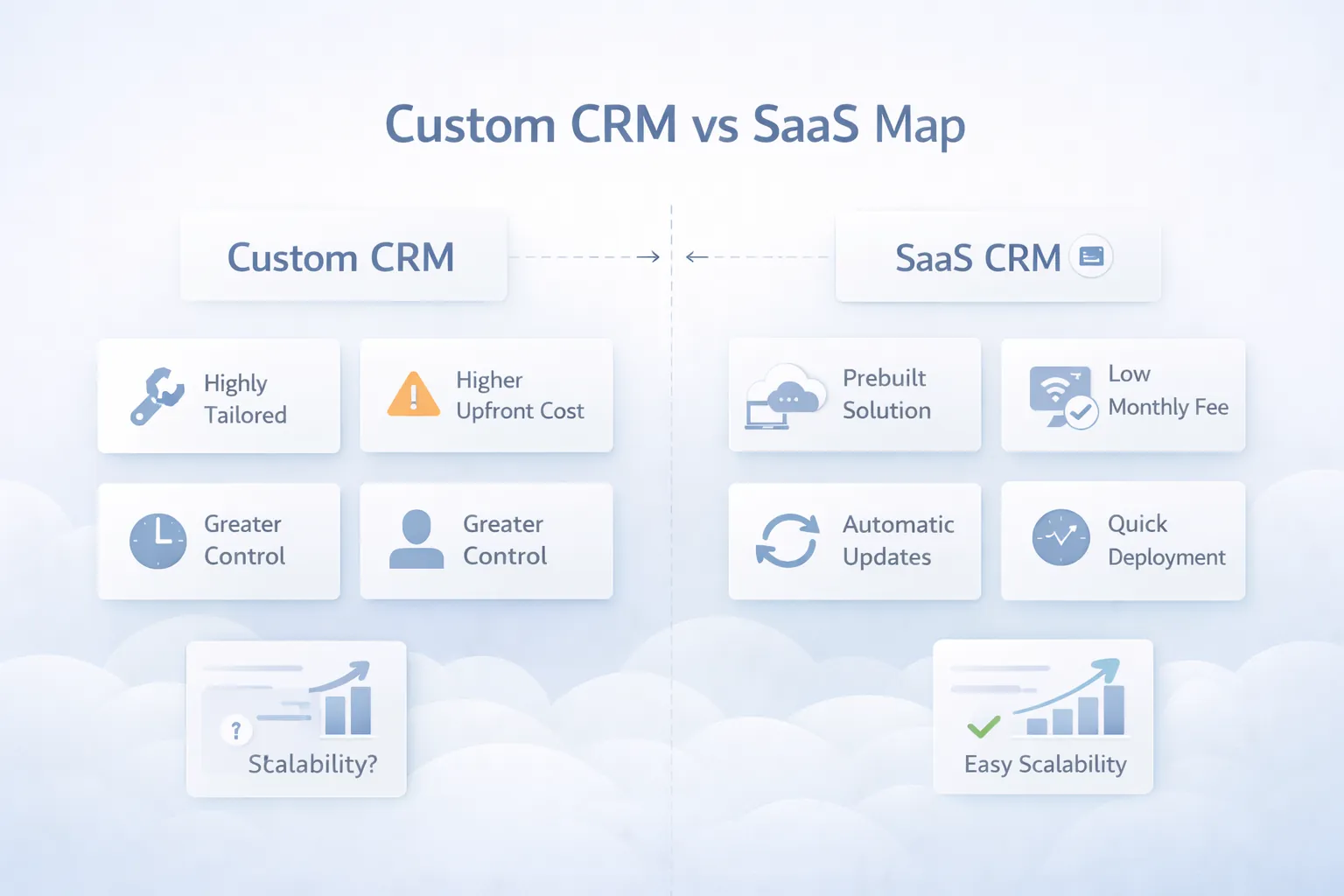
Custom CRM vs SaaS
This is the main decision point, and it should be taken practically, not emotionally.
When SaaS CRM is the better choice
SaaS works well when your team can adapt to a standard pipeline, standard fields, and standard automations. It is best for businesses that want fast deployment, lower upfront spend, and less technical ownership. If your process is simple enough, paying monthly can be the correct move.
SaaS is usually a strong option when:
- your lead stages are common and not highly custom
- your team is under 10 to 20 active CRM users
- you do not need deep quoting, dispatch, or billing logic inside the CRM
- you are okay with per-user pricing and vendor limitations
- you want setup in days, not weeks
When custom CRM is the better choice
Custom CRM wins when your actual sales process has business-specific logic. For example, maybe you qualify leads differently by city, product line, dealer type, or project stage. Maybe quotations require approval rules. Maybe WhatsApp reminders, site visits, collections, or after-sales tasks are part of the same customer journey.
Custom CRM is usually worth considering when:
- your team uses spreadsheets because standard CRMs feel too rigid
- sales, quotation, invoicing, or service handover need to stay connected
- you need branch-wise dashboards and role-based visibility
- lead assignment rules are custom
- customer history should include calls, notes, documents, and payment context
The real cost difference
SaaS looks cheaper because the upfront amount is small. Custom CRM looks expensive because the build cost is visible on day one. But you should compare total fit, not just month one cost.
SaaS can become costly over time if you keep paying for users, add-ons, extra modules, and still need manual work outside the system. Custom CRM can become wasteful if you overbuild phase one and ignore actual adoption. So the better question is: which option gives cleaner workflow with the least ongoing friction?
Practical recommendation for most SMBs
If you are early and unclear, start with process mapping first. If your sales flow is mostly standard, begin with SaaS. If you already know your team needs custom quotation, follow-up, collections, or after-sales workflows, go custom with a focused phase one. Faltu complexity in the first release helps nobody.
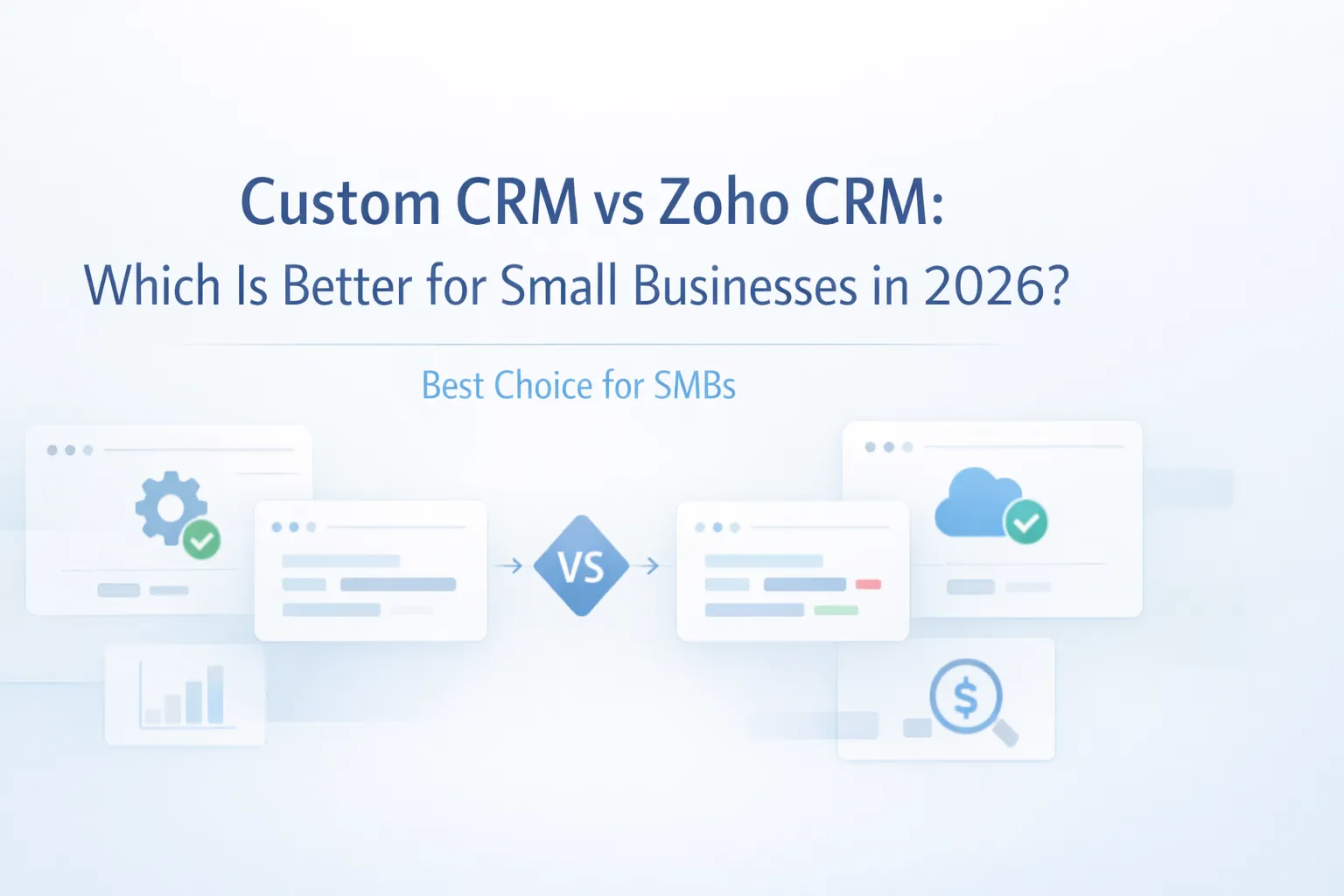
For a brand-specific comparison, also read Custom CRM vs Zoho CRM: Which Is Better?.
Features
These are the CRM features that usually matter for small business outcomes, not just for demos.
- Lead capture from multiple sources: website forms, manual entry, call enquiries, campaigns, and referrals should enter one pipeline with source tagging.
- Pipeline stage management: every lead should move through clearly defined stages such as new, qualified, quoted, negotiating, won, lost, or on hold.
- Task and reminder engine: follow-up dates, callback reminders, and overdue task alerts should be visible on user dashboards.
- Customer activity timeline: calls, notes, meetings, emails, documents, and status changes should stay attached to the contact or deal record.
- Quotation and proposal support: even simple quotation generation inside CRM saves a lot of back-and-forth for sales teams.
- Role-based access: owners, managers, and sales staff should not all see the same fields, reports, or action buttons.
- Lead assignment logic: leads can be assigned by territory, source, branch, or manager rules instead of manual forwarding.
- WhatsApp or email integration: reminders, approved templates, and conversation context can reduce response delay significantly.
- Reports and dashboards: stage-wise pipeline, salesperson performance, source-wise conversions, and follow-up ageing should be easy to read.
- Mobile-friendly design: many SMB sales teams work from phones, so responsive design is mandatory even if the system is browser based.
- Document attachment support: KYC, quotations, PO copies, and site photos should stay connected to the right record.
- Audit log and ownership history: when leads get reassigned or edited, managers should know what changed and when.
Nice-to-have features for phase two
Phase one should stay focused. Later, you can add collections tracking, after-sales service tickets, payment reminders, customer portal access, or deeper integrations with billing and invoice software and order management systems.
Soft CTA
If you want help deciding whether your sales process should stay on SaaS or move to custom CRM, start with the workflow, not the tool list.
Pricing in India
For Indian SMBs, CRM pricing should be judged against lead volume, team size, and the amount of manual follow-up leakage you are currently facing.
Typical SaaS CRM cost
- Basic SaaS setup: around
₹800 to ₹2,500 per user per month, plus onboarding or customization charges if needed. - Small team annual spend: a 5-user setup can easily land around
₹60,000 to ₹1.8 lakh per year when add-ons, automation, or WhatsApp tools are included. - Hidden cost: if quotation flow, approval logic, or service handover remains outside the CRM, you still pay in manual coordination.
Typical custom CRM development cost
- Starter CRM MVP:
₹1.35 lakh to ₹2.4 lakh
Includes lead capture, contact records, pipeline, reminders, notes, and basic dashboards.
- Growth CRM:
₹2.5 lakh to ₹4.5 lakh
Includes quotation flow, role-based access, source tracking, reports, and basic integrations.
- Advanced SMB CRM:
₹4.75 lakh to ₹8 lakh
Includes branch-wise reports, custom workflows, WhatsApp or email automation, approval logic, and admin analytics.
What usually gives the best ROI
For many SMBs, a focused custom CRM between ₹2.5 lakh and ₹4.5 lakh is the sweet spot if the sales process is already clear and actively used by the team. Below that budget, you often get a thin system. Above that budget, scope should be justified by process complexity, not by shiny extras.
Tech Stack
The right CRM stack should optimize speed, maintainability, and easy iteration.
- Frontend:
Next.js with responsive dashboards, tables, forms, and role-based navigation for sales staff and managers. - Backend:
Node.js API layer or Next.js server actions for lead workflows, reminders, and reporting logic. - Database:
PostgreSQL for structured records such as contacts, deals, tasks, quotations, and audit logs. - Auth and roles: secure login with role permissions for owner, manager, sales executive, and support users.
- Notifications: email, WhatsApp API, or SMS hooks for follow-up reminders and assignment alerts.
- File storage: cloud object storage for quotations, IDs, site images, and supporting documents.
- Hosting and deployment: managed cloud hosting with staging and production environments for safer updates.
- Analytics and logs: admin-level reporting plus activity logs so managers can trust changes and pipeline movement.
If your CRM also needs payment sync, WhatsApp, or ERP bridges later, API integration services for businesses becomes relevant very quickly.
Timeline
A realistic CRM timeline for a small business is usually 4 to 10 weeks depending on how settled your sales process already is.
- Week 1: discovery, current workflow mapping, role definition, and required reports.
- Week 2: wireframes, field planning, pipeline stage structure, and database planning.
- Week 3 to 4: lead, contact, task, and pipeline modules.
- Week 5 to 6: quotation support, reports, dashboards, and permission logic.
- Week 7: internal testing with sample leads and real sales scenarios.
- Week 8: user training, feedback fixes, and launch.
- Week 9 to 10: optional integrations, automation rules, and post-launch polishing.
Timelines stretch when the business is still changing the process every week. The cleaner your internal sales rules are, the faster the CRM project moves.
Cost Drivers
These factors usually decide whether the project stays lean or becomes expensive:
- Number of roles: owner, manager, inside sales, field sales, and support views all add logic.
- Custom pipeline rules: if each product or branch has different lead stages, reporting becomes more complex.
- Quotation depth: simple PDF quotes are cheaper than approval-based dynamic pricing flows.
- Communication integration: WhatsApp, email syncing, and reminders add both utility and implementation effort.
- Dashboard detail: summary cards are easy; clean filters, ageing reports, and conversion views take more time.
- Legacy data migration: importing contacts and open deals from spreadsheets needs cleanup, mapping, and validation.
- Mobile usage pattern: if most users work from phones, extra UX care is needed.
- Future integration needs: CRM connected with billing, support, or inventory requires a better foundation from day one.
The cheapest CRM is not the one with the smallest quote. It is the one your team will actually update daily.
Implementation Tips for Phase One
CRM projects go wrong when businesses try to digitize every sales edge case immediately. A better phase one looks like this:
- Finalize one simple pipeline that everyone agrees to use.
- Decide which fields are truly required and which are optional.
- Add reminders, notes, and reports before fancy automation.
- Train the team on one daily rhythm: update lead, set next action, close loop.
- Review adoption after 30 days, then add custom modules.
This approach gives cleaner data and better feedback. Once the base is stable, you can expand into collections tracking, site visit scheduling, customer portal access, or ERP software for small businesses if broader operations need to stay connected.
FAQs
Is SaaS CRM enough for a small business?
Yes, if your sales process is standard and you mainly need contacts, reminders, and a simple pipeline. It becomes limiting when your workflow depends on custom stages, approvals, or integrated quotation and service flows.
When should I choose custom CRM over SaaS?
Choose custom CRM when the team is already using workarounds outside existing tools, or when your business-specific process is important enough that software fit affects revenue directly.
Can a custom CRM start small?
Yes. In fact, it should. A focused phase one with lead capture, tasks, notes, reports, and user roles is usually the right place to begin.
How much does CRM development cost in India?
For SMB scope, custom CRM often starts around ₹1.35 lakh for a very lean MVP and grows to ₹4.5 lakh or more when quotation flow, reports, and integrations are involved.
Can CRM include WhatsApp reminders?
Yes, if the communication flow is planned correctly and approved messaging rules are followed. Many SMBs get strong value from reminder and assignment alerts.
How long does CRM development take?
A focused build usually takes around 4 to 8 weeks. More complex role logic or cross-module integration can push it toward 10 weeks or beyond.
Should CRM connect with billing or inventory?
Only if the business actually benefits from that visibility. For many teams, it makes sense after the sales workflow is stable, not before.
What is the biggest CRM adoption mistake?
Asking the team to fill too many fields without showing immediate value. If users do not get reminders, clarity, and faster follow-up in return, usage drops fast.
Related Reading
Need a CRM That Fits Your Sales Process?
If your current setup is leaking leads, hiding follow-up status, or forcing your team to manage sales from chat and sheets, the next step is not a random tool trial. The next step is proper workflow scoping.