Cloud-Based Software for SMEs: Why It Usually Beats Legacy and Offline Setups (2026)
Many SMEs still run important operations on offline software, local files, or partial tool stacks that only work well from one machine or one office. That creates friction as teams grow, travel, open branches, or need faster visibility into what is happening daily.
In 2026, cloud-based software is attractive not because it sounds modern but because it solves practical problems: remote access, easier support, centralized records, faster updates, and more consistent reporting across the business.
This guide covers:
- why SMEs are moving from offline or fragmented tools to cloud-based software
- how cloud software improves access, reporting, and operational flexibility
- which use cases benefit most from browser-based systems
- what to evaluate before migrating data or workflows to the cloud
- how to think about cost, security, and adoption realistically
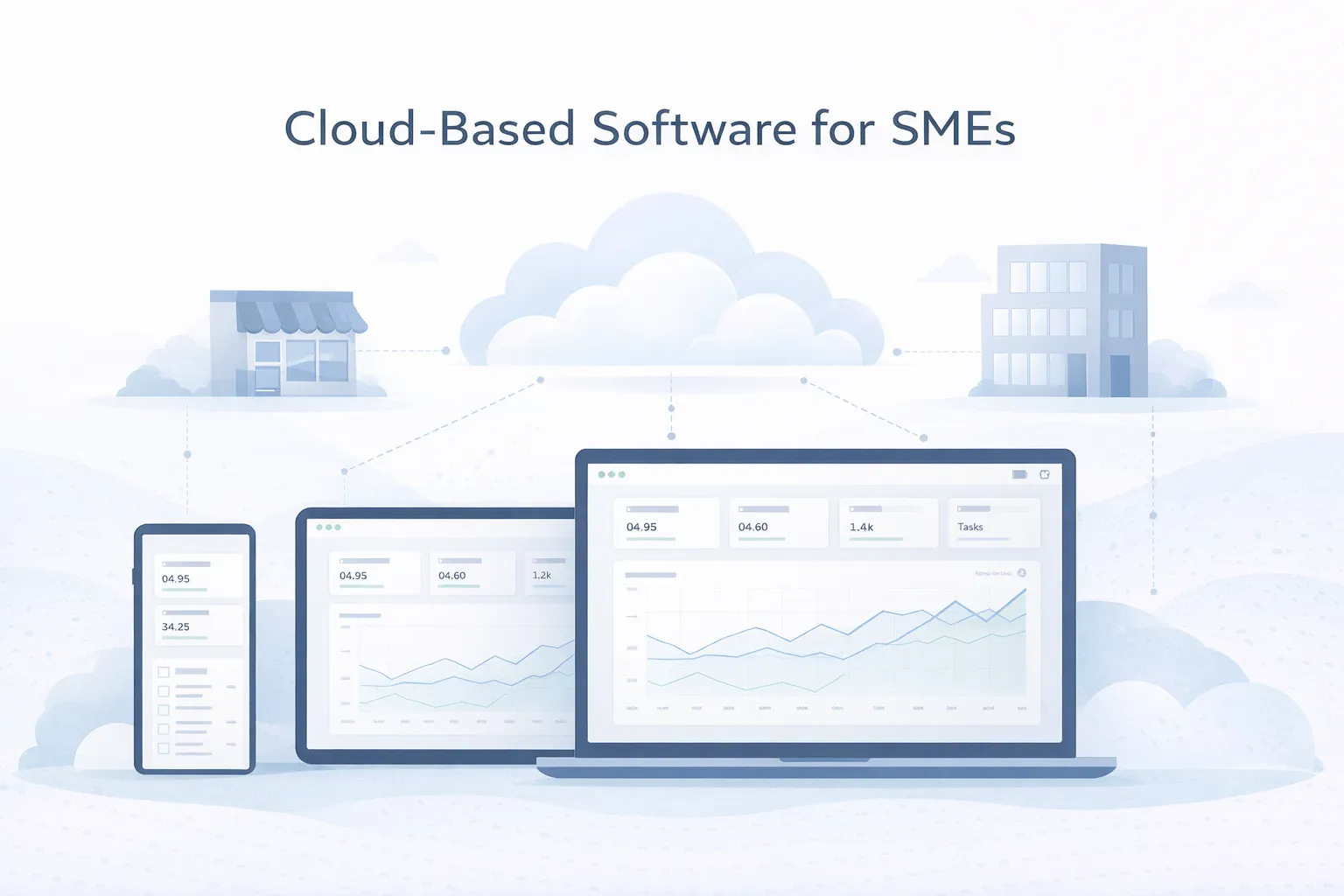
Table of Contents
- Quick answer
- Why this matters in 2026
- What changes the outcome
- What good implementation usually includes
- Common business use cases
- Cost, timeline, and scale considerations
- FAQs
Quick Answer
Cloud-based software gives SMEs a practical way to access systems from anywhere, reduce local maintenance overhead, and keep teams working from one live source of truth instead of scattered copies.
- Cloud software is often better because it improves accessibility, visibility, and update speed without requiring heavy local infrastructure.
- SMEs benefit most when multiple users, branches, reports, or workflows need to stay aligned in real time.
- The biggest gains usually come from easier access, centralized data, automatic updates, and cleaner reporting.
- Migration still needs planning around roles, data quality, internet dependence, and team onboarding.
If you already know your business needs a stronger technical foundation, web application services are usually the best place to start the discussion because the scope can be mapped around workflows instead of guesswork.
The right scope starts by matching the business goal, the users involved, and the decisions the system needs to support every day. That keeps the project practical, measurable, and easier to phase.
Why This Matters in 2026
The decision matters because software is not just an expense line. It affects how quickly teams act, how reliable management data feels, and how easily the company can grow without rebuilding its operational habits every year.
What Changes the Outcome
Access across locations and devices
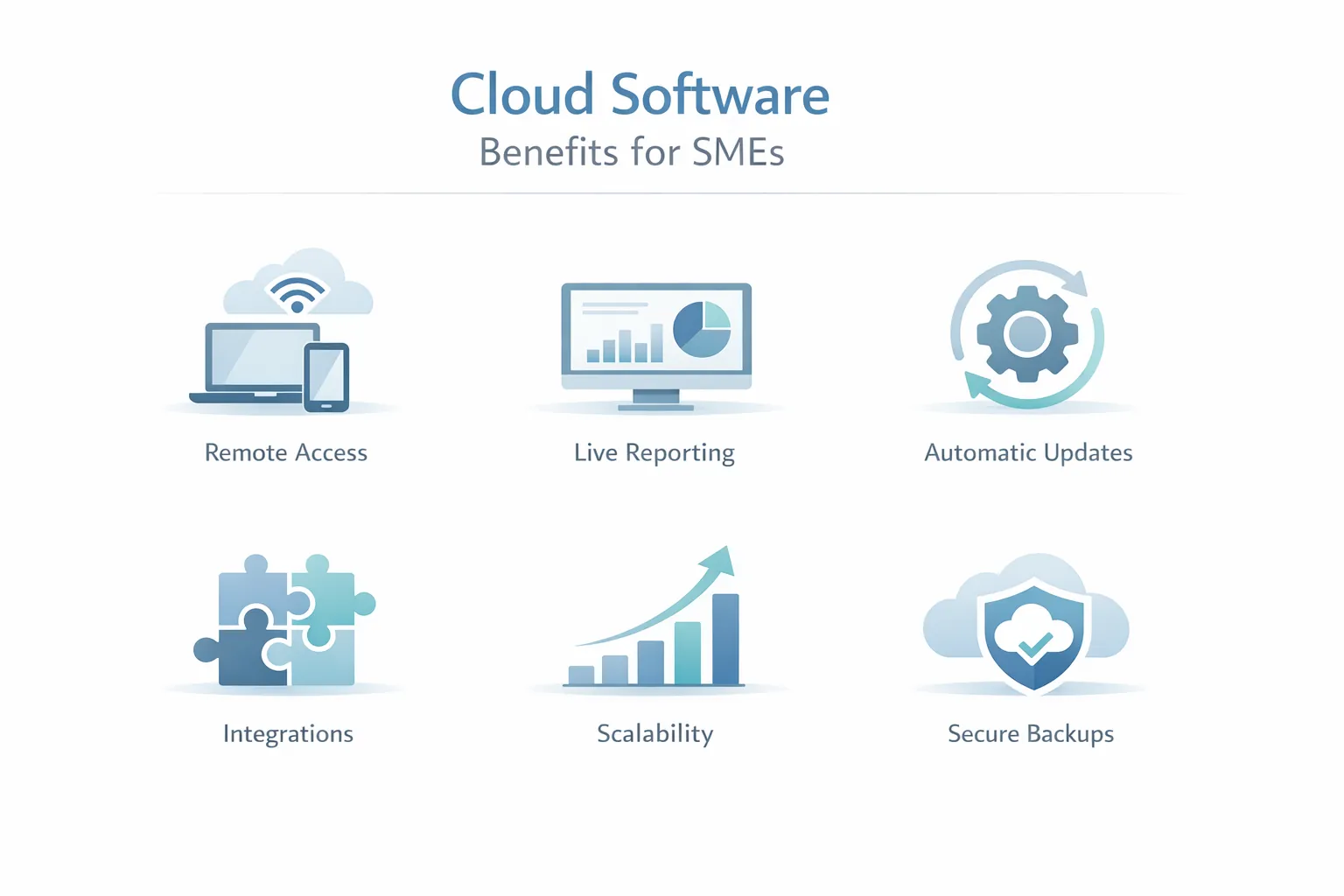
SMEs often need managers, branch teams, field staff, or owners to access the system from different places without depending on one local machine. This changes the outcome because access flexibility is one of the clearest reasons cloud software creates operational value.
Maintenance burden
Local software often requires device-specific installs, manual updates, and scattered troubleshooting. Cloud systems centralize much of that complexity. This changes the outcome because lower maintenance overhead frees up time and reduces small recurring disruptions.
Live data and reporting needs
When reports depend on consolidating multiple files or waiting for branch updates, decisions slow down. Cloud software improves visibility because everyone works on the same live dataset. This changes the outcome because centralized reporting is a major advantage for growing companies.
Security and backup expectations
Cloud does not automatically mean perfect security, but it can provide better backup routines, managed infrastructure, and access controls than many ad hoc local setups. This changes the outcome because security quality depends on implementation, but cloud usually improves operational discipline.
Ability to integrate with modern tools
CRM, payments, messaging, analytics, and dashboards are easier to connect when the software is already web-based and API-friendly. This changes the outcome because integration readiness makes cloud software more adaptable as the business evolves.
Growth and change tolerance
SMEs need systems that can handle more users, more branches, or new workflows without full replacement every time the business expands. This changes the outcome because cloud-based architecture usually offers a cleaner path for scaling and iteration.
What Good Implementation Usually Includes
A strong project is not only about getting features live. It is about making sure the system can be operated, edited, trusted, and improved after launch. That is where implementation quality becomes visible.
Browser-based access and account controls
Users should be able to log in securely from the right devices and see the right views for their role without complex local setup.
This removes friction from day-to-day usage and onboarding. When this layer is done properly, the product becomes easier to onboard, easier to support, and easier to improve later.
Centralized records and live reporting
One shared system makes it easier to trust numbers, statuses, and histories because teams are not working from different copies of the truth.
Managers get faster visibility and fewer reconciliation headaches. When this layer is done properly, the product becomes easier to onboard, easier to support, and easier to improve later.
Automatic updates and easier rollout
Cloud products make it easier to release fixes and improvements centrally instead of updating each machine or office manually.
That shortens support cycles and keeps teams on the same version. When this layer is done properly, the product becomes easier to onboard, easier to support, and easier to improve later.
Integration with communication and finance tools
Cloud software can usually connect more naturally to CRM, payment gateways, email, WhatsApp, or analytics systems.
This creates better workflow continuity than isolated local software. When this layer is done properly, the product becomes easier to onboard, easier to support, and easier to improve later.
Backup, logs, and admin visibility
SMEs still need role controls, activity history, and dependable backup policies even when the system lives in the cloud.
Operational trust comes from governance, not just from hosting location. When this layer is done properly, the product becomes easier to onboard, easier to support, and easier to improve later.
Migration and user onboarding support
Moving to cloud software often means cleaning old data, training teams, and introducing a better process rather than just importing records.
A smoother transition improves adoption and reduces early resistance. When this layer is done properly, the product becomes easier to onboard, easier to support, and easier to improve later.
Common Business Use Cases
Sales, CRM, and branch tracking
Cloud systems help owners and managers see leads, pipeline status, and branch activity in one place instead of waiting for updates from multiple files. In practice, businesses usually choose this direction because the workflow repeats often and has a clear value when handled better.
This improves responsiveness and makes performance easier to compare. That combination of speed, clarity, and control is why this use case tends to justify the build.
Inventory or operations management
Businesses with movement across locations benefit when stock, dispatch, and status updates are visible centrally and updated live. In practice, businesses usually choose this direction because the workflow repeats often and has a clear value when handled better.
That reduces communication lag and reporting mismatch. That combination of speed, clarity, and control is why this use case tends to justify the build.
Service, support, or job management
Cloud tools are especially useful when teams assign work, track progress, and need customers or managers to see updates from different locations. In practice, businesses usually choose this direction because the workflow repeats often and has a clear value when handled better.
The workflow becomes more transparent and easier to coordinate. That combination of speed, clarity, and control is why this use case tends to justify the build.
Owner and management reporting
SMEs often move to cloud software because leaders want real-time access to numbers without depending on weekly manual reporting cycles. In practice, businesses usually choose this direction because the workflow repeats often and has a clear value when handled better.
Faster reporting enables faster decisions. That combination of speed, clarity, and control is why this use case tends to justify the build.
Mid-Article CTA
If you want to translate this topic into a practical scope for your own business, the fastest next step is to review the real workflow, the must-have first phase, and the integrations that matter most.
Common Mistakes to Avoid
Treating cloud as only a hosting change
Moving software online does not help much if the workflow, permissions, and reporting problems remain unchanged. Migration should improve process, not just location. Avoiding this one mistake often protects both budget and adoption quality.
Ignoring access control
Cloud access is powerful, but it also makes role planning more important because more people may use the system from more places. Permission design is part of safe cloud adoption. Avoiding this one mistake often protects both budget and adoption quality.
Skipping data cleanup during migration
Old records, duplicate fields, and inconsistent formats create problems when moved directly into a live cloud system. Migration quality strongly affects user trust after launch. Avoiding this one mistake often protects both budget and adoption quality.
No fallback thinking for connectivity
Cloud software depends on internet access, so businesses should understand where that matters most and what limited fallback behavior is needed. Operational realities should be part of planning, not a late surprise. Avoiding this one mistake often protects both budget and adoption quality.
Weak team onboarding
Even if the system is better, staff may resist it if the new process is not explained clearly and the benefits are not visible quickly. Adoption determines whether the migration pays off. Avoiding this one mistake often protects both budget and adoption quality.
Cost, Timeline, and Scale Considerations
Cloud-based software often reduces hidden operational cost more than it reduces direct software cost. The biggest savings usually come from easier support, better visibility, fewer manual consolidations, and faster updates across the team.
For SMEs comparing cloud and older software models, Benefits of SaaS for Businesses and SaaS vs Traditional Software are useful supporting reads because they frame the operational trade-offs clearly.
The best migration path is usually phased: pick a workflow or module where shared access and live data matter most, move that first, then expand once the team is comfortable and the data model is stable.
- Cloud software usually improves access, visibility, and update speed more than offline systems can.
- Migration success depends on roles, data quality, and team adoption as much as on hosting choice.
- Centralized live reporting is one of the strongest reasons SMEs move to cloud-based systems.
- A phased rollout is usually safer than a full-company switch in one step.
Related Reading
FAQs
Why is cloud software better for many SMEs?
Because it usually improves access, reporting, updates, and support while reducing dependence on local machines or fragmented files.
Does cloud software always cost less?
Not always upfront, but it often reduces hidden operational costs such as manual consolidation, local maintenance, and delayed decision-making.
Is cloud software secure enough for SMEs?
It can be very secure when access controls, backups, monitoring, and good implementation practices are in place. Cloud does not remove the need for security discipline.
What should SMEs migrate first?
Usually the workflow where shared access and live data matter most, such as CRM, operations tracking, service updates, or management reporting.
What is the biggest risk during migration?
Weak data cleanup and poor team onboarding are common risks. If the data is messy or the process is unclear, adoption becomes harder.
Can cloud software integrate with WhatsApp, payments, or CRM?
Yes. In many cases that is one of its key advantages because browser-based systems are usually easier to connect with modern APIs and automation tools.
Should SMEs choose SaaS or custom cloud software?
It depends on how standard or unique the workflow is. Standard needs may fit SaaS well. Unique operational processes often justify custom cloud software.
Strong CTA (End)
If you want this planned around your business instead of around generic assumptions, the next move is to define the workflow, the first release boundary, and the technical approach that matches your growth path.