Custom Business Software Development: Use Cases, Cost Logic, and Where It Pays Off (2026)
Businesses usually reach custom software after outgrowing spreadsheets, CRMs used as workarounds, or several disconnected tools that no longer reflect how the company actually operates. At that point, the cost of forcing generic software to fit can become higher than building the right system.
In 2026, even SMEs expect systems that support mobile access, branch visibility, approvals, and faster reporting. Those needs do not always justify an enterprise platform, but they often justify a focused custom product built around the company's real workflow.
This guide covers:
- when businesses should build custom software instead of forcing generic tools to fit
- which operational use cases create the strongest ROI for custom systems
- what drives cost in custom business software projects beyond screen count
- how discovery, architecture, and support affect long-term success
- what to simplify in phase one without damaging the foundation
Table of Contents
- Quick answer
- Why this matters in 2026
- What changes the outcome
- What good implementation usually includes
- Common business use cases
- Cost, timeline, and scale considerations
- FAQs
Quick Answer
Custom business software makes sense when your workflow, approval rules, reporting needs, or branch logic do not fit well inside generic off-the-shelf tools. The value comes from operational fit, not from custom code by itself.
- Build custom software when the process is central to your business and existing tools create friction, duplication, or blind spots.
- Cost depends on modules, roles, integrations, data migration, and reporting depth more than on screen count alone.
- The strongest outcomes come from phased delivery: solve the highest-value workflow first, then expand based on actual usage.
- Custom software pays off most when it reduces manual coordination, improves visibility, or standardizes decisions across teams.
If you already know your business needs a stronger technical foundation, web application services are usually the best place to start the discussion because the scope can be mapped around workflows instead of guesswork.
The right scope starts by matching the business goal, the users involved, and the decisions the system needs to support every day. That keeps the project practical, measurable, and easier to phase.
Why This Matters in 2026
The question is not whether custom software sounds impressive. The real question is whether it makes decisions faster, reduces repeated admin work, and gives the business control it cannot get from off-the-shelf tools.
What Changes the Outcome
How unique the workflow really is
If the business process is only slightly different from standard SaaS tools, heavy customization may not be worth it. If the workflow is highly specific, the case for custom software becomes much stronger. This changes the outcome because workflow uniqueness determines whether custom build creates genuine value or unnecessary complexity.
Number of modules and teams involved
A system that covers one focused process is very different from one that includes CRM, billing, dispatch, reporting, and approvals across several departments. This changes the outcome because module count affects scope, testing effort, and rollout planning.
Roles, branches, and governance
Different branches, managers, and staff often need different permissions, reports, and approval thresholds. That adds important but non-trivial logic to the product. This changes the outcome because governance depth shapes both UX and backend rule complexity.
Integration and migration requirements
Moving from spreadsheets or existing software usually means importing data, syncing external tools, or maintaining reporting continuity during transition. This changes the outcome because migration work is a major cost driver because it touches both technology and business continuity.
Reporting and decision support
Dashboards, filters, exports, and summary views are what turn raw data into managerial control. Businesses often underestimate how much value and complexity this layer adds. This changes the outcome because reporting depth changes whether the software feels merely functional or genuinely useful.
Support, training, and change management
Custom software becomes part of daily operations, which means onboarding, documentation, and gradual adoption matter almost as much as code quality. This changes the outcome because teams only realize ROI when the system is actually adopted and trusted.
What Good Implementation Usually Includes
A strong project is not only about getting features live. It is about making sure the system can be operated, edited, trusted, and improved after launch. That is where implementation quality becomes visible.
Discovery around current operations
The project should begin by studying who does what today, where delays happen, and what information teams struggle to see or trust.
This keeps the software grounded in business value rather than in abstract feature shopping. When this layer is done properly, the product becomes easier to onboard, easier to support, and easier to improve later.
Architecture and module planning
Modules, shared data objects, permissions, and phase boundaries should be defined so the first version is useful without locking the product into weak foundations.
Better architecture makes later enhancements cheaper and safer. When this layer is done properly, the product becomes easier to onboard, easier to support, and easier to improve later.
User interface design for real staff usage
Internal users usually care about speed, clarity, and fewer clicks more than visual novelty. Good UI follows the workflow instead of distracting from it.
That makes daily adoption easier and reduces training friction. When this layer is done properly, the product becomes easier to onboard, easier to support, and easier to improve later.
Integrations, data import, and rules
If the software must talk to CRM, billing, messaging, or spreadsheets, those flows need to be mapped before launch rather than improvised later.
Reliable integrations preserve continuity and reduce manual duplication. When this layer is done properly, the product becomes easier to onboard, easier to support, and easier to improve later.
Admin, reports, and audit visibility
Managers need clean control over users, settings, history, and reporting so the system remains manageable after rollout.
This is what turns the software into an operational control layer instead of just a data entry tool. When this layer is done properly, the product becomes easier to onboard, easier to support, and easier to improve later.
Rollout, support, and iteration
Teams need support during adoption, plus a path for bug fixes and small improvements once real usage uncovers edge cases.
A smoother rollout protects the project from early resistance and confusion. When this layer is done properly, the product becomes easier to onboard, easier to support, and easier to improve later.
Common Business Use Cases
Operations or service management system
Businesses that assign jobs, track statuses, coordinate teams, and report outcomes often benefit from one custom control layer instead of scattered messages and sheets. In practice, businesses usually choose this direction because the workflow repeats often and has a clear value when handled better.
The biggest gain is usually visibility and accountability. That combination of speed, clarity, and control is why this use case tends to justify the build.
Inventory, procurement, or dispatch workflow
When stock movement, approvals, vendors, and branch coordination matter, custom software can reflect the exact decision rules the business already follows. In practice, businesses usually choose this direction because the workflow repeats often and has a clear value when handled better.
That reduces delays caused by forcing general tools to fit specific logistics workflows. That combination of speed, clarity, and control is why this use case tends to justify the build.
Booking, billing, or customer service system
Custom products are useful when the business needs one place for requests, statuses, reminders, payments, and support records. In practice, businesses usually choose this direction because the workflow repeats often and has a clear value when handled better.
Customer-facing reliability improves because teams work from one shared view. That combination of speed, clarity, and control is why this use case tends to justify the build.
Reporting and compliance management
Some companies primarily need software so managers can trust the numbers and history instead of consolidating reports manually every week. In practice, businesses usually choose this direction because the workflow repeats often and has a clear value when handled better.
That turns reporting from a chore into a decision tool. That combination of speed, clarity, and control is why this use case tends to justify the build.
Mid-Article CTA
If you want to translate this topic into a practical scope for your own business, the fastest next step is to review the real workflow, the must-have first phase, and the integrations that matter most.
Common Mistakes to Avoid
Building custom software for a non-core problem
If the workflow is not central to business value, custom build may become a distraction instead of an asset. Custom software should solve an important, repeated business problem. Avoiding this one mistake often protects both budget and adoption quality.
Skipping migration planning
Data rarely moves cleanly by accident. Old records, inconsistent formats, and team habits need planning before switch-over happens. Migration surprises are a common reason rollouts feel painful. Avoiding this one mistake often protects both budget and adoption quality.
Trying to replace every tool at once
Large replacement projects become harder to validate and harder to adopt because too many teams are changing at the same time. A focused first phase usually lands better and gives clearer feedback. Avoiding this one mistake often protects both budget and adoption quality.
Weak reporting design
Teams sometimes focus on form screens and forget that management really cares about summaries, status visibility, and exception alerts. Without reporting clarity, the system feels incomplete even if data entry works. Avoiding this one mistake often protects both budget and adoption quality.
No ownership after launch
Custom software needs someone on the business side who owns process decisions and feedback, not just the vendor. Without ownership, improvements stall and adoption drops. Avoiding this one mistake often protects both budget and adoption quality.
Cost, Timeline, and Scale Considerations
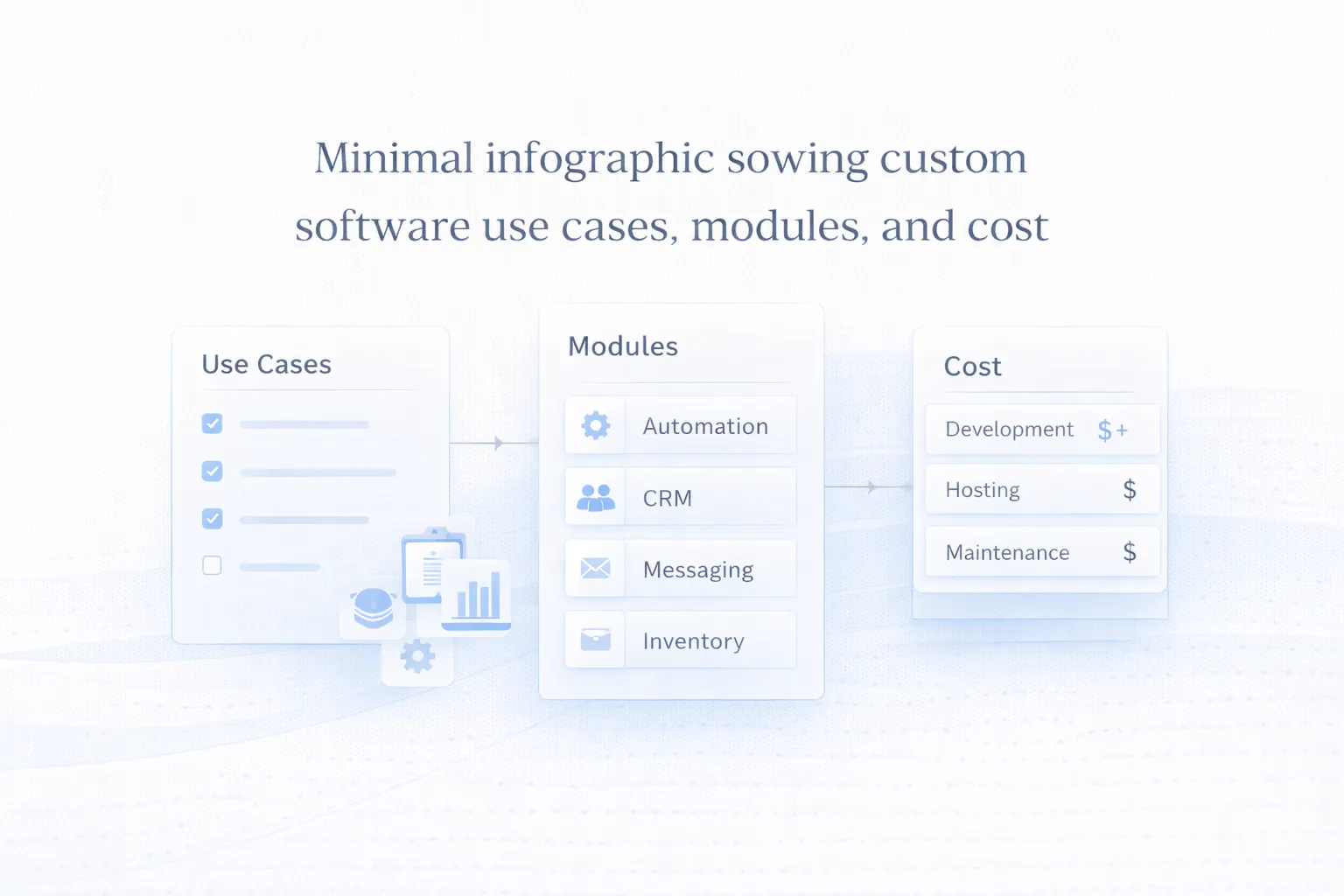
Custom business software cost is best understood in terms of modules, rules, and business impact. A focused internal workflow tool may be relatively compact, while a multi-department system with roles, reports, and integrations can move into a much higher budget bracket.
If you want context on software-style builds, Web Application Development Cost in India (2026) is highly relevant because many custom business systems are essentially web apps designed around company-specific operations.
The best cost control strategy is phased scope. Build the most valuable workflow first, prove adoption, and only then expand to secondary modules or broader branch coverage.
- Workflow uniqueness is a major signal for whether custom software is worth the investment.
- Data migration and reporting are common hidden cost drivers.
- Admin controls and support matter because the system becomes part of daily operations.
- Phase one should solve a real problem clearly enough that the business feels the improvement quickly.
Related Reading
FAQs
When is custom business software worth it?
It is usually worth it when the workflow is central to operations, repeats often, and generic software causes real friction or visibility problems.
Is custom software only for large companies?
No. SMEs often benefit when they have clear recurring processes and want tighter control without paying for oversized enterprise platforms.
Can custom software start as a small module?
Yes. In fact, that is often the best approach. One focused workflow can deliver value faster and create a better basis for future expansion.
Why do reporting needs increase cost?
Because useful reporting requires strong data structure, filters, summaries, access control, and careful definition of what each number actually means.
What should be prepared before discussing scope?
Document the current workflow, user roles, approval points, reports you need, and which tools or spreadsheets are currently involved.
How is custom software different from buying SaaS?
SaaS gives you a ready product built for many companies. Custom software is designed around your specific workflow, which offers more fit but requires a build project.
What usually makes custom software projects fail?
Weak workflow definition, too much scope in phase one, poor ownership after launch, and underestimating adoption or migration effort are common reasons.
Strong CTA (End)
If you want this planned around your business instead of around generic assumptions, the next move is to define the workflow, the first release boundary, and the technical approach that matches your growth path.