
March 30, 2026
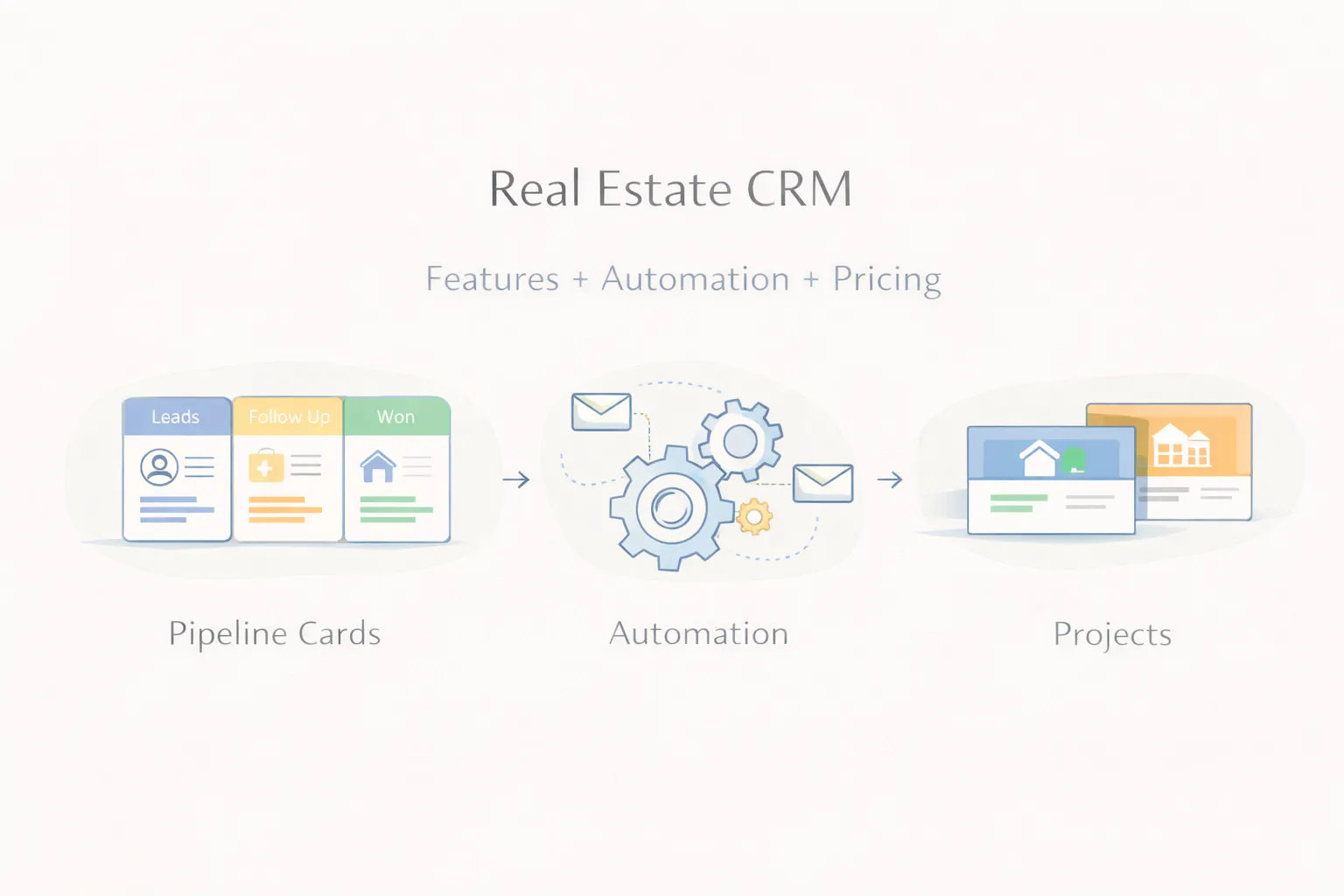
Real Estate CRM: Features, Automation, and Pricing Guide (2026)
Real estate CRM guide covering lead flow, automation, follow-ups, pricing, and what brokers and property firms should build in 2026.
Read articleApril 1, 2026
Customer support ticket system guide: features, cost, build timeline, and what businesses should include in a practical helpdesk in 2026.
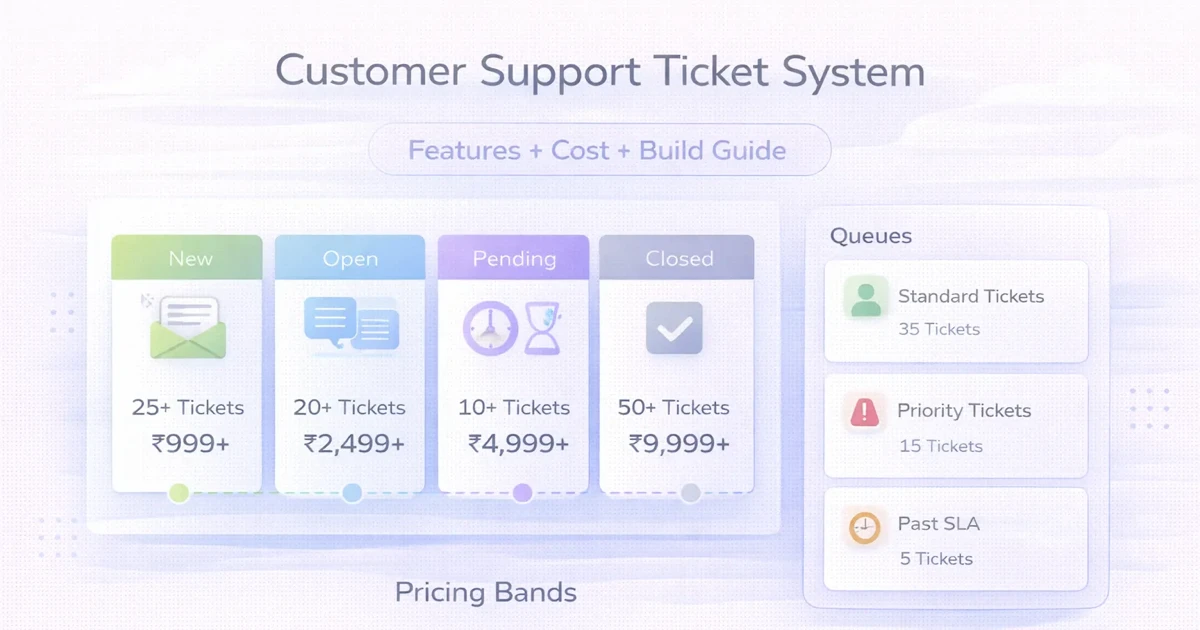
Customer support starts breaking long before the team notices. Requests come through email, WhatsApp, forms, or calls. One person replies fast, another forgets, nobody knows status clearly, and management has no real report on backlog, resolution time, or owner performance.
A ticket system fixes that by turning scattered support requests into structured work. Each issue gets logged, assigned, tracked, updated, and resolved inside one workflow. That is much easier to manage than trying to control support through inboxes alone.
This guide explains what a support ticket system should include, how much it typically costs in India, what the build timeline looks like, and when custom development is worth it.
For most growing businesses, a practical ticket system should handle:
Typical custom pricing:
₹60,000 to ₹1.2 lakh₹1.2 lakh to ₹3 lakh₹3 lakh to ₹6 lakh+If customer issues are still managed in inboxes or chat threads, a ticketing system usually creates immediate control.
You likely need it when:
Common use cases:
Related reading:
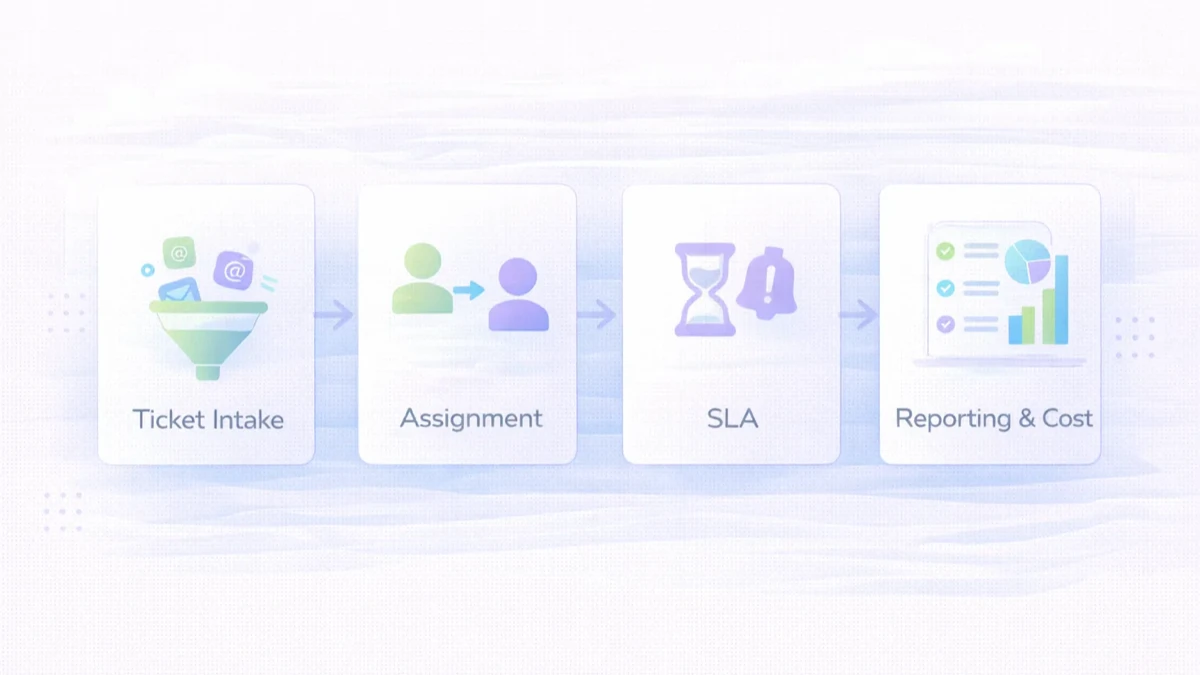
This is the entry point. If ticket capture is inconsistent, the rest of the workflow stays unreliable.
Routing reduces the usual "who is handling this" confusion.
Core statuses often include:
Priorities often include:
This becomes essential once multiple agents work on the same queue.
Without this, management is just guessing.
₹60,000 to ₹1.2 lakhUsually includes:
₹1.2 lakh to ₹3 lakhUsually includes:
₹3 lakh to ₹6 lakh+Usually includes:
The right scope depends on volume and internal process maturity. Many businesses do not need enterprise complexity in phase one.
Typical custom build timeline:
2 to 4 weeks: starter ticket system4 to 7 weeks: growth system7 to 10 weeks: advanced system with integrationsTimeline usually grows when:
A practical stack for this kind of product:
Next.js frontend or admin interfaceNode.js backendPostgreSQL for structured ticket dataThe stack matters less than the workflow design. A clean ticket model beats fancy tooling.
The major cost drivers are:
A common mistake is trying to build everything in v1. Start with ticket flow, ownership, and visibility. Then expand.
If support is already creating operational stress, the answer is usually not more manual follow-up. It is one system where every issue has an owner, a status, and a response history.
Not always. But once support volume or team size increases, it becomes very useful.
Yes. Those are common ticket entry sources.
Ticket creation, assignment, status, notes, and basic reporting form the minimum useful scope.
Yes, if a client portal or status-view layer is added.
Yes. A CRM handles leads and relationships. A ticket system handles support requests and resolution workflow.
A basic version can often be ready in 2 to 4 weeks if scope is clear.
If your workflow is standard, SaaS can work. If routing, reporting, or access rules are specific, custom is often better.
Clear ownership, status visibility, and response-time reporting usually create the fastest improvement.
If you want a support platform built around your queues, categories, roles, and reporting needs, start with the real ticket lifecycle first and only then decide what should be automated.
Related Articles
March 30, 2026
Real estate CRM guide covering lead flow, automation, follow-ups, pricing, and what brokers and property firms should build in 2026.
Read article
March 26, 2026
Order management system development guide with OMS features, pricing in India, tech stack, timeline, and cost drivers for growing SMB operations today.
Read article
March 25, 2026
Cloud-based software for SMEs in 2026: why it is better for access, updates, reporting, integrations, and growth than older offline business software setups.
Read article