WhatsApp Automation for Business: Use Cases + Cost
Businesses like WhatsApp because response feels direct and familiar. But once lead volume grows, manual handling starts breaking down. Enquiries get missed, follow-up timing becomes inconsistent, and the same updates get typed again and again.
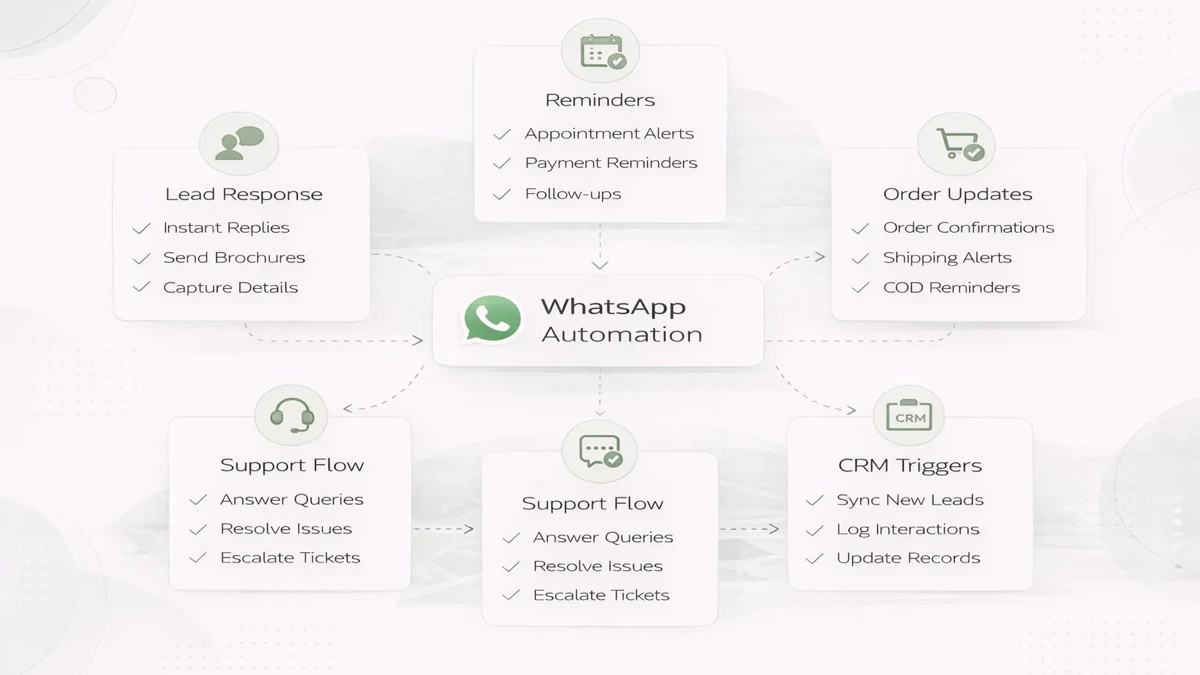
That is where WhatsApp automation helps. The goal is not to send random broadcast noise. The goal is to automate useful communication around real business events such as new leads, payment updates, reminders, support confirmations, or order status changes.
This guide explains practical WhatsApp automation use cases, what a good setup should include, and what custom implementation normally costs.
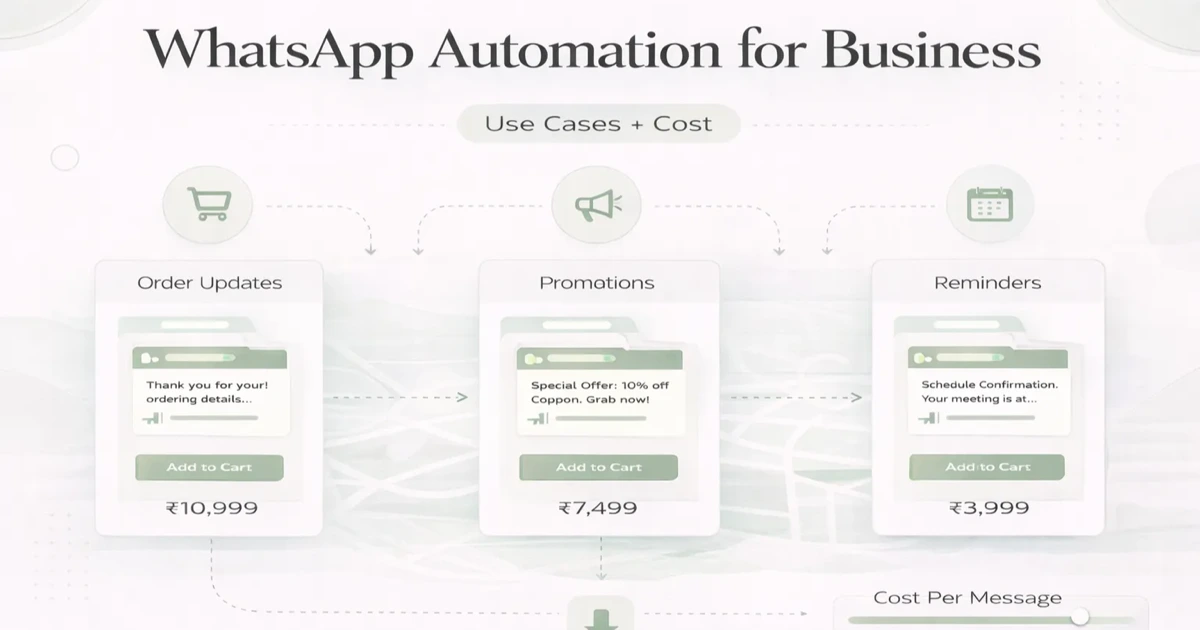
Table of Contents
- Quick answer
- What should be automated
- Best use cases
- Pricing
- Timeline
- Tech stack
- Risk and quality controls
- FAQs
Quick Answer
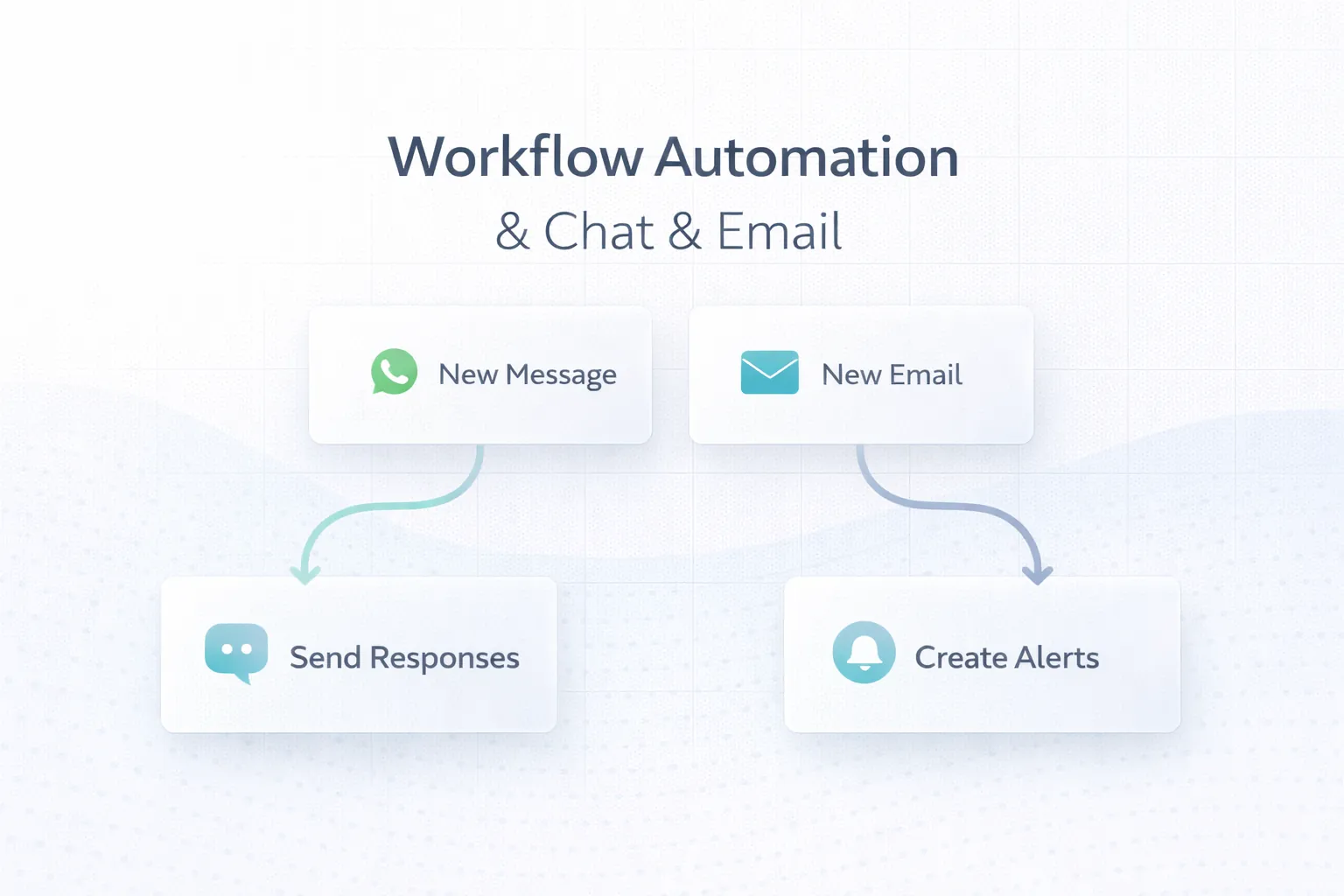
WhatsApp automation works best when messages are tied to real workflow triggers such as:
- new lead assignment
- enquiry acknowledgement
- booking confirmation
- payment reminder
- order or delivery status
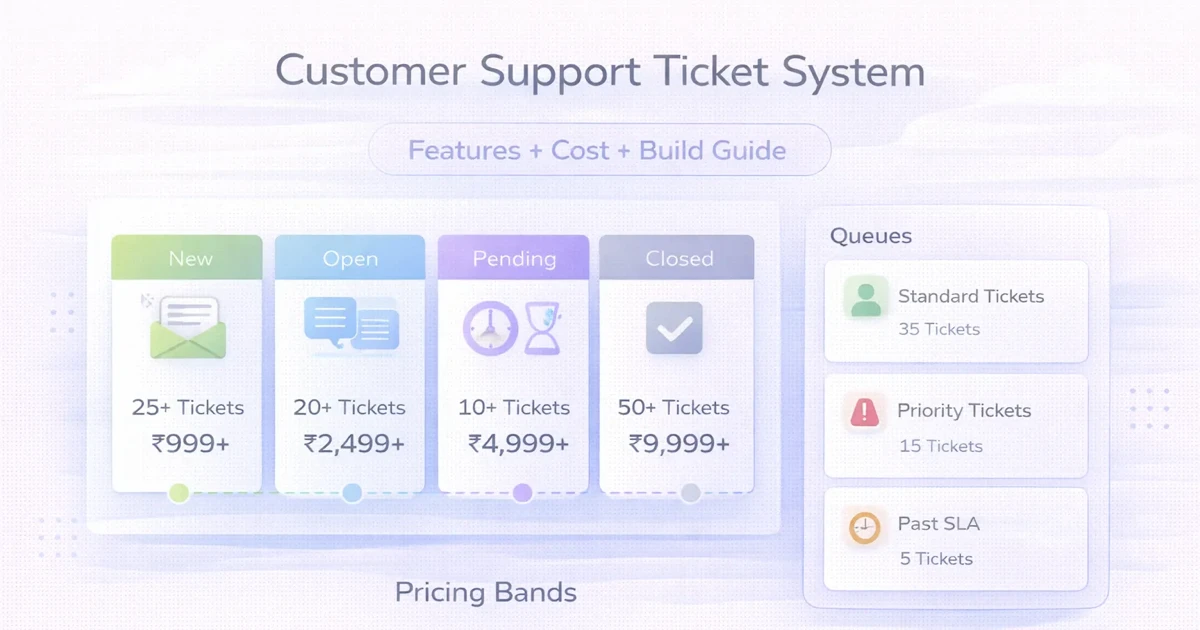
- support ticket updates
A strong setup usually includes:
- message logic
- trigger mapping
- CRM or form integration
- fallback handling
- reporting
If the business automates without message logic, ownership, or timing rules, the system becomes noisy fast.
What Should Be Automated
Good candidates for automation are repeatable updates that users actually expect.
Usually good
- first response acknowledgement
- document request follow-up
- appointment reminders
- order status updates
- invoice or payment reminders
- support case status
Usually risky
- aggressive promotional blasts
- unclear lead qualification questions
- messages without context
- too many follow-ups in short time
The difference is usefulness. Helpful automation feels organized. Weak automation feels spammy.
Related reading:
Best Use Cases
1. Lead acknowledgement
When a form or landing page is submitted, WhatsApp can send:
- acknowledgement
- next-step clarity
- assigned executive note if relevant
2. Sales follow-up
Automation can help with:
- brochure share
- callback reminders
- quote-ready notifications
- stale lead nudges
3. Booking and appointment updates
Useful for:
- clinics
- salons
- service businesses
- consultation-heavy companies
4. Order and payment communication
Useful for:
- invoice reminders
- payment confirmation
- dispatch updates
- delivery status
5. Support workflow
Useful when customers need:
- case acknowledgement
- status update
- escalation notice
- resolution confirmation
Pricing
Typical custom implementation pricing:
- basic automation setup:
₹20,000 to ₹45,000 - workflow setup with CRM/form integration:
₹45,000 to ₹1.2 lakh - deeper multi-stage automation system:
₹1.2 lakh to ₹3 lakh+
These ranges usually depend on:
- number of workflows
- CRM or dashboard integration
- template logic
- fallback and reporting needs
The tool cost and messaging platform charges are separate from custom setup work.
Timeline
Typical timelines:
3 to 5 days: one or two simple flows1 to 2 weeks: stronger website or CRM-connected setup2 to 5 weeks: deeper multi-stage operational automation
Recommended workflow:
- trigger mapping
- message design
- integration setup
- testing with edge cases
- reporting and handover
Tech Stack
A practical stack often includes:
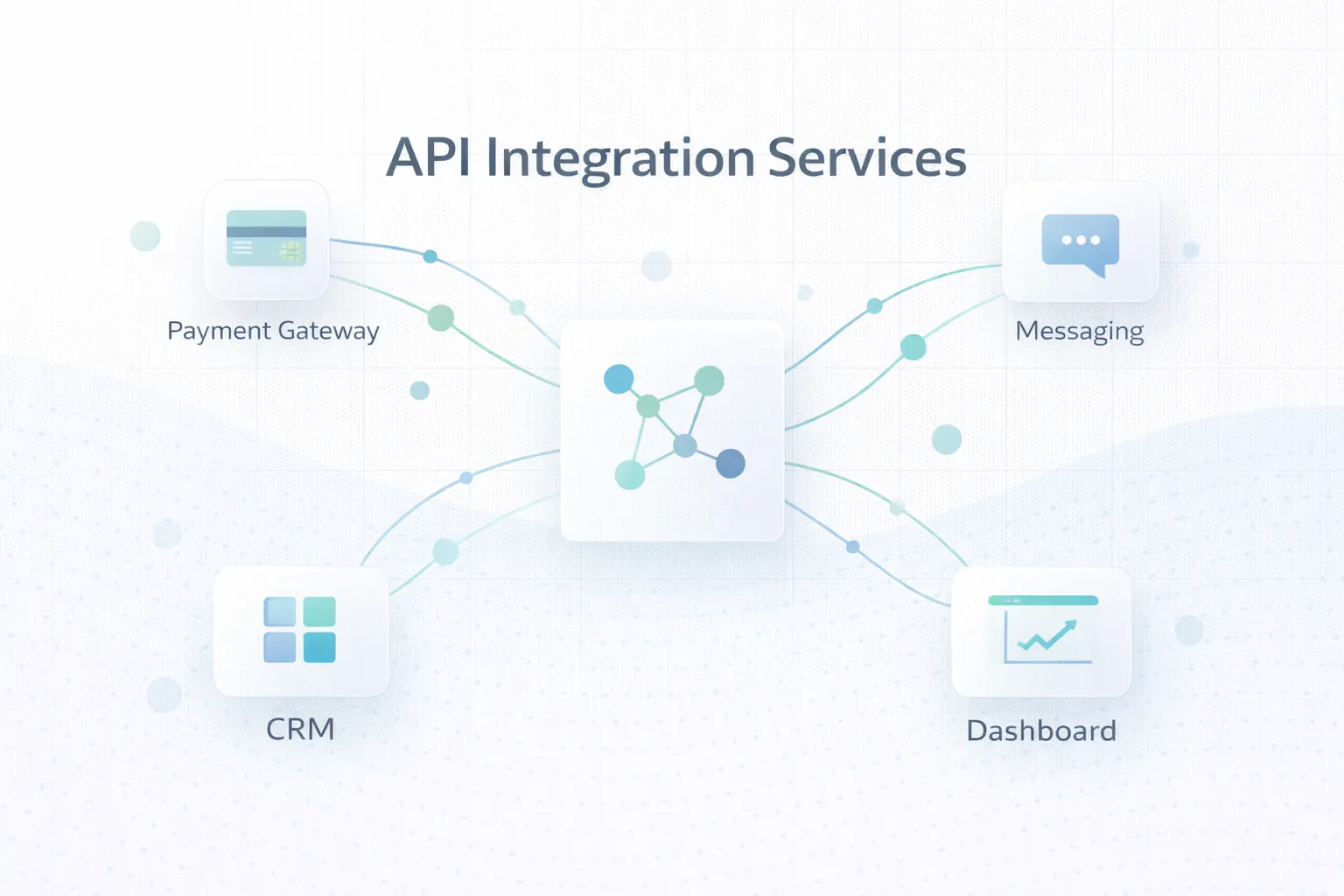
- form or CRM trigger source
- API or webhook layer
- WhatsApp Business messaging integration
- delivery logs
- admin or reporting dashboard
The technical stack matters less than the trigger accuracy and ownership logic.
Risk and Quality Controls
A good setup should include:
- consent-aware messaging
- timing rules
- escalation to human team
- duplicate prevention
- failure handling
- source tracking
From an operational point of view, the biggest risk is not technical. It is messaging badly.
Soft CTA
If your team is manually sending the same updates every day, that is usually not a staff-discipline problem. It is a workflow-design problem. Good automation reduces repetition without making the customer experience robotic.
FAQs
Is WhatsApp automation useful for small businesses?
Yes, especially when lead response and reminders are repetitive.
Can automation connect with website forms?
Yes. That is one of the most common setups.
Can it integrate with CRM?
Yes, if the CRM exposes the right trigger points or API access.
Is automation the same as bulk promotion?
No. Good automation is workflow-based, not random blasting.
What is the biggest mistake businesses make?
Automating messages without clear triggers, timing, or human takeover flow.
Can this help support teams too?
Yes. Status updates and acknowledgements are strong use cases.
How fast can phase one go live?
Simple workflows can launch in days if the business logic is clear.
Should every message be automated?
No. Important conversations should still move to a human when needed.
Related Reading
Need WhatsApp Automation That Feels Useful, Trackable, and Operationally Clean?
If you want WhatsApp to support response speed, reminders, order communication, or CRM workflows without becoming messy, start with trigger mapping and message logic before tools.