
April 16, 2026
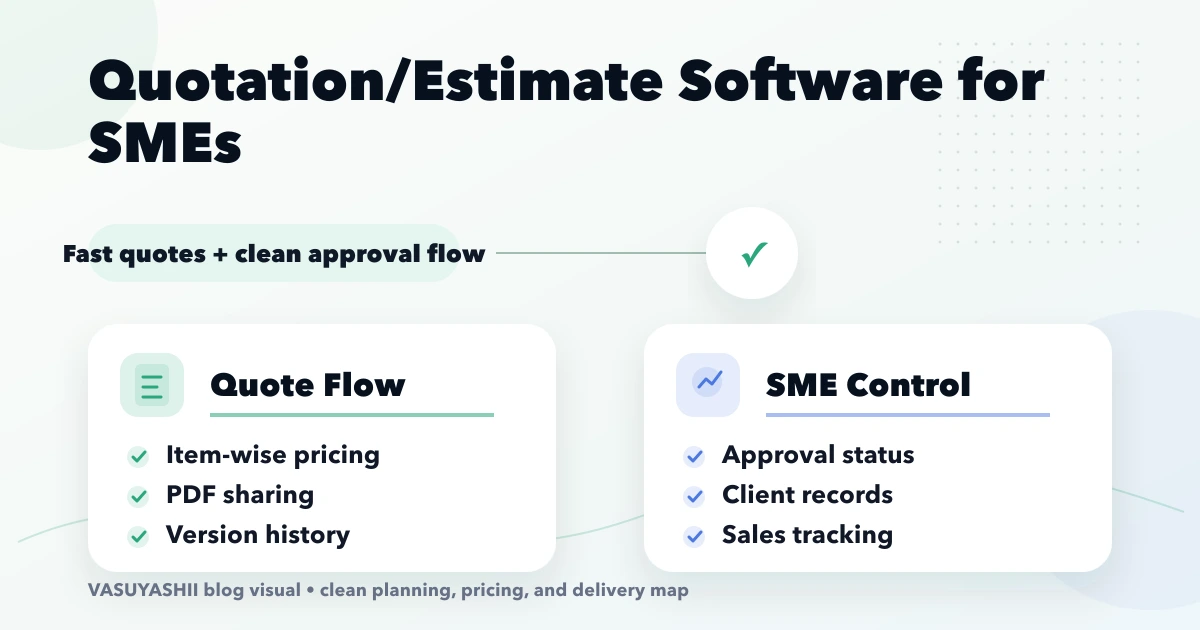
Quotation/Estimate Software for SMEs
Quotation/Estimate Software for SMEs: practical guide with pricing, timeline, features, experience notes, FAQs, and next steps for Indian SMBs.
Read articleApril 8, 2026
Product catalog and price list web app guide for SMEs: features, pricing, workflow, and when it beats PDFs and spreadsheets.
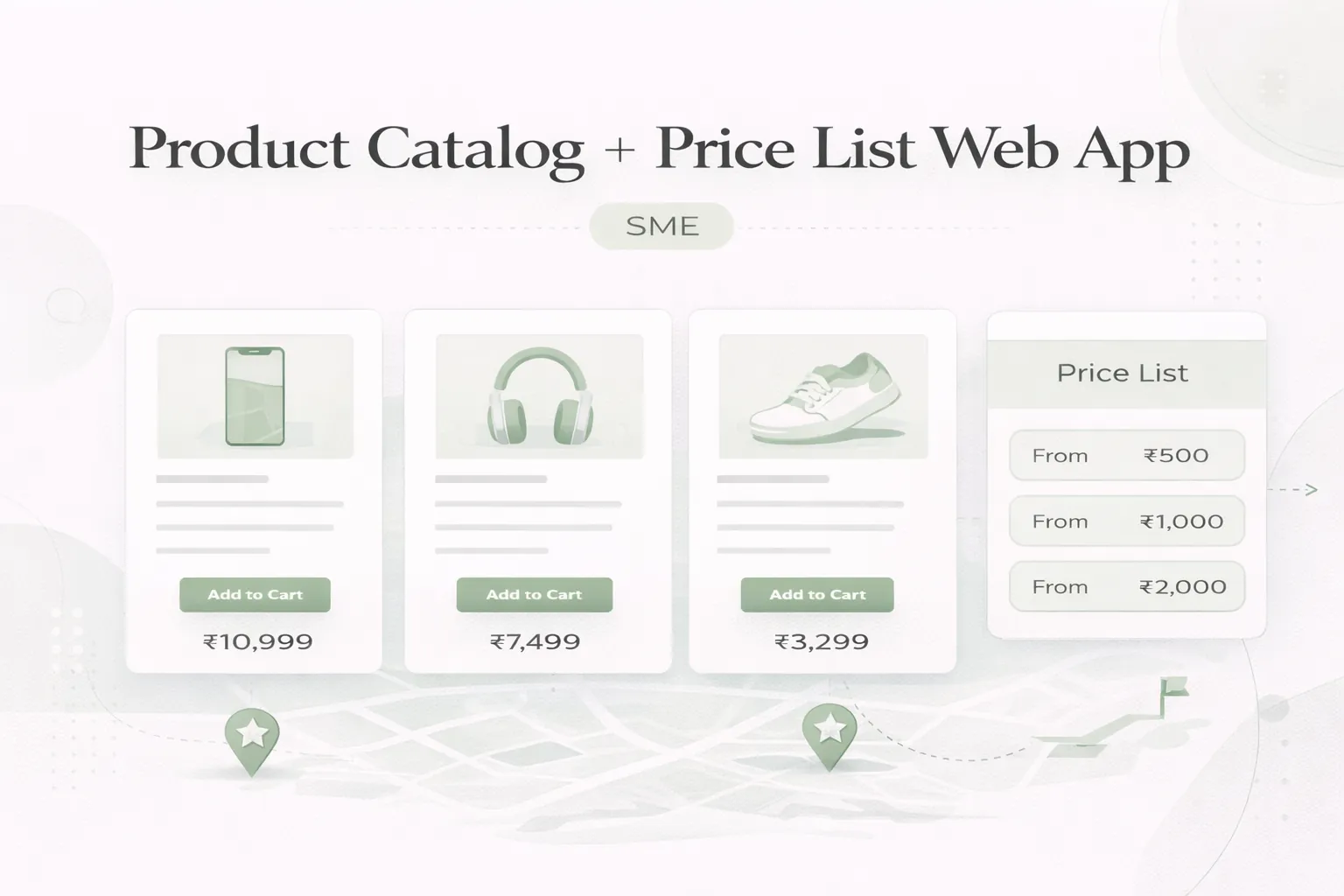
Many SMEs still manage catalogs and price lists through PDFs, Excel files, and repeated WhatsApp forwards. That works for a while, but then version confusion starts. Sales teams send old files, distributors quote wrong rates, product availability is unclear, and every update turns into manual follow-up.
A product catalog and price list web app solves that by turning scattered files into one controlled source of truth. It does not need to be a full ecommerce platform. For many businesses, it only needs clean product browsing, controlled pricing visibility, filters, downloadable sheets, and admin updates.
This guide explains what a practical catalog + price list app should include, how much it costs, and when it is worth building for SMEs.
A product catalog + price list web app is useful when:
Typical custom pricing:
₹80,000 to ₹1.6 lakh₹1.6 lakh to ₹3.2 lakh₹3.2 lakh to ₹6 lakh+For many SMEs, the value comes from operational clarity before any automation even starts.
This kind of app usually helps:
Related reading:
₹80,000 to ₹1.6 lakhUsually includes:
₹1.6 lakh to ₹3.2 lakhUsually includes:
₹3.2 lakh to ₹6 lakh+Usually includes:
Typical timelines:
2 to 3 weeks: basic catalog app4 to 6 weeks: stronger filtered and role-based version6 to 10 weeks: integrated business-ready versionThe workflow usually looks like:
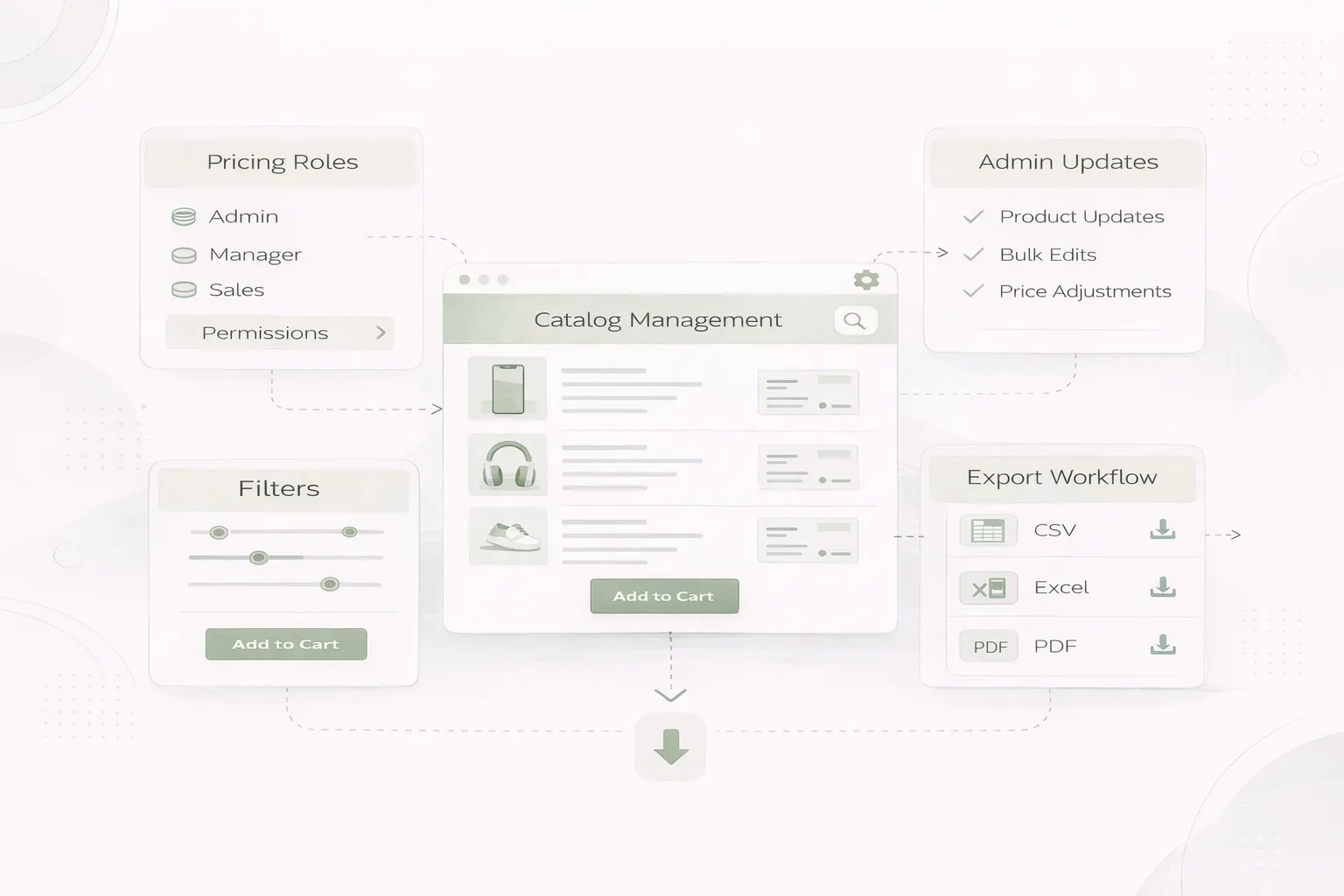
A practical stack:
Next.js frontendNode.js or serverless APIsPostgres or Firestore depending on workflowThis keeps the app simple enough for SMEs but strong enough for later integrations.
Main cost drivers:
Do not underestimate data cleanup. In catalog projects, messy source data often takes more effort than the UI layer.
If your sales team is constantly forwarding PDFs and rate sheets, that is usually a system design signal. A controlled catalog app removes version confusion and makes quoting more consistent.
No. It can be much simpler and more B2B-focused.
Yes. That is a common requirement.
Yes, if import formats are planned properly.
Yes. Role-based or account-based pricing can be built.
Not always. Many SMEs are fine with a good responsive web app first.
Yes, if the data structure is planned cleanly.
Usually messy source data and unclear pricing rules.
A basic version can launch in a few weeks if the data is ready.
If your team needs one controlled place for product information, filtered browsing, and current pricing, a catalog web app usually gives faster operational payoff than another round of spreadsheet fixes.
Related Articles
April 16, 2026
Quotation/Estimate Software for SMEs: practical guide with pricing, timeline, features, experience notes, FAQs, and next steps for Indian SMBs.
Read article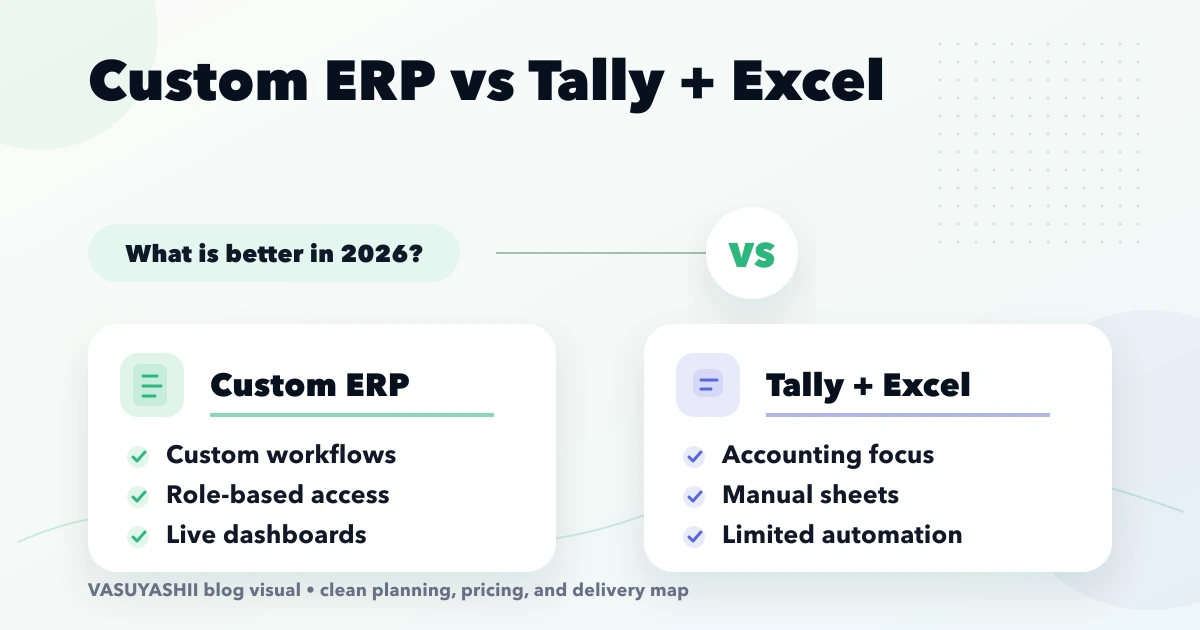
April 15, 2026
Custom ERP vs Tally + Excel (2026): What’s better: practical guide with pricing, timeline, features, experience notes, FAQs, and next steps for Indian SMBs.
Read article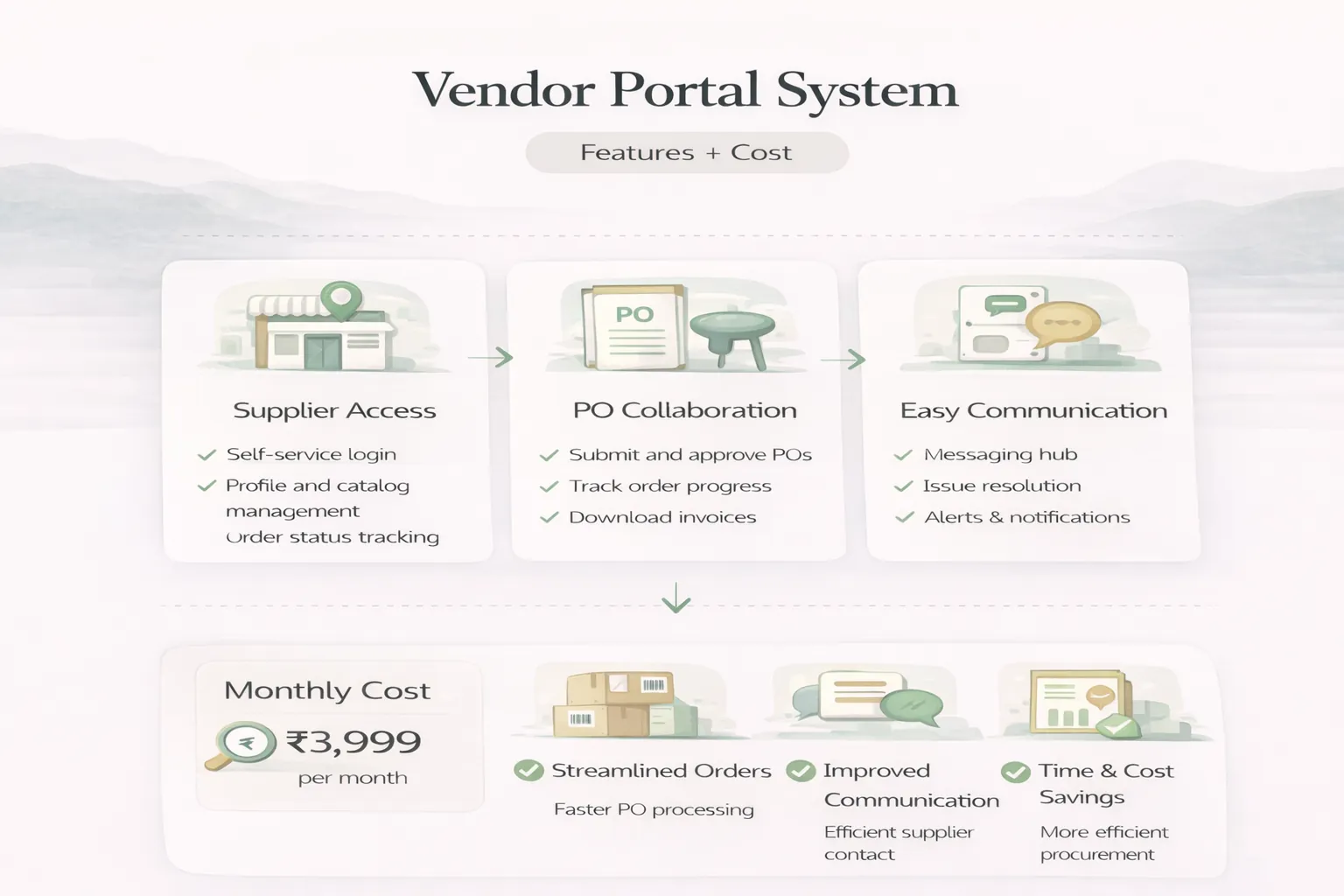
April 6, 2026
Vendor portal system guide with features, pricing, workflow, and rollout advice for supplier coordination in 2026.
Read article