
March 31, 2026
Cold Start SEO for New Domains (0 traffic → rankings)
Cold start SEO guide for new domains: indexing, structure, publishing order, and how to go from zero traffic to early rankings cleanly.
Read articleMarch 31, 2026
SaaS subscription and billing system build guide for 2026: plans, invoices, trials, retries, entitlements, and practical development scope.
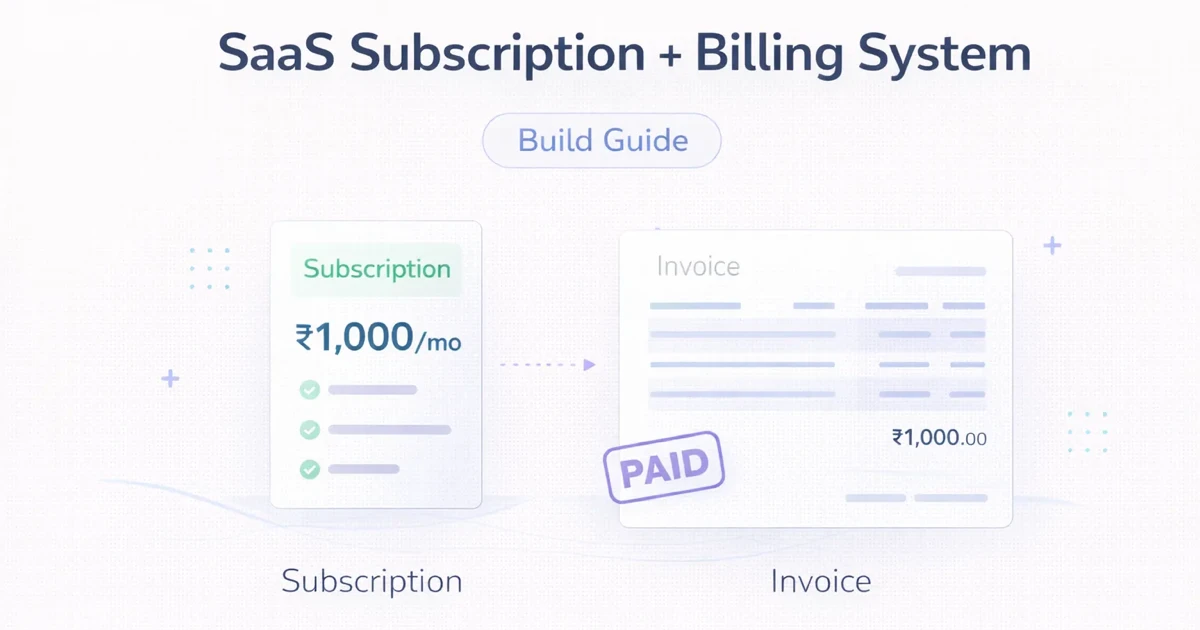
Many SaaS products start with a pricing page before they have a real billing system. At first that feels fine. Then the real business questions begin: how will trials work, what happens on failed payments, how are plan changes handled, when does access start, and how will invoices and entitlements stay in sync?
This is why SaaS billing should not be treated as a checkout-only task. It is an operational system. It touches product access, finance, support, emails, analytics, and customer trust.
This guide explains what a subscription and billing system should include, what the development scope looks like, and how to build phase one without creating chaos later.
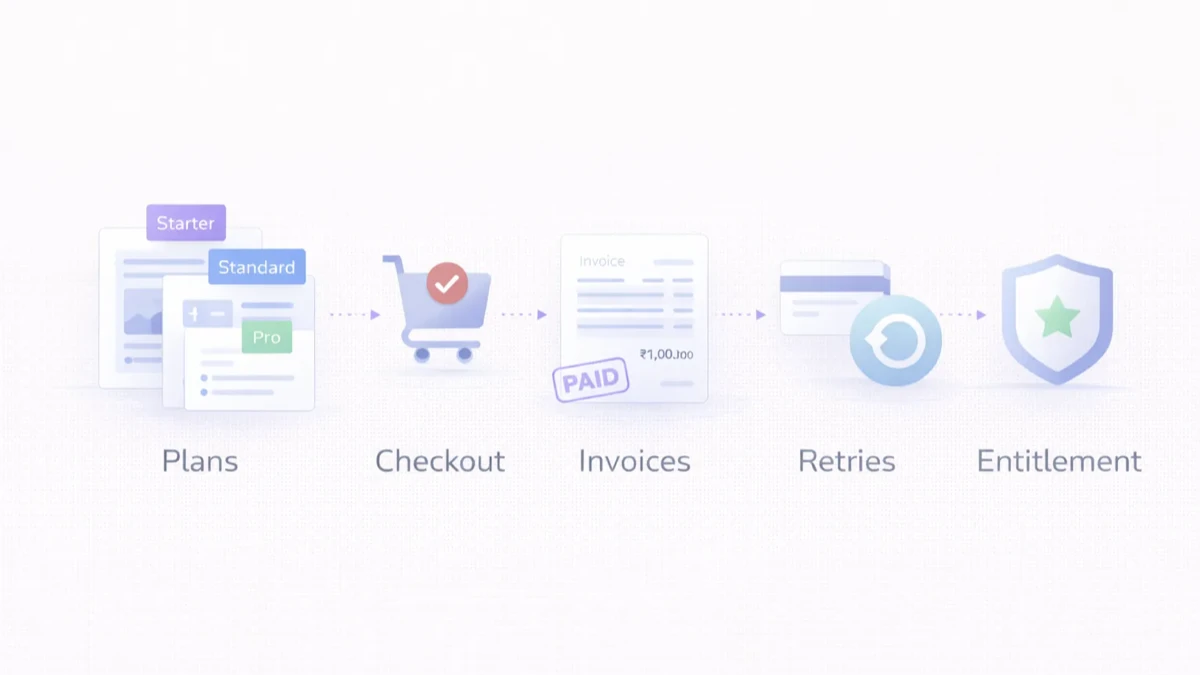
A proper SaaS billing system should handle:
Typical development pricing:
₹2 lakh to ₹4 lakh₹4 lakh to ₹8 lakh₹8 lakh to ₹15 lakh+Stripe's subscription documentation makes one thing clear: subscription billing is a lifecycle, not a single event. A plan is created, payment behaviour is handled, invoices change state, subscriptions move through statuses, and product access should follow reliable events.
That means your own system must be ready for:
Related reading:
Admins should control plan names, limits, billing cycles, and feature rules.
The product must create customers, attach pricing, and handle the first billing event safely.
If trials are used, expiry timing and access behaviour must be clear and predictable.
Users should be able to view current plan, invoice status, and past payments easily.
Retry flow, email prompts, and account status rules need to be defined.
Access should depend on actual subscription state, not manual assumptions.
Your team should be able to see plan changes, unpaid accounts, and customer billing history.
Build the essentials:
Add operational strength:
Add advanced billing:
₹2 lakh to ₹4 lakh
Good for:
₹4 lakh to ₹8 lakh
Good for:
₹8 lakh to ₹15 lakh+
Good for:
Next.js frontend for billing pages and admin viewsNode.js backend for billing orchestration and webhook handlingPostgreSQL for customers, plans, invoices, and entitlement stateIf your SaaS product is launching soon, do not wait until checkout day to think about billing. Define plan logic, payment states, and entitlement rules early.
Treating billing like a payment page instead of a full subscription lifecycle.
Yes. Access should follow reliable billing state, not guesswork.
In most products, yes. Users need invoice and plan visibility.
Yes, but the lifecycle logic should still be clean.
Very. Billing systems depend on event-driven state updates.
Only if the product and onboarding model genuinely need them.
Yes, if the billing data model is designed carefully.
A practical first version usually takes several weeks, not a few days.
If you want billing that stays reliable across upgrades, failed payments, invoices, and access control, the right next step is to define the lifecycle before coding screens and checkout.
Related Articles
March 31, 2026
Cold start SEO guide for new domains: indexing, structure, publishing order, and how to go from zero traffic to early rankings cleanly.
Read article
March 31, 2026
How to build trust on a website using proof, reviews, demos, FAQs, and clarity so visitors feel confident enough to enquire or buy.
Read article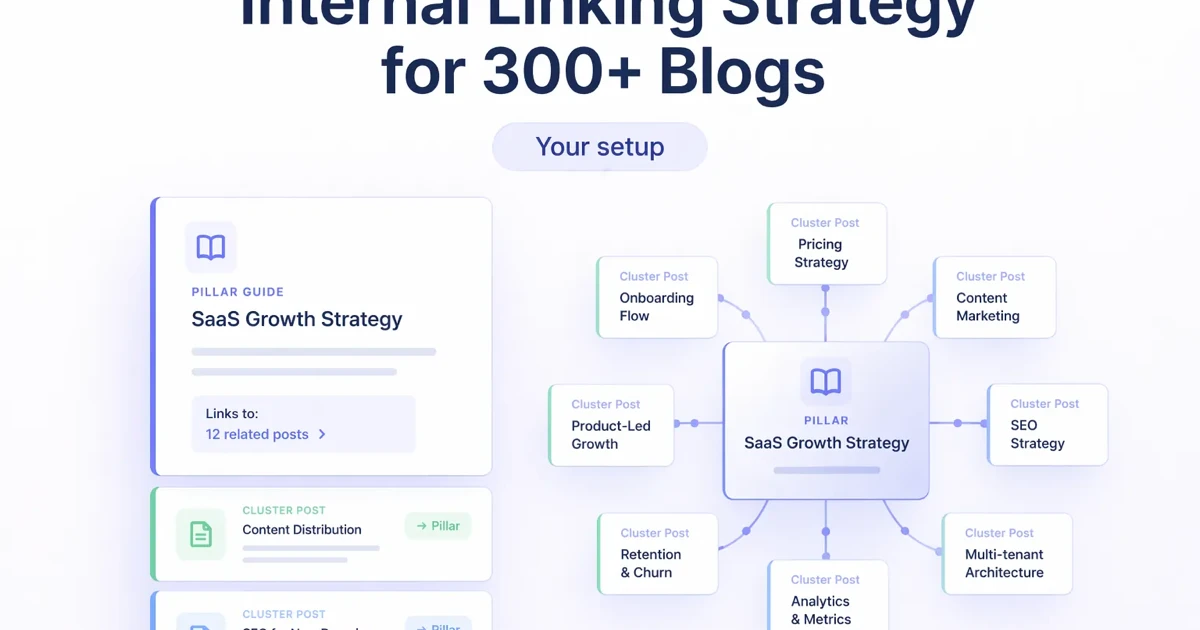
March 31, 2026
Internal linking strategy for a 300+ blog setup: cluster logic, anchor rules, update workflow, and how to improve crawl paths and conversions.
Read article